Explore the guide library · Router security
Plan a security upgrade around the actual client inventory and isolate legacy compatibility problems instead of disabling Wi-Fi protection.
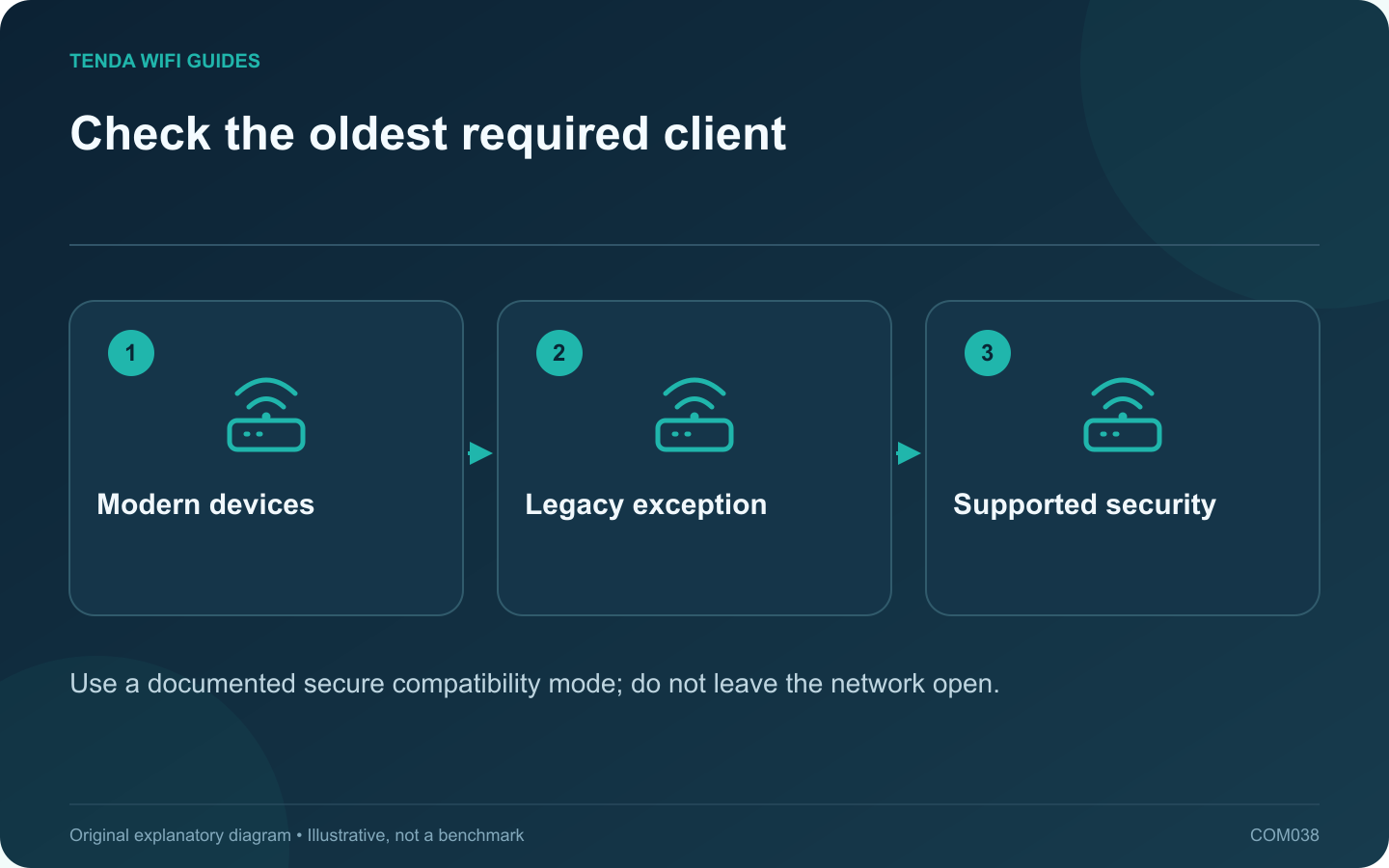
Choose the strongest supported Wi-Fi security arrangement that your required devices can use reliably. A household with older equipment may need a transition plan rather than changing the main network and hoping every device reconnects.
Inventory the exceptions
List the oldest printer, smart plug, camera and computer that must remain connected. Check their manufacturer documentation for supported security modes and available updates. Test them individually instead of assuming all older devices behave alike.
Apple recommends WPA3 Personal where suitable and WPA2/WPA3 transitional operation for compatibility. TP-Link documents that some older IoT clients can still have difficulty interpreting mixed security options. A transition mode is useful, but it is not a universal compatibility guarantee.
Make a reversible change
- Save the current configuration and retain a supported local management connection.
- Update the test client through its normal supported process where appropriate.
- Apply the intended security mode on the router.
- Reconnect one modern device and one representative legacy device.
- Test their normal functions, including any local discovery or automation.
Handle a legacy failure narrowly
If one device fails, check its documented requirements and the router’s supported separate-network options. A protected legacy network with an appropriate access policy may be preferable to weakening the entire household. Evaluate whether replacing an unsupported device is more practical than maintaining the exception indefinitely.
Do not select an open network or obsolete WEP/TKIP option merely to make a setup wizard advance. A successful connection under an unsuitable security mode is not a completed fix.
Verify what was actually negotiated
Where the client or router exposes connection details, inspect the active security mode. Record which devices remain exceptions and why. Remove the exception when the device is replaced or updated.
Keep wireless access credentials distinct from router administrator access. A visitor who can join the network should not automatically know the credential used to change its security configuration.
Sources and editorial notes
Sources checked 8 October 2026. Independent guidance and original illustrations; product comparisons use published specifications rather than hands-on benchmarks. Check the exact model, revision and regional documentation before changing settings.