Independent setup & troubleshootingHelping you find your connection.
The guide library

Replacing a router while keeping the same Wi-Fi name and password

Explore the guide library · Installation planning

Reusing wireless credentials can reduce reconnection work, but security modes, local addresses and smart-home settings still need checking.
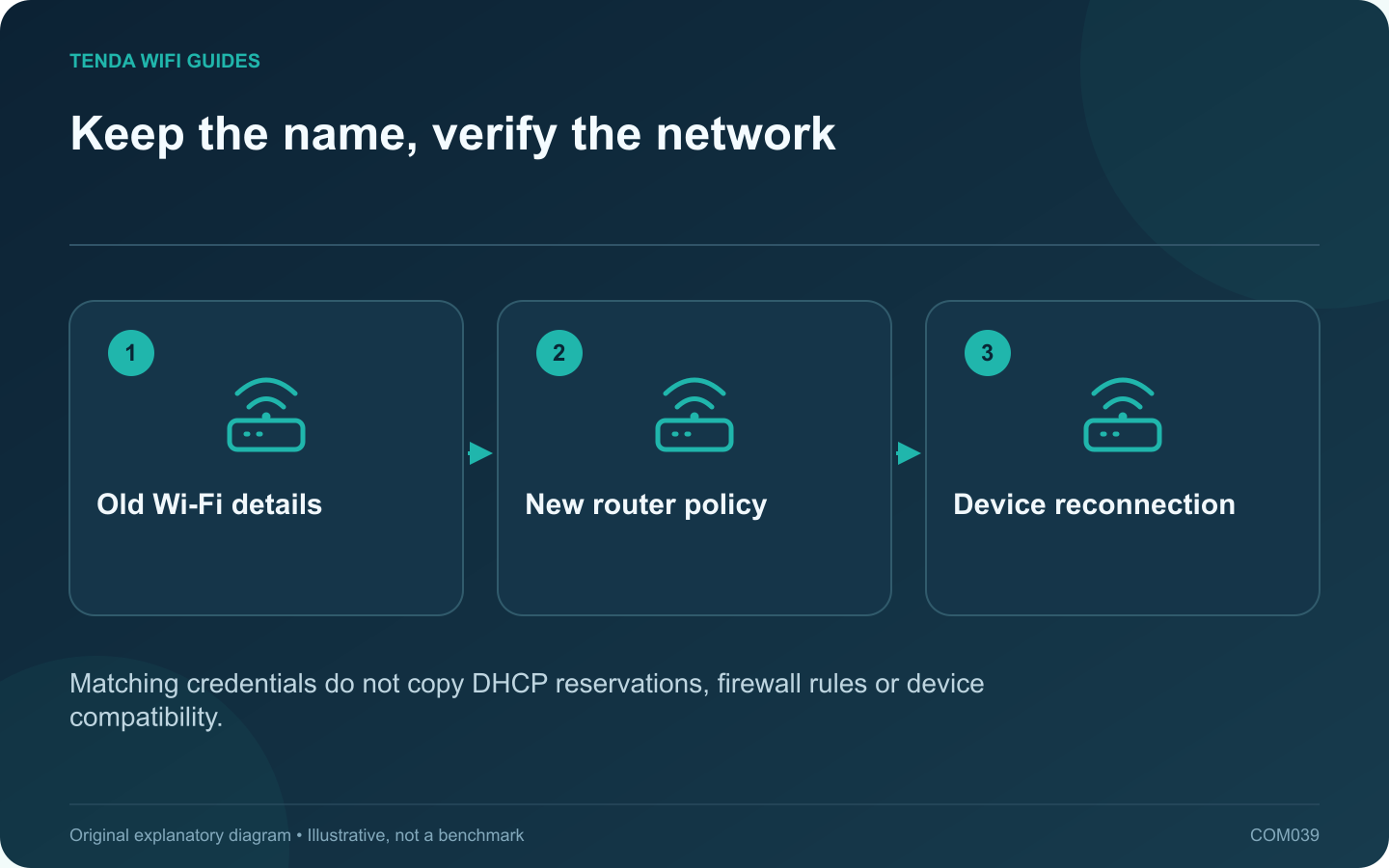
Keep the name, verify the network: Old Wi-Fi details; New router policy; Device reconnection
Matching credentials do not copy DHCP reservations, firewall rules or device compatibility.

Keeping the same wireless name and password can make a router replacement easier, but it does not clone the old network. The new router still has its own address plan, security settings and feature behavior. Treat automatic reconnection as a convenience to verify, not a guarantee.

Record more than the password

Save the exact network name, including capitalization, and the security mode. Record reservations, local storage paths, guest settings and any provider configuration separately. Apple recommends consistent, unique wireless naming for its devices; avoid retaining a confusing generic default name solely to save a few minutes.

If the old credential is weak or has been shared too widely, migration is also an opportunity to replace it. Plan the reconnection work deliberately rather than preserving an unsuitable credential indefinitely.

Avoid two competing installations

During the handover, follow the intended topology and avoid leaving the old router broadcasting an indistinguishable network accidentally. Otherwise, a device may connect to the old installation and make the new router appear to work when it is not being used.

Verify representative clients

  1. Connect the main computer and confirm its current gateway.
  2. Test a printer or storage share using its actual workflow.
  3. Check an older smart-home device and a current phone.
  4. Test guest restrictions and any essential router feature.
  5. Confirm that the retired router is no longer carrying household traffic.

Handle exceptions through the device’s own process

Some devices need their saved network updated or reconfigured. Google’s Nest guidance provides device-specific network-change paths. Use the procedure for the exact device rather than resetting every smart-home product at once.

A device that rejoins Wi-Fi but cannot reach a local service may be affected by the new address plan or isolation settings. Inspect those before changing the password again.

Keep the old router configuration available until daily tasks pass. Reusing the name is only one part of a successful migration.

Sources and editorial notes

Sources checked 8 October 2026. Independent guidance and original illustrations; product comparisons use published specifications rather than hands-on benchmarks. Check the exact model, revision and regional documentation before changing settings.

Related guides

300 FAQs across our guide libraries

Quick answers

100 practical questions from Tenda WiFi Guides.

Browse all 100 FAQs
Can a replacement router reuse my existing Wi-Fi name and password?

Keeping the same wireless name and password can make a router replacement easier, but it does not clone the old network. The new router still has its own address plan, security settings and feature behavior. Treat automatic reconnection as a convenience to verify, not a guarantee. Save the exact network name, including capitalization, and the security mode. Record reservations, local storage paths, guest settings and any provider configuration separately. Apple recommends consistent, unique wireless naming for its devices; avoid retaining a confusing generic default name solely to save a few minutes.

Read the full guide and sources
Why might a replacement router need an ISP VLAN setting?

A provider may require a VLAN tag for internet or television service. That requirement is different from creating separate home networks for guests or smart devices. Before replacing the ISP router, confirm both the provider configuration and whether the new router supports the exact required arrangement. Ask for the required service identifier, tagging behavior and any port assignment. Keep internet, television and telephone details in separately labeled entries. Do not borrow a VLAN number from another subscriber's forum post; providers and local deployments can differ.

Read the full guide and sources
Which ISP settings should I collect before changing routers?

The fastest router installation often begins before any cable is unplugged. Collect the provider-specific information while the old network still works. This avoids guessing at the setup wizard and makes a failed migration easier to reverse. Identify whether the router receives Ethernet from a modem, optical terminal, wall socket or another gateway. Note the device and port at the far end of the cable. A fiber service does not necessarily mean that your retail router connects directly to the fiber.

Read the full guide and sources
Which features might disappear in access-point mode?

Use access-point mode when the existing gateway should keep managing the network and the added device should provide wireless access. Use router mode when the new device must take over the gateway role. The decision affects more than the Wi-Fi name: some features depend on where traffic is routed. Write down the controls you rely on, such as reservations, parental rules, VPN routing and guest isolation. Beside each, identify the device that will enforce it after the change. A feature visible in a product advertisement may not be available in every operating mode.

Read the full guide and sources
Independent. Practical. Clear.

Tenda WiFi Guides is an independent information website. We are not affiliated with or endorsed by Tenda. Product names belong to their respective owners.