Independent setup & troubleshootingHelping you find your connection.
The guide library

ISP VLAN settings: what to confirm before replacing a router

Explore the guide library · Installation planning

Keep provider internet and television VLAN requirements separate from your own guest or smart-home network design.
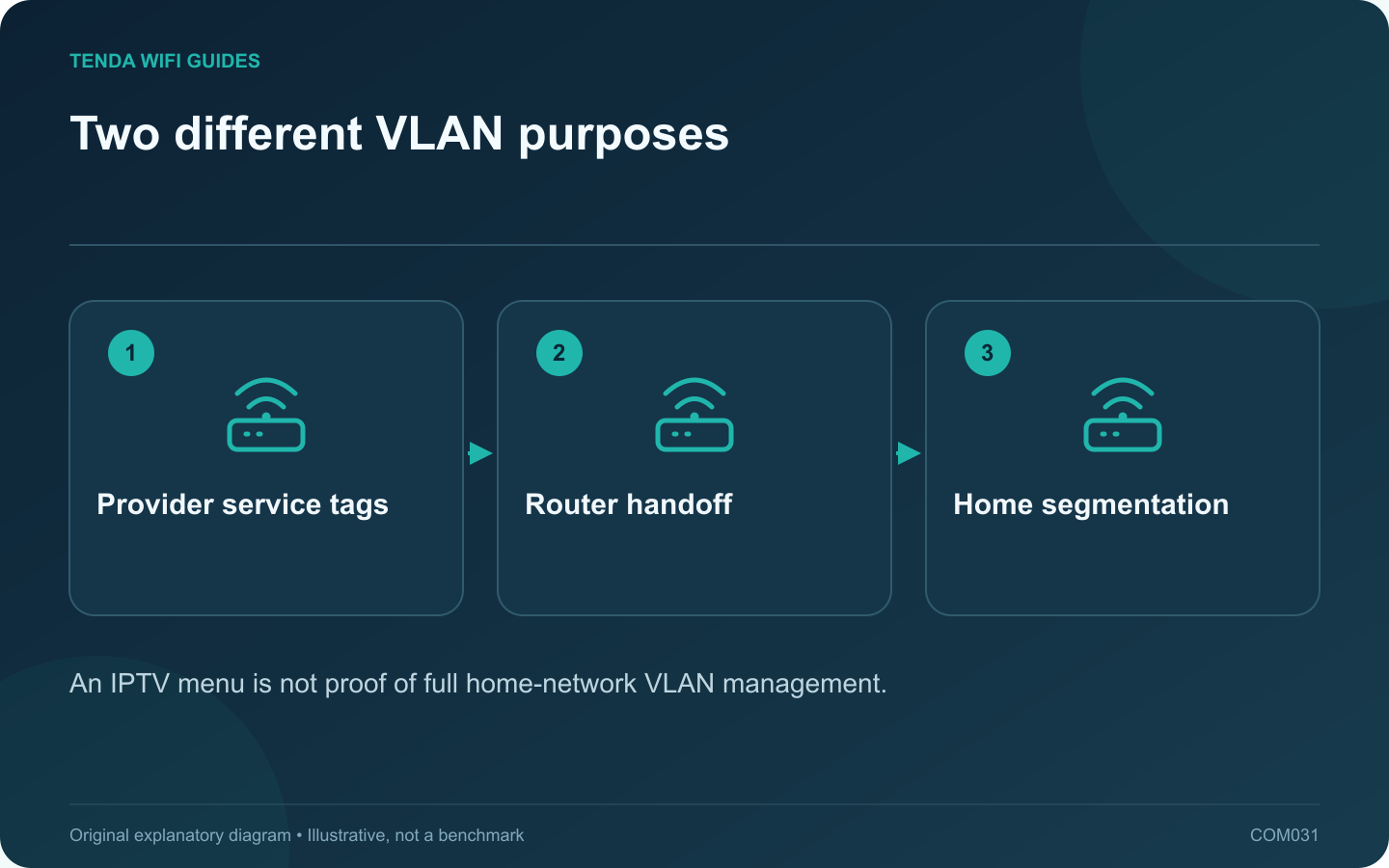
Two different VLAN purposes: Provider service tags; Router handoff; Home segmentation
An IPTV menu is not proof of full home-network VLAN management.

A provider may require a VLAN tag for internet or television service. That requirement is different from creating separate home networks for guests or smart devices. Before replacing the ISP router, confirm both the provider configuration and whether the new router supports the exact required arrangement.

Collect the provider’s settings

Ask for the required service identifier, tagging behavior and any port assignment. Keep internet, television and telephone details in separately labeled entries. Do not borrow a VLAN number from another subscriber’s forum post; providers and local deployments can differ.

TP-Link’s IPTV setup guidance says the relevant tagging and multicast settings must follow ISP requirements. Use that as the starting rule, then consult your new router’s current model-specific interface.

Check the product feature precisely

A checkbox called IPTV can configure a limited provider-service function. It does not necessarily provide arbitrary LAN segmentation, tagged trunks or per-network firewall policies. If you also want home VLANs, verify those capabilities independently.

Draw the modem or optical terminal, router and television box. Mark the intended port for each cable. A port assigned to a television service may no longer behave as an ordinary LAN socket for a computer.

Stage the migration

  1. Save the old router’s working configuration and wiring record.
  2. Apply only the confirmed provider settings to the supported new interface.
  3. Verify ordinary internet service from one client.
  4. Test the television service, including channel changes or replay functions you use.
  5. Check remaining LAN devices before completing the migration.

When one service works and another fails

Record which function fails instead of factory-resetting the entire installation. A television problem after successful internet setup may point to a separate service setting or port mapping. Compare those details with the provider’s instructions.

Return to the previous working arrangement if essential service cannot be restored. The objective is accurate service separation, not enabling every VLAN-related switch in the interface.

Sources and editorial notes

Sources checked 8 October 2026. Independent guidance and original illustrations; product comparisons use published specifications rather than hands-on benchmarks. Check the exact model, revision and regional documentation before changing settings.

Related guides

300 FAQs across our guide libraries

Quick answers

100 practical questions from Tenda WiFi Guides.

Browse all 100 FAQs
Why might a replacement router need an ISP VLAN setting?

A provider may require a VLAN tag for internet or television service. That requirement is different from creating separate home networks for guests or smart devices. Before replacing the ISP router, confirm both the provider configuration and whether the new router supports the exact required arrangement. Ask for the required service identifier, tagging behavior and any port assignment. Keep internet, television and telephone details in separately labeled entries. Do not borrow a VLAN number from another subscriber's forum post; providers and local deployments can differ.

Read the full guide and sources
Can a replacement router reuse my existing Wi-Fi name and password?

Keeping the same wireless name and password can make a router replacement easier, but it does not clone the old network. The new router still has its own address plan, security settings and feature behavior. Treat automatic reconnection as a convenience to verify, not a guarantee. Save the exact network name, including capitalization, and the security mode. Record reservations, local storage paths, guest settings and any provider configuration separately. Apple recommends consistent, unique wireless naming for its devices; avoid retaining a confusing generic default name solely to save a few minutes.

Read the full guide and sources
Which ISP settings should I collect before changing routers?

The fastest router installation often begins before any cable is unplugged. Collect the provider-specific information while the old network still works. This avoids guessing at the setup wizard and makes a failed migration easier to reverse. Identify whether the router receives Ethernet from a modem, optical terminal, wall socket or another gateway. Note the device and port at the far end of the cable. A fiber service does not necessarily mean that your retail router connects directly to the fiber.

Read the full guide and sources
What if my home phone connects to the ISP router I want to replace?

If a home telephone plugs into the provider's gateway, replacing that gateway can affect more than Wi-Fi. Identify how the voice service is delivered before disconnecting equipment or enabling bridge mode. A retail Ethernet router may not provide the required telephone interface or provisioning. Record the telephone connection, television equipment and any other provider-managed devices. Note which gateway ports they use. Do not assume a telephone socket and an Ethernet socket are interchangeable because they look similar from a distance.

Read the full guide and sources
Independent. Practical. Clear.

Tenda WiFi Guides is an independent information website. We are not affiliated with or endorsed by Tenda. Product names belong to their respective owners.