Independent setup & troubleshootingHelping you find your connection.
The guide library

DNS over HTTPS vs DNS over TLS on a home router

Explore the guide library · Router comparisons

Compare encrypted DNS options by router support, resolver policy and compatibility, without treating either as a replacement for a VPN.
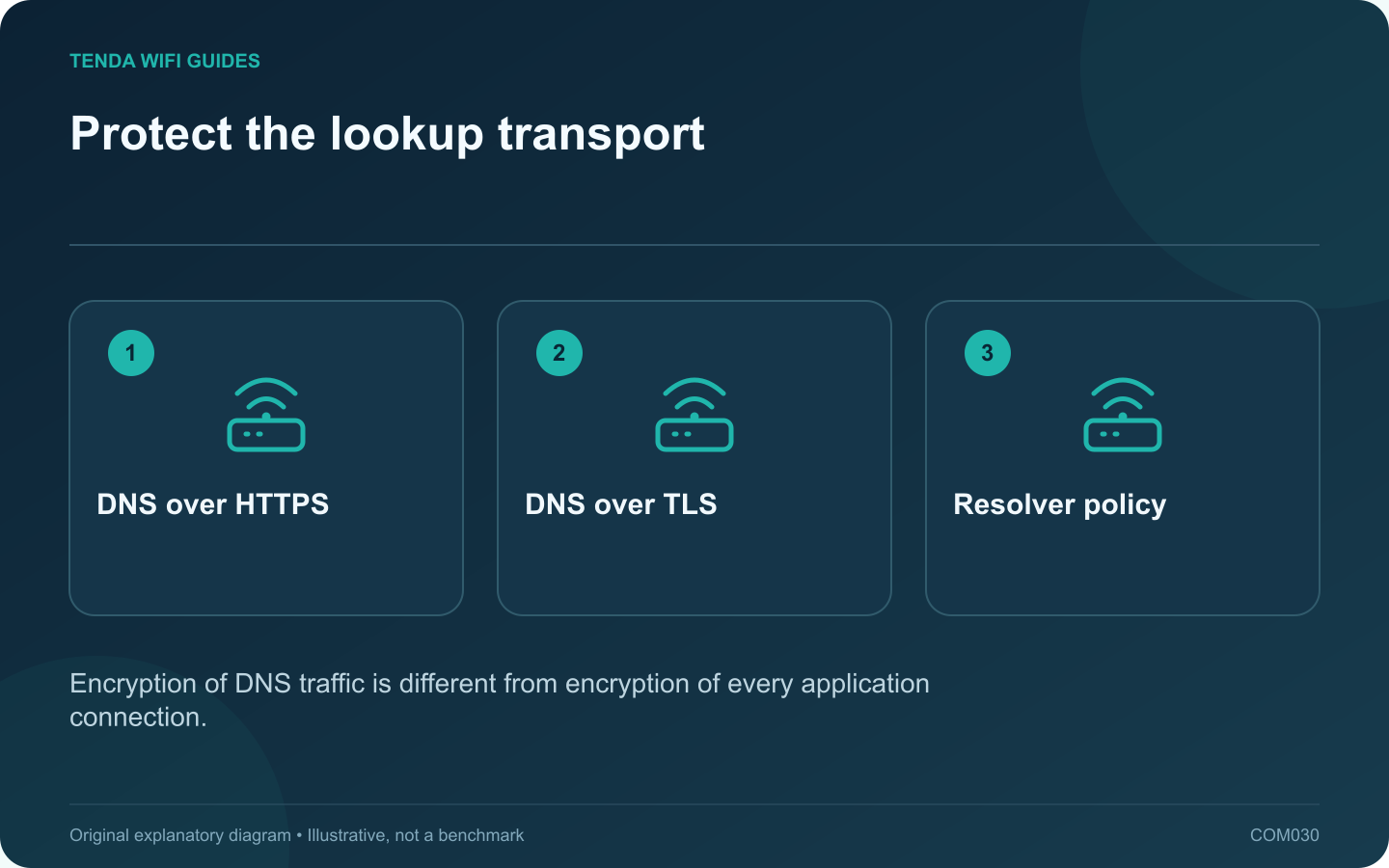
Protect the lookup transport: DNS over HTTPS; DNS over TLS; Resolver policy
Encryption of DNS traffic is different from encryption of every application connection.

DNS over HTTPS and DNS over TLS protect the transport of DNS queries between a supporting client or router and a resolver. Choose an implementation your router supports reliably and a resolver whose policy fits your needs. Neither setting is a promise of anonymity or a substitute for every other network safeguard.

Check the router implementation

GL.iNet’s current DNS guide describes both HTTPS-based and TLS-based options, with available controls depending on firmware and provider. Use the documentation for your installed version. A feature mentioned in a newer manual may not exist on the device in front of you.

Read how the product handles an unavailable encrypted resolver. A fallback to ordinary DNS, a hard failure and a different backup encrypted resolver produce different practical outcomes.

Compare the decision points

  • Compatibility: does the network allow the selected transport and endpoint?
  • Resolver behavior: does it filter names, log queries or apply account-specific policy?
  • Local services: do household device names still resolve through the intended local mechanism?
  • Failure handling: what happens when the preferred resolver cannot be reached?

Test public and local tasks separately

Use one client to open ordinary sites, reach a local printer or storage share and connect the normal work VPN. Then inspect the resolver’s documented status or verification page. The fact that a website opens does not prove which DNS transport was used.

If a captive portal or managed network behaves differently, follow that network’s access process and policies. Do not make a household-wide security change just to suppress an unexplained message on one device.

Write down the selected policy

Record the resolver, transport, fallback behavior and any clients that intentionally use their own settings. Keep the previous working configuration for recovery.

The better option is the supported, verified arrangement that meets your policy. Avoid choosing solely because one acronym sounds newer or because a single lookup happened to finish faster.

Sources and editorial notes

Sources checked 8 October 2026. Independent guidance and original illustrations; product comparisons use published specifications rather than hands-on benchmarks. Check the exact model, revision and regional documentation before changing settings.

Related guides

300 FAQs across our guide libraries

Quick answers

100 practical questions from Tenda WiFi Guides.

Browse all 100 FAQs
How do DNS over HTTPS and DNS over TLS differ?

DNS over HTTPS and DNS over TLS protect the transport of DNS queries between a supporting client or router and a resolver. Choose an implementation your router supports reliably and a resolver whose policy fits your needs. Neither setting is a promise of anonymity or a substitute for every other network safeguard. GL.iNet's current DNS guide describes both HTTPS-based and TLS-based options, with available controls depending on firmware and provider. Use the documentation for your installed version. A feature mentioned in a newer manual may not exist on the device in front of you.

Read the full guide and sources
Does load balancing combine two internet lines into one faster connection?

Do not buy two internet plans expecting an ordinary load-balancing setting to double every single download. Load balancing distributes traffic according to a policy; bonding a single flow across links requires a different arrangement. Read exactly what the router and any supporting service implement. GL.iNet describes its load-balance ratio in terms of assigning new connections to available interfaces. It separately describes failover priorities. That is a useful distinction: keeping several tasks active across different paths is not the same promise as accelerating one task by adding both line rates.

Read the full guide and sources
Can the RX27 Pro offer a band that the TE6L Pro lacks?

This comparison illustrates why generation numbers are not a complete buying guide. RX27 Pro is listed as a tri-band Wi-Fi 6E router, while TE6L Pro is dual-band Wi-Fi 7. Decide whether the extra band or the newer dual-band feature set better serves your actual clients. The RX27 Pro datasheet lists 2.4, 5 and 6 GHz with gigabit Ethernet interfaces. TE6L Pro lists 2.4 and 5 GHz plus one 2.5 Gbps interface among its ports. Neither combination is universally better for every home.

Read the full guide and sources
Are AX3000 and BE9300 labels actual download speeds?

Router speed classes are convenient product labels, but they are poor estimates of what one device will download. A headline can combine capabilities across multiple radios. Your laptop, the router's WAN port and the remote service still form a particular path with their own limits. The Archer BE550 and Nighthawk RS300 are both presented in the BE9300 class, yet their published Ethernet layouts differ. That immediately gives a wired household a more useful comparison than the matching wireless label.

Read the full guide and sources
Independent. Practical. Clear.

Tenda WiFi Guides is an independent information website. We are not affiliated with or endorsed by Tenda. Product names belong to their respective owners.