Explore the guide library · Router comparisons
Budget for the entire connection path so an attractive router price does not hide the equipment needed to use it.
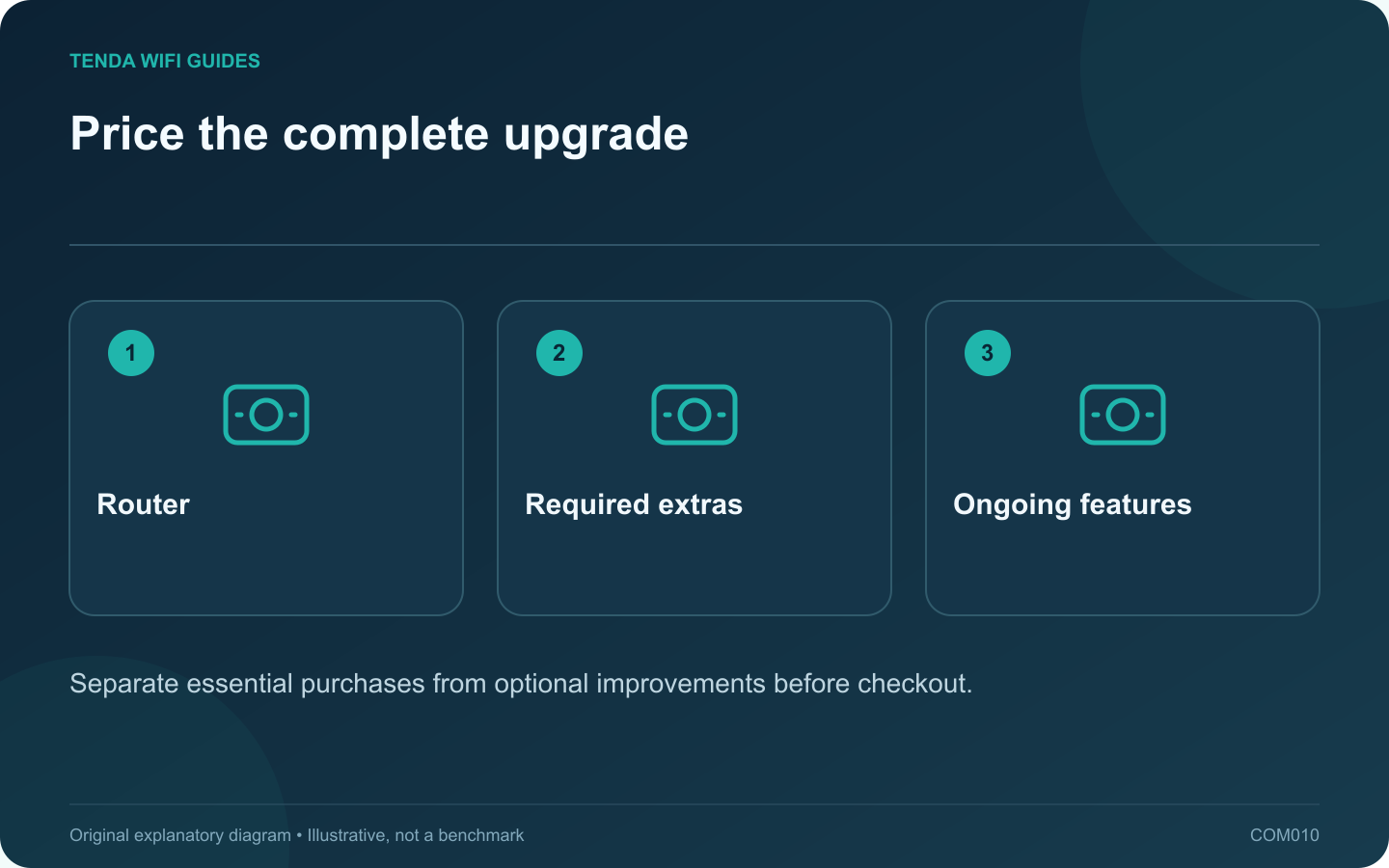
The router price is only the starting point when an upgrade depends on new client adapters, faster switches or paid features. Build a complete shopping list before choosing a model. That list often reveals that a modest router plus better placement solves more than an expensive router by itself.
Divide the budget into three columns
In the first column, put the router and anything required for basic service. In the second, list equipment required for the specific improvement: an Ethernet adapter, a switch, a cable run or an additional access point. In the third, put optional services and conveniences.
For example, TP-Link describes both basic and paid HomeShield capabilities for the Deco BE63. Check the current feature boundary rather than assuming every item pictured on a product page remains included without a subscription.
Count ports after connecting the internet
Draw the intended wiring and assign a port to each cable. A faster WAN socket may leave no equivalent LAN socket on some designs. Conversely, a product with several suitable LAN ports may avoid a separate switch purchase. Read the exact port-role rules for the model under consideration.
Include the client’s connection. A laptop that requires a new wired adapter changes the practical budget, while a storage device with an unchanged slower interface may prevent the planned benefit altogether.
Use a must-have test for every extra
- Which daily task requires this item?
- Can the existing item perform that task reliably?
- Does the proposed router support the accessory or feature?
- Is the cost one-time, recurring or conditional on a trial ending?
Keep room for a useful installation
Reserve effort for placement, wiring and verification. Do not spend the entire budget on radio features and leave the router in a poor cupboard because moving it feels inconvenient. Obtain installation quotes where drilling or permanent cabling is involved.
Compare complete workable configurations at the same price, not just individual routers. Save the feature list and return terms at purchase time, then verify the promised functions during the return period. This worksheet avoids fixed price claims because regional offers and subscriptions change.
Sources and editorial notes
Sources checked 8 October 2026. Independent guidance and original illustrations; product comparisons use published specifications rather than hands-on benchmarks. Check the exact model, revision and regional documentation before changing settings.