Independent setup & troubleshootingHelping you find your connection.
The guide library

Flint 2 vs Flint 3: choose between your current VPN workflow and a new radio plan

Explore the guide library · Router comparisons

Compare GL.iNet router generations through band support, usable ports and the VPN configuration you need to keep.
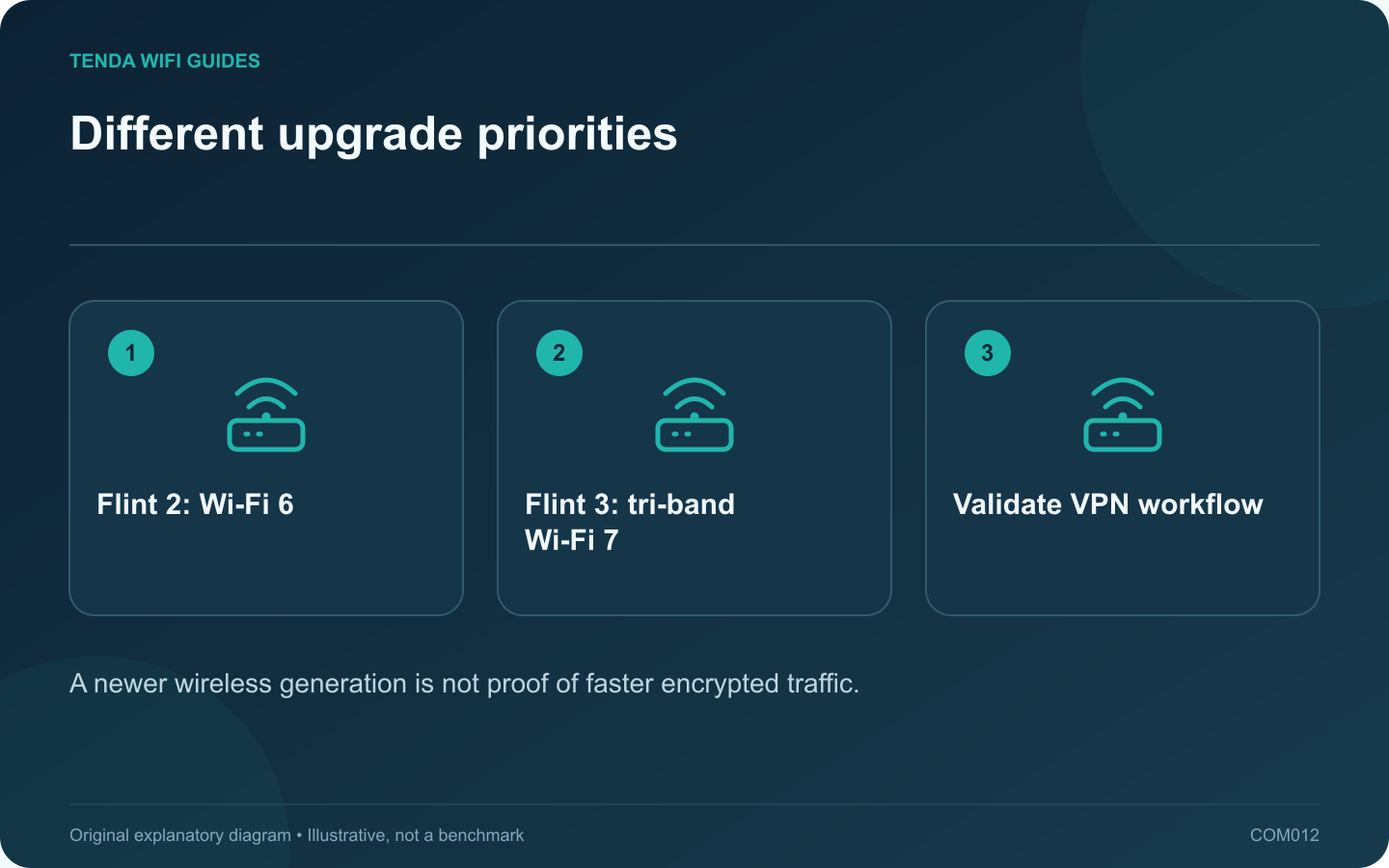
Different upgrade priorities: Flint 2: Wi-Fi 6; Flint 3: tri-band Wi-Fi 7; Validate VPN workflow
A newer wireless generation is not proof of faster encrypted traffic.

Flint 3 is a clearer fit when your upgrade requires 6 GHz clients and several 2.5 Gbps wired connections. Flint 2 remains a candidate when your existing 2.4/5 GHz network and VPN workflow already meet the task. Do not infer VPN performance from the Wi-Fi generation.

What changes on the network diagram

GL.iNet lists Flint 2 with Wi-Fi 6, two 2.5 Gbps ports and four gigabit ports. Flint 3 adds a third wireless band and has five 2.5 Gbps ports in its published layout. The WAN connection consumes a port in normal use, so count the remaining LAN connections.

Flint 3’s guide also describes a switchable WAN/LAN interface. Assign that interface deliberately: using it for a second internet feed means it is not simultaneously a spare LAN socket.

Make the VPN part a separate test

Write down the protocol, provider, required routing rules and devices that should use the tunnel. Include any devices that must stay outside it. A product’s maximum VPN claim cannot establish the rate to your provider, with your settings and server location.

Keep a baseline with the tunnel disconnected and connected. Repeat the same task after migration. That comparison distinguishes a radio improvement from a change in the encrypted route.

Check migration compatibility

  1. Save the existing configuration and note which features are essential.
  2. Read the destination model’s current documentation before importing any settings file.
  3. Set up one test client and verify both normal internet and the intended VPN policy.
  4. Confirm local printer or storage access, then add the remaining devices.

Choose Flint 3 for an identifiable radio or port requirement, not simply because three follows two. Keep or choose Flint 2 when it satisfies the whole task at a better complete cost. Advanced configuration flexibility also requires someone willing to maintain it.

This is a documentation-based comparison. The article does not rank measured wireless coverage, VPN throughput or long-term reliability.

Sources and editorial notes

Sources checked 8 October 2026. Independent guidance and original illustrations; product comparisons use published specifications rather than hands-on benchmarks. Check the exact model, revision and regional documentation before changing settings.

Related guides

300 FAQs across our guide libraries

Quick answers

100 practical questions from Tenda WiFi Guides.

Browse all 100 FAQs
How should I choose between Flint 2 and Flint 3?

Flint 3 is a clearer fit when your upgrade requires 6 GHz clients and several 2.5 Gbps wired connections. Flint 2 remains a candidate when your existing 2.4/5 GHz network and VPN workflow already meet the task. Do not infer VPN performance from the Wi-Fi generation. GL.iNet lists Flint 2 with Wi-Fi 6, two 2.5 Gbps ports and four gigabit ports. Flint 3 adds a third wireless band and has five 2.5 Gbps ports in its published layout. The WAN connection consumes a port in normal use, so count the remaining LAN connections.

Read the full guide and sources
What wired-port difference matters on TE6L Pro and BE230?

The main planning difference between these two routers is the faster-port arrangement. If your goal is a multi-gigabit wired connection from the internet feed to a desktop, trace both ends before choosing. A larger wireless speed class does not fill in a missing LAN capability. Tenda lists one 2.5 Gbps WAN/LAN port and three gigabit WAN/LAN ports for the TE6L Pro. TP-Link lists a 2.5 Gbps WAN port, a 2.5 Gbps LAN port and three gigabit LAN ports for the Archer BE230. Both examples are dual-band Wi-Fi 7 devices without a listed 6 GHz radio.

Read the full guide and sources
How do I choose between dual-band and tri-band Wi-Fi 7?

Start this comparison with the frequency list, not the Wi-Fi generation. A dual-band Wi-Fi 7 router can be a sensible upgrade for a household of 2.4 GHz and 5 GHz devices. A tri-band model adds another option that may be useful to compatible clients, but it does not automatically fix every weak room. Tenda lists the TE6L Pro with 2.4 GHz and 5 GHz radios. TP-Link's US Archer BE550 page lists 2.4 GHz, 5 GHz and 6 GHz. These examples show why the phrase Wi-Fi 7 is not enough to tell you which bands are present.

Read the full guide and sources
How do DNS over HTTPS and DNS over TLS differ?

DNS over HTTPS and DNS over TLS protect the transport of DNS queries between a supporting client or router and a resolver. Choose an implementation your router supports reliably and a resolver whose policy fits your needs. Neither setting is a promise of anonymity or a substitute for every other network safeguard. GL.iNet's current DNS guide describes both HTTPS-based and TLS-based options, with available controls depending on firmware and provider. Use the documentation for your installed version. A feature mentioned in a newer manual may not exist on the device in front of you.

Read the full guide and sources
Independent. Practical. Clear.

Tenda WiFi Guides is an independent information website. We are not affiliated with or endorsed by Tenda. Product names belong to their respective owners.