Independent setup & troubleshootingHelping you find your connection.
The guide library

AX3000, BE3600 and BE9300: read router speed labels correctly

Explore the guide library · Router comparisons

Use wireless speed classes to identify a product category, then compare the separate links that determine real performance.
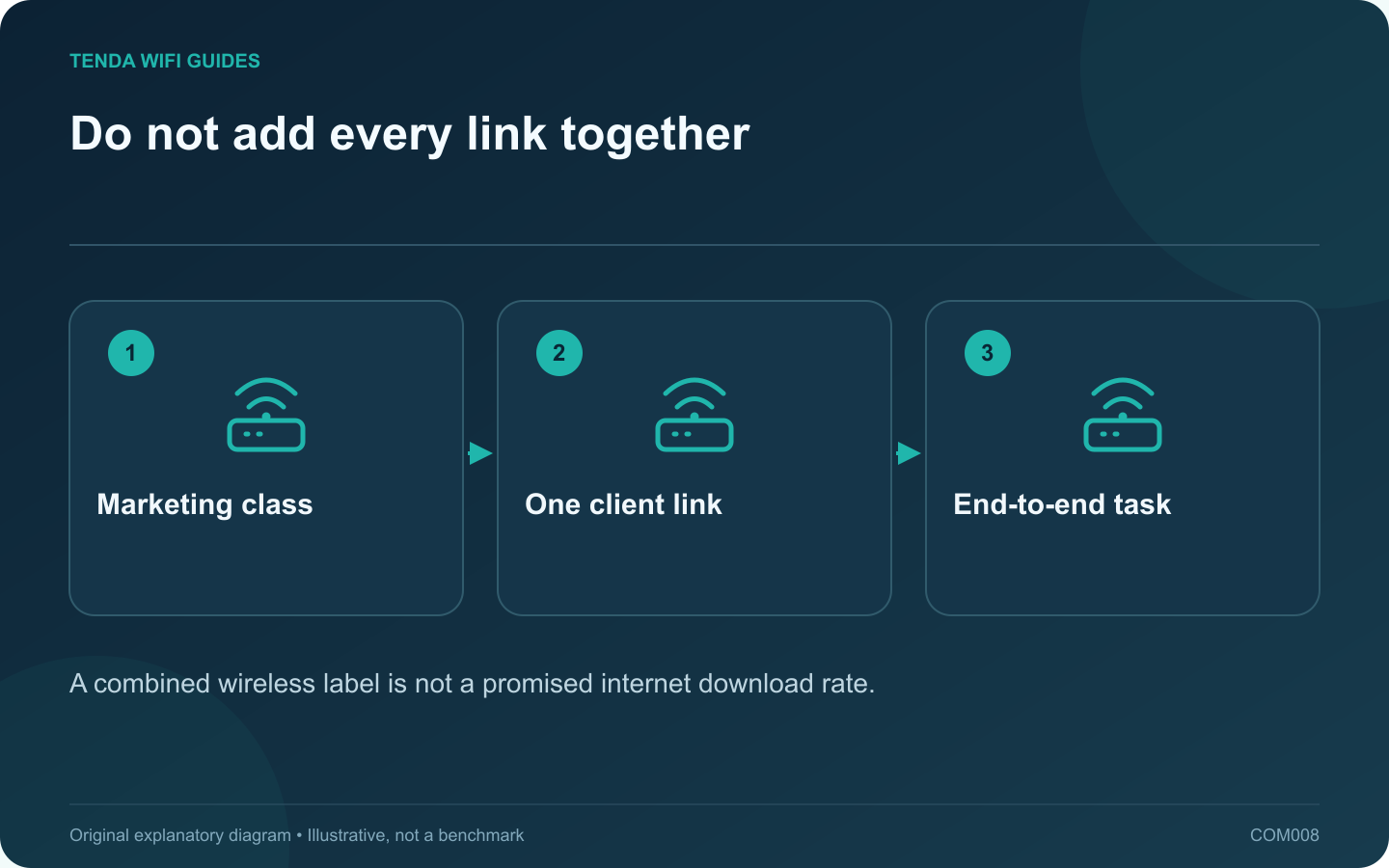
Do not add every link together: Marketing class; One client link; End-to-end task
A combined wireless label is not a promised internet download rate.

Router speed classes are convenient product labels, but they are poor estimates of what one device will download. A headline can combine capabilities across multiple radios. Your laptop, the router’s WAN port and the remote service still form a particular path with their own limits.

Compare products below the headline

The Archer BE550 and Nighthawk RS300 are both presented in the BE9300 class, yet their published Ethernet layouts differ. That immediately gives a wired household a more useful comparison than the matching wireless label.

Read the band-by-band specification and then count ports by role and rate. Keep those figures separate. A WAN port is occupied by the internet feed in an ordinary router installation; it is not an additional free LAN socket for your computer.

Draw the route for your main task

  • Internet download: service plan, upstream equipment, WAN interface, router connection and client.
  • Local backup: client connection, any switch links, storage connection and storage performance.
  • Online game: the route also needs consistent delay and low loss; a higher aggregate rate does not establish either.

Use a simple comparison sheet

Create columns for supported client bands, usable LAN ports, operating modes, maintenance and total cost. Add the wireless class as a reference column at the end. This keeps a large number from overshadowing a feature you actually require.

For example, a household with several fast wired devices should count how many appropriate LAN ports remain after installation. Another household with one laptop and no local storage may value straightforward management more highly.

Check results with a repeatable task

Save a baseline from the old network, then use the same device, file or service on the replacement. Compare typical results over several runs, not just the best instant shown on screen. Record the connection band and port used so another run can be reproduced.

A speed class helps locate candidate products. It does not replace a compatibility check, a topology drawing or a practical test.

Sources and editorial notes

Sources checked 8 October 2026. Independent guidance and original illustrations; product comparisons use published specifications rather than hands-on benchmarks. Check the exact model, revision and regional documentation before changing settings.

Related guides

300 FAQs across our guide libraries

Quick answers

100 practical questions from Tenda WiFi Guides.

Browse all 100 FAQs
Are AX3000 and BE9300 labels actual download speeds?

Router speed classes are convenient product labels, but they are poor estimates of what one device will download. A headline can combine capabilities across multiple radios. Your laptop, the router's WAN port and the remote service still form a particular path with their own limits. The Archer BE550 and Nighthawk RS300 are both presented in the BE9300 class, yet their published Ethernet layouts differ. That immediately gives a wired household a more useful comparison than the matching wireless label.

Read the full guide and sources
How should I choose between Flint 2 and Flint 3?

Flint 3 is a clearer fit when your upgrade requires 6 GHz clients and several 2.5 Gbps wired connections. Flint 2 remains a candidate when your existing 2.4/5 GHz network and VPN workflow already meet the task. Do not infer VPN performance from the Wi-Fi generation. GL.iNet lists Flint 2 with Wi-Fi 6, two 2.5 Gbps ports and four gigabit ports. Flint 3 adds a third wireless band and has five 2.5 Gbps ports in its published layout. The WAN connection consumes a port in normal use, so count the remaining LAN connections.

Read the full guide and sources
What wired-port difference matters on TE6L Pro and BE230?

The main planning difference between these two routers is the faster-port arrangement. If your goal is a multi-gigabit wired connection from the internet feed to a desktop, trace both ends before choosing. A larger wireless speed class does not fill in a missing LAN capability. Tenda lists one 2.5 Gbps WAN/LAN port and three gigabit WAN/LAN ports for the TE6L Pro. TP-Link lists a 2.5 Gbps WAN port, a 2.5 Gbps LAN port and three gigabit LAN ports for the Archer BE230. Both examples are dual-band Wi-Fi 7 devices without a listed 6 GHz radio.

Read the full guide and sources
Does load balancing combine two internet lines into one faster connection?

Do not buy two internet plans expecting an ordinary load-balancing setting to double every single download. Load balancing distributes traffic according to a policy; bonding a single flow across links requires a different arrangement. Read exactly what the router and any supporting service implement. GL.iNet describes its load-balance ratio in terms of assigning new connections to available interfaces. It separately describes failover priorities. That is a useful distinction: keeping several tasks active across different paths is not the same promise as accelerating one task by adding both line rates.

Read the full guide and sources
Independent. Practical. Clear.

Tenda WiFi Guides is an independent information website. We are not affiliated with or endorsed by Tenda. Product names belong to their respective owners.