Independent setup & troubleshootingHelping you find your connection.
The guide library

Load balancing is not the same as bonding two internet connections

Explore the guide library · Router comparisons

Understand what a dual-WAN router can distribute and why one download may not use the sum of both service speeds.
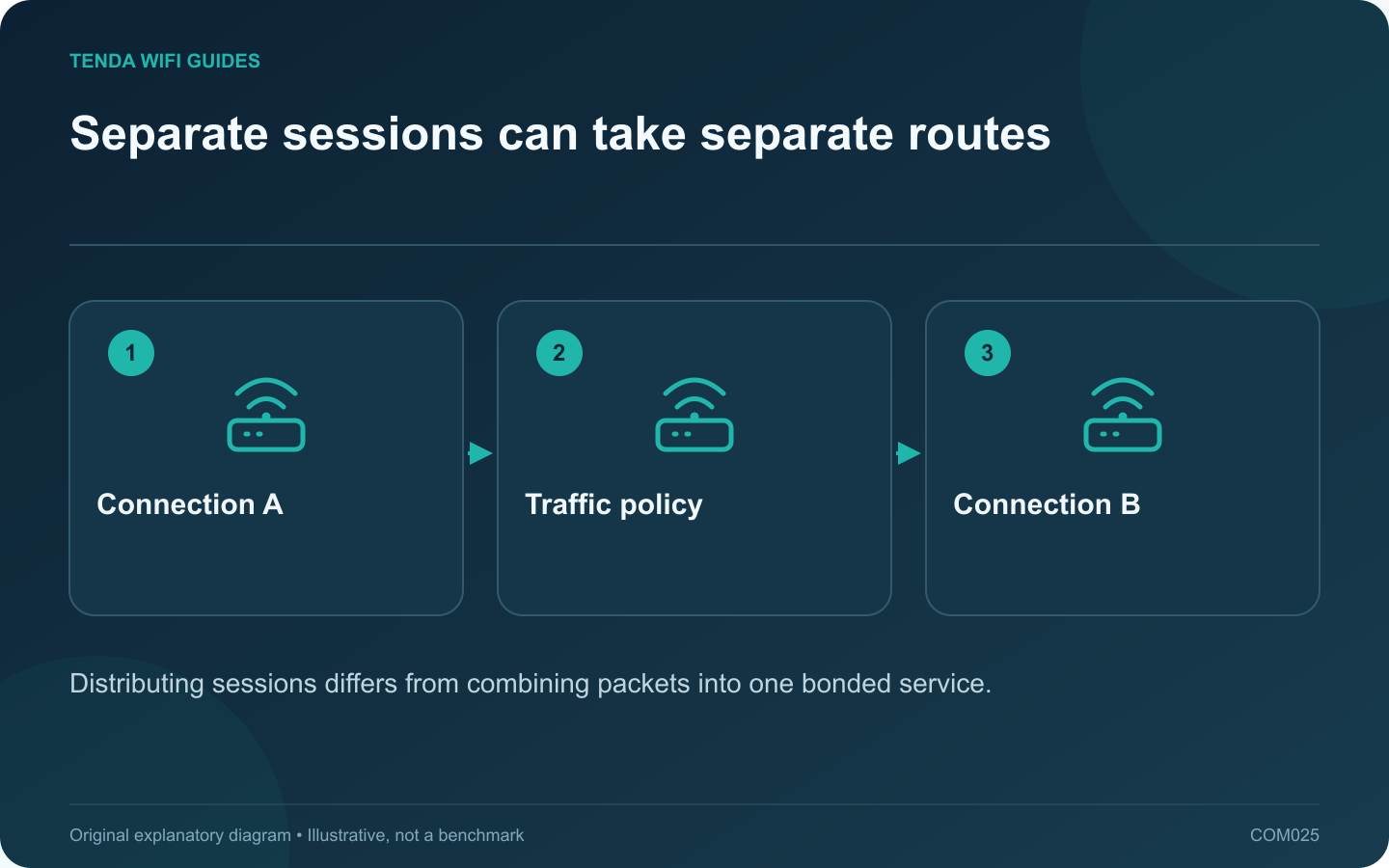
Separate sessions can take separate routes: Connection A; Traffic policy; Connection B
Distributing sessions differs from combining packets into one bonded service.

Do not buy two internet plans expecting an ordinary load-balancing setting to double every single download. Load balancing distributes traffic according to a policy; bonding a single flow across links requires a different arrangement. Read exactly what the router and any supporting service implement.

What the documented policy does

GL.iNet describes its load-balance ratio in terms of assigning new connections to available interfaces. It separately describes failover priorities. That is a useful distinction: keeping several tasks active across different paths is not the same promise as accelerating one task by adding both line rates.

Choose the outcome you need

  • Keep working during an outage: prioritize failover, detection behavior and a tested backup.
  • Serve several simultaneous users: load balancing may distribute their connections, subject to the actual policy.
  • Make one transfer use both lines: investigate an explicitly supported bonding solution and its remote endpoint or service requirements.

Account for application behavior

Some services are sensitive to the source path or public address changing during use. Include banking sessions, work VPNs, calls and large uploads in the acceptance test. If needed, use the router’s documented policy controls to keep a particular device or application on a stable route.

Also consider asymmetric plans. A backup connection with a small data allowance or weak upload capacity should not receive ordinary household traffic merely because a ratio looks balanced.

Measure separate questions

Run one large transfer and note its path. Then run several independent tasks from different clients and observe how the router distributes them. Finally, disconnect one upstream path during a scheduled test and check recovery. These three tests assess single-flow behavior, aggregate use and resilience respectively.

Keep the results separate in your purchase decision. A product can perform well at one and poorly at another. Verify the exact firmware’s routing features before buying, and do not treat an aggregate marketing number as a guaranteed speed for every application.

Sources and editorial notes

Sources checked 8 October 2026. Independent guidance and original illustrations; product comparisons use published specifications rather than hands-on benchmarks. Check the exact model, revision and regional documentation before changing settings.

Related guides

300 FAQs across our guide libraries

Quick answers

100 practical questions from Tenda WiFi Guides.

Browse all 100 FAQs
Does load balancing combine two internet lines into one faster connection?

Do not buy two internet plans expecting an ordinary load-balancing setting to double every single download. Load balancing distributes traffic according to a policy; bonding a single flow across links requires a different arrangement. Read exactly what the router and any supporting service implement. GL.iNet describes its load-balance ratio in terms of assigning new connections to available interfaces. It separately describes failover priorities. That is a useful distinction: keeping several tasks active across different paths is not the same promise as accelerating one task by adding both line rates.

Read the full guide and sources
What wired-port difference matters on TE6L Pro and BE230?

The main planning difference between these two routers is the faster-port arrangement. If your goal is a multi-gigabit wired connection from the internet feed to a desktop, trace both ends before choosing. A larger wireless speed class does not fill in a missing LAN capability. Tenda lists one 2.5 Gbps WAN/LAN port and three gigabit WAN/LAN ports for the TE6L Pro. TP-Link lists a 2.5 Gbps WAN port, a 2.5 Gbps LAN port and three gigabit LAN ports for the Archer BE230. Both examples are dual-band Wi-Fi 7 devices without a listed 6 GHz radio.

Read the full guide and sources
What should I compare on Tenda TE3L and TE6L Pro ports?

For these two Tenda models, the useful starting point is your wiring diagram. Both belong to the dual-band Wi-Fi 7 category, but their Ethernet arrangements differ. Count the internet connection and every wired device before deciding which model fits. Tenda lists three gigabit WAN/LAN interfaces for TE3L v1.0. The TE6L Pro specification lists one 2.5 Gbps interface and three gigabit interfaces. Confirm the exact regional hardware sold to you because the similar case design does not establish identical capabilities.

Read the full guide and sources
Are AX3000 and BE9300 labels actual download speeds?

Router speed classes are convenient product labels, but they are poor estimates of what one device will download. A headline can combine capabilities across multiple radios. Your laptop, the router's WAN port and the remote service still form a particular path with their own limits. The Archer BE550 and Nighthawk RS300 are both presented in the BE9300 class, yet their published Ethernet layouts differ. That immediately gives a wired household a more useful comparison than the matching wireless label.

Read the full guide and sources
Independent. Practical. Clear.

Tenda WiFi Guides is an independent information website. We are not affiliated with or endorsed by Tenda. Product names belong to their respective owners.