Independent setup & troubleshootingHelping you find your connection.
The guide library

Dual-band Wi-Fi 7 versus tri-band: choose by the bands you can use

Explore the guide library · Router comparisons

A Wi-Fi 7 badge does not always include 6 GHz. Compare frequency bands and port layouts before choosing a router.
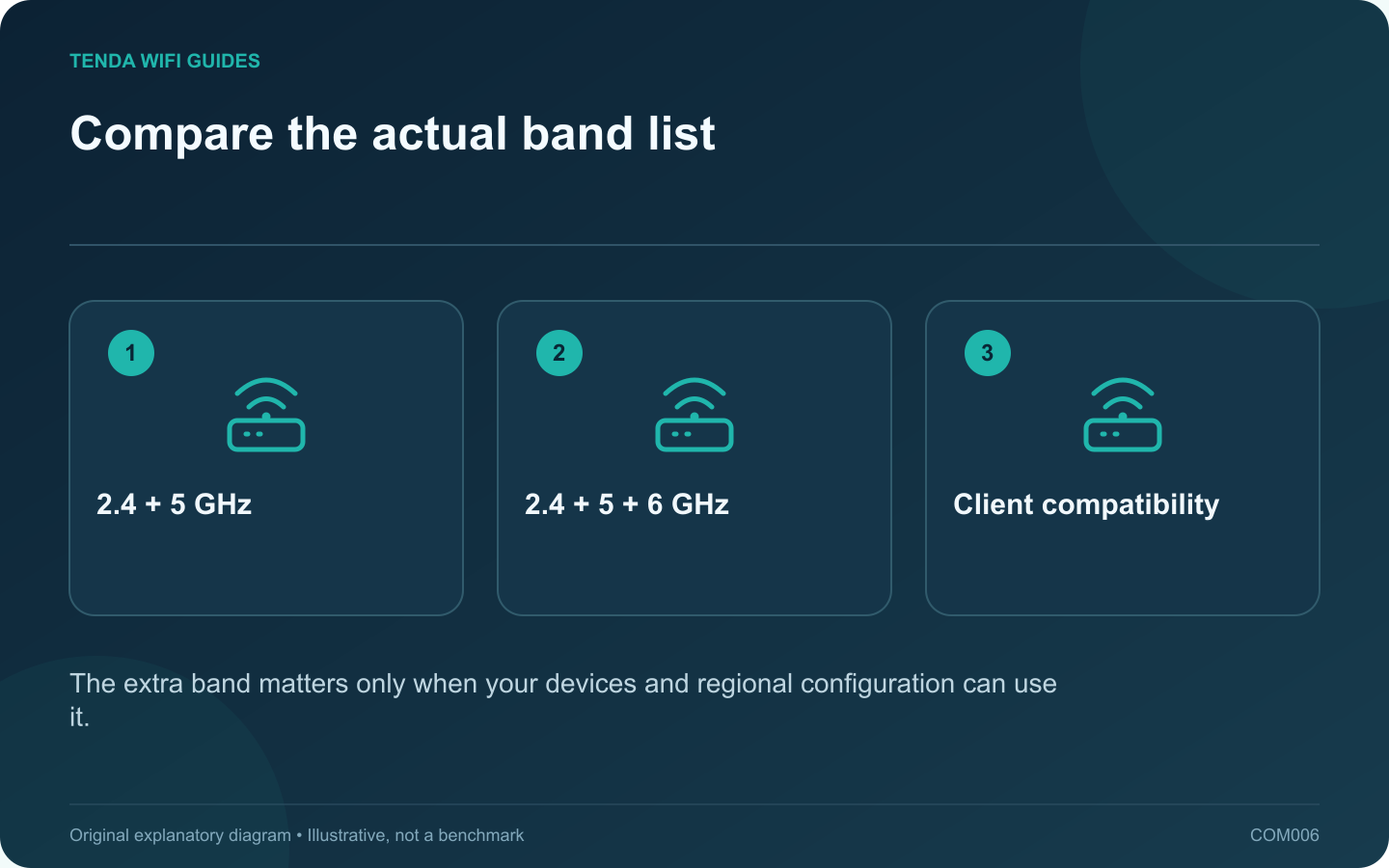
Compare the actual band list: 2.4 + 5 GHz; 2.4 + 5 + 6 GHz; Client compatibility
The extra band matters only when your devices and regional configuration can use it.

Start this comparison with the frequency list, not the Wi-Fi generation. A dual-band Wi-Fi 7 router can be a sensible upgrade for a household of 2.4 GHz and 5 GHz devices. A tri-band model adds another option that may be useful to compatible clients, but it does not automatically fix every weak room.

Two concrete examples

Tenda lists the TE6L Pro with 2.4 GHz and 5 GHz radios. TP-Link’s US Archer BE550 page lists 2.4 GHz, 5 GHz and 6 GHz. These examples show why the phrase Wi-Fi 7 is not enough to tell you which bands are present.

Use the exact regional specification at checkout. A product family name, retailer title or aggregate speed class can conceal revision differences that affect the purchase.

Build two device lists

Put today’s devices in one list and planned replacements in another. For each, record the supported bands from its manufacturer. If none of the important devices supports 6 GHz, decide whether you are buying for a concrete near-term replacement or only for a possibility.

Then mark where each demanding device is used. A compatible laptop at a nearby desk presents a different case from a television behind several walls. Consider an access point near the latter before spending solely on an additional band at the original router position.

Compare the non-radio requirements

  • Count the Ethernet ports left after connecting the internet feed.
  • Check whether the faster port can be assigned to the role you need.
  • Verify guest-network controls, update availability and administration options.
  • Include any paid features in the ownership cost rather than comparing hardware prices alone.

Choose dual-band when it fits the actual devices and leaves room in the budget for good placement or wiring. Consider tri-band when the extra band serves identifiable clients and the rest of the product fits. This is a specification-based choice, not a claim that either example wins a throughput test.

Sources and editorial notes

Sources checked 8 October 2026. Independent guidance and original illustrations; product comparisons use published specifications rather than hands-on benchmarks. Check the exact model, revision and regional documentation before changing settings.

Related guides

300 FAQs across our guide libraries

Quick answers

100 practical questions from Tenda WiFi Guides.

Browse all 100 FAQs
How do I choose between dual-band and tri-band Wi-Fi 7?

Start this comparison with the frequency list, not the Wi-Fi generation. A dual-band Wi-Fi 7 router can be a sensible upgrade for a household of 2.4 GHz and 5 GHz devices. A tri-band model adds another option that may be useful to compatible clients, but it does not automatically fix every weak room. Tenda lists the TE6L Pro with 2.4 GHz and 5 GHz radios. TP-Link's US Archer BE550 page lists 2.4 GHz, 5 GHz and 6 GHz. These examples show why the phrase Wi-Fi 7 is not enough to tell you which bands are present.

Read the full guide and sources
When would replacing an Archer AX55 with a BE230 help?

A working Archer AX55 does not need replacement merely because the BE230 has a newer wireless generation. Start with the feature or connection that the present router cannot provide. If you cannot name that requirement, keep the current setup while collecting a useful baseline. The cited AX55 page identifies dual-band Wi-Fi 6. The BE230 is dual-band Wi-Fi 7 and lists separate 2.5 Gbps WAN and LAN ports. Neither description implies that an older client suddenly gains Wi-Fi 7 capabilities.

Read the full guide and sources
What should I compare on Tenda TE3L and TE6L Pro ports?

For these two Tenda models, the useful starting point is your wiring diagram. Both belong to the dual-band Wi-Fi 7 category, but their Ethernet arrangements differ. Count the internet connection and every wired device before deciding which model fits. Tenda lists three gigabit WAN/LAN interfaces for TE3L v1.0. The TE6L Pro specification lists one 2.5 Gbps interface and three gigabit interfaces. Confirm the exact regional hardware sold to you because the similar case design does not establish identical capabilities.

Read the full guide and sources
What wired-port difference matters on TE6L Pro and BE230?

The main planning difference between these two routers is the faster-port arrangement. If your goal is a multi-gigabit wired connection from the internet feed to a desktop, trace both ends before choosing. A larger wireless speed class does not fill in a missing LAN capability. Tenda lists one 2.5 Gbps WAN/LAN port and three gigabit WAN/LAN ports for the TE6L Pro. TP-Link lists a 2.5 Gbps WAN port, a 2.5 Gbps LAN port and three gigabit LAN ports for the Archer BE230. Both examples are dual-band Wi-Fi 7 devices without a listed 6 GHz radio.

Read the full guide and sources
Independent. Practical. Clear.

Tenda WiFi Guides is an independent information website. We are not affiliated with or endorsed by Tenda. Product names belong to their respective owners.