Independent setup & troubleshootingHelping you find your connection.
The guide library

Archer BE550 vs Nighthawk RS300: compare the wired connections first

Explore the guide library · Router comparisons

Both routers advertise tri-band Wi-Fi 7, but their LAN port arrangements can make the buying decision easier.
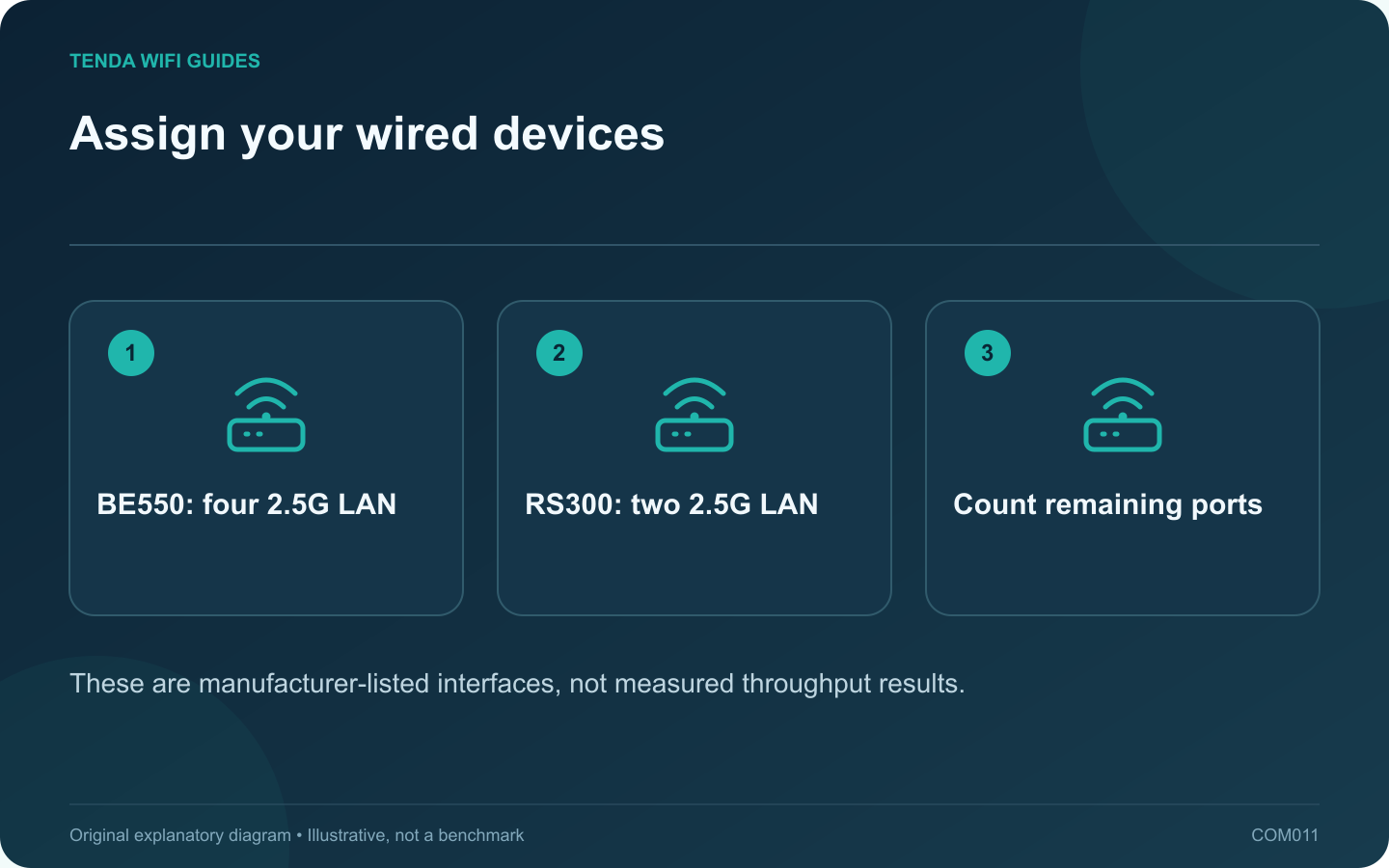
Assign your wired devices: BE550: four 2.5G LAN; RS300: two 2.5G LAN; Count remaining ports
These are manufacturer-listed interfaces, not measured throughput results.

If the Archer BE550 and Nighthawk RS300 are on your shortlist, start with the cables you need to connect. Both are tri-band Wi-Fi 7 candidates, so the wireless headline alone does little to identify the better fit for a desk with several wired devices.

The useful specification difference

The cited US BE550 specification lists four 2.5 Gbps LAN ports beside its 2.5 Gbps WAN port. NETGEAR lists two 2.5 Gbps LAN ports, two gigabit LAN ports and a 2.5 Gbps WAN port for the RS300. Verify the exact revision and region being sold.

Allocate the ports on paper

List a desktop, storage device, access point and any other wired equipment. Write the required connection rate beside each. A gigabit printer does not need a faster port merely because one is available; a planned multi-gigabit storage link deserves a suitable connection at both ends.

For a household with several 2.5 Gbps devices, the BE550 layout may avoid a separate switch. For a household with only one or two such devices, the RS300 arrangement may already satisfy the wiring. Those are topology conclusions, not benchmark results.

Compare the software you will actually use

  • Open the current manual for the intended operating mode.
  • Check whether the guest, parental-control or security feature you need is included or paid.
  • Review the update and local-management options.
  • Confirm any planned mesh expansion with exact supported models and firmware.

Choose a practical tie-breaker

If both layouts fit, compare the complete current price, regional support and return terms. Then test with your own compatible client at its normal desk. Include a busy-household call and a local transfer if both are important.

Do not award either router a range or latency victory from the datasheet. Keep the model that satisfies the required port plan and works reliably in your installation. This comparison uses published specifications; neither product has been hands-on tested for this article.

Sources and editorial notes

Sources checked 8 October 2026. Independent guidance and original illustrations; product comparisons use published specifications rather than hands-on benchmarks. Check the exact model, revision and regional documentation before changing settings.

Related guides

300 FAQs across our guide libraries

Quick answers

100 practical questions from Tenda WiFi Guides.

Browse all 100 FAQs
What should I compare first on the Archer BE550 and RS300?

If the Archer BE550 and Nighthawk RS300 are on your shortlist, start with the cables you need to connect. Both are tri-band Wi-Fi 7 candidates, so the wireless headline alone does little to identify the better fit for a desk with several wired devices. The cited US BE550 specification lists four 2.5 Gbps LAN ports beside its 2.5 Gbps WAN port. NETGEAR lists two 2.5 Gbps LAN ports, two gigabit LAN ports and a 2.5 Gbps WAN port for the RS300. Verify the exact revision and region being sold.

Read the full guide and sources
Are AX3000 and BE9300 labels actual download speeds?

Router speed classes are convenient product labels, but they are poor estimates of what one device will download. A headline can combine capabilities across multiple radios. Your laptop, the router's WAN port and the remote service still form a particular path with their own limits. The Archer BE550 and Nighthawk RS300 are both presented in the BE9300 class, yet their published Ethernet layouts differ. That immediately gives a wired household a more useful comparison than the matching wireless label.

Read the full guide and sources
When are the GT-BE98 Pro’s extra radios useful compared with RT-BE86U?

The GT-BE98 Pro provides a different radio and port layout from the RT-BE86U, but a larger feature set is useful only when it serves your network. Begin with the devices and connections you want to support, then compare the two ASUS designs against that list. ASUS lists the RT-BE86U as dual-band 2.4/5 GHz equipment with one 10G WAN/LAN interface. The GT-BE98 Pro specification includes two 6 GHz radios and two 10G interfaces with different roles. Check the exact regional product and port assignments.

Read the full guide and sources
How should I compare Beryl AX and Slate 7 for travel?

Beryl AX and Slate 7 solve a similar travel problem: keeping your own devices behind a network you administer. The decision should start with the available upstream connection, wired-device needs and power supply you will carry. GL.iNet lists Beryl AX with a 2.5 Gbps WAN interface and a gigabit LAN interface. Slate 7's guide lists two 2.5 Gbps interfaces, one WAN and one LAN, and a touchscreen. Beryl AX uses Wi-Fi 6; Slate 7 is dual-band Wi-Fi 7.

Read the full guide and sources
Independent. Practical. Clear.

Tenda WiFi Guides is an independent information website. We are not affiliated with or endorsed by Tenda. Product names belong to their respective owners.