Independent setup & troubleshootingHelping you find your connection.
The guide library

ASUS RT-BE86U vs GT-BE98 Pro: decide whether you need the extra radios

Explore the guide library · Router comparisons

Compare a dual-band router with a quad-band design by client bands, 10G roles and the physical installation.
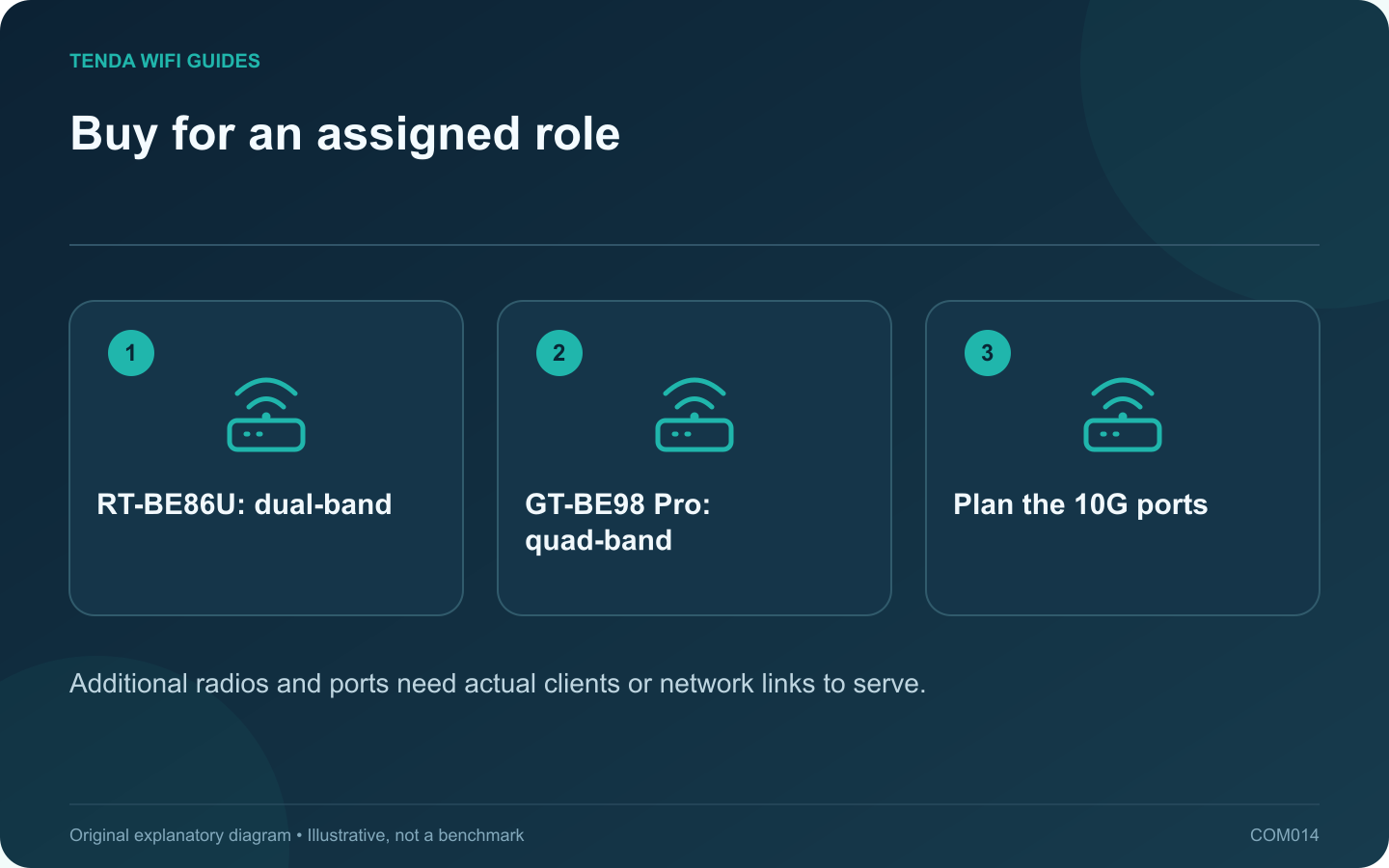
Buy for an assigned role: RT-BE86U: dual-band; GT-BE98 Pro: quad-band; Plan the 10G ports
Additional radios and ports need actual clients or network links to serve.

The GT-BE98 Pro provides a different radio and port layout from the RT-BE86U, but a larger feature set is useful only when it serves your network. Begin with the devices and connections you want to support, then compare the two ASUS designs against that list.

The distinction to notice

ASUS lists the RT-BE86U as dual-band 2.4/5 GHz equipment with one 10G WAN/LAN interface. The GT-BE98 Pro specification includes two 6 GHz radios and two 10G interfaces with different roles. Check the exact regional product and port assignments.

Who has a reason to choose the larger design?

A household with compatible 6 GHz clients and a specific multi-gigabit topology can identify uses for the added radios and interfaces. Write those uses beside the ports and bands. Empty boxes on the plan are a sign that you may be paying for capacity without a current job.

The RT-BE86U deserves consideration when the important clients use 2.4 or 5 GHz and its wired arrangement fits. Its lack of 6 GHz is a deciding limitation only when 6 GHz access is part of your requirement.

Check placement before performance claims

Measure the available shelf and cable clearance. A large router hidden behind a television or inside furniture can be a poor installation despite a premium specification. Keep ventilation clear and follow the manufacturer’s placement instructions.

If the home needs multiple coverage points, price the entire supported topology rather than assuming one more expensive unit will serve every room. Confirm any AiMesh pairing and backhaul requirements individually.

Make the decision reviewable

  • List the clients that will use each band.
  • Assign the WAN and local equipment to named ports.
  • Identify the features you will administer regularly.
  • Test the real work area during the return period.

Choose the smallest complete configuration that meets those requirements with room for a credible planned addition. This comparison does not infer game latency, coverage or throughput from the gaming branding or the number of radios.

Sources and editorial notes

Sources checked 8 October 2026. Independent guidance and original illustrations; product comparisons use published specifications rather than hands-on benchmarks. Check the exact model, revision and regional documentation before changing settings.

Related guides

300 FAQs across our guide libraries

Quick answers

100 practical questions from Tenda WiFi Guides.

Browse all 100 FAQs
When are the GT-BE98 Pro’s extra radios useful compared with RT-BE86U?

The GT-BE98 Pro provides a different radio and port layout from the RT-BE86U, but a larger feature set is useful only when it serves your network. Begin with the devices and connections you want to support, then compare the two ASUS designs against that list. ASUS lists the RT-BE86U as dual-band 2.4/5 GHz equipment with one 10G WAN/LAN interface. The GT-BE98 Pro specification includes two 6 GHz radios and two 10G interfaces with different roles. Check the exact regional product and port assignments.

Read the full guide and sources
Can the RX27 Pro offer a band that the TE6L Pro lacks?

This comparison illustrates why generation numbers are not a complete buying guide. RX27 Pro is listed as a tri-band Wi-Fi 6E router, while TE6L Pro is dual-band Wi-Fi 7. Decide whether the extra band or the newer dual-band feature set better serves your actual clients. The RX27 Pro datasheet lists 2.4, 5 and 6 GHz with gigabit Ethernet interfaces. TE6L Pro lists 2.4 and 5 GHz plus one 2.5 Gbps interface among its ports. Neither combination is universally better for every home.

Read the full guide and sources
When would replacing an Archer AX55 with a BE230 help?

A working Archer AX55 does not need replacement merely because the BE230 has a newer wireless generation. Start with the feature or connection that the present router cannot provide. If you cannot name that requirement, keep the current setup while collecting a useful baseline. The cited AX55 page identifies dual-band Wi-Fi 6. The BE230 is dual-band Wi-Fi 7 and lists separate 2.5 Gbps WAN and LAN ports. Neither description implies that an older client suddenly gains Wi-Fi 7 capabilities.

Read the full guide and sources
What should I compare first on the Archer BE550 and RS300?

If the Archer BE550 and Nighthawk RS300 are on your shortlist, start with the cables you need to connect. Both are tri-band Wi-Fi 7 candidates, so the wireless headline alone does little to identify the better fit for a desk with several wired devices. The cited US BE550 specification lists four 2.5 Gbps LAN ports beside its 2.5 Gbps WAN port. NETGEAR lists two 2.5 Gbps LAN ports, two gigabit LAN ports and a 2.5 Gbps WAN port for the RS300. Verify the exact revision and region being sold.

Read the full guide and sources
Independent. Practical. Clear.

Tenda WiFi Guides is an independent information website. We are not affiliated with or endorsed by Tenda. Product names belong to their respective owners.