Independent setup & troubleshootingHelping you find your connection.
The guide library

Tenda RX27 Pro vs TE6L Pro: Wi-Fi 6E can offer a band that Wi-Fi 7 does not

Explore the guide library · Router comparisons

Compare the actual frequency bands and Ethernet interfaces instead of assuming the newer generation includes every feature.
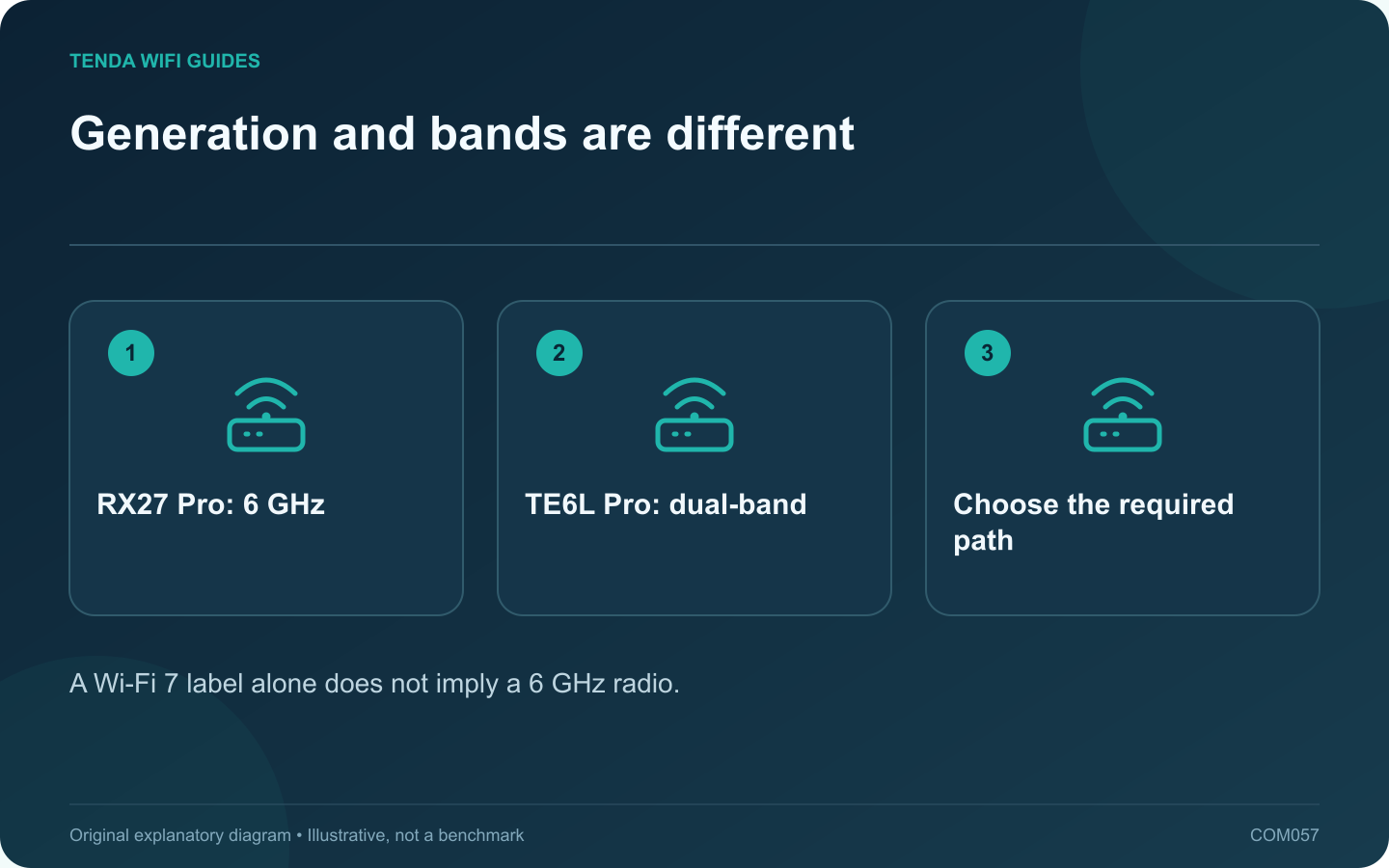
Generation and bands are different: RX27 Pro: 6 GHz; TE6L Pro: dual-band; Choose the required path
A Wi-Fi 7 label alone does not imply a 6 GHz radio.

This comparison illustrates why generation numbers are not a complete buying guide. RX27 Pro is listed as a tri-band Wi-Fi 6E router, while TE6L Pro is dual-band Wi-Fi 7. Decide whether the extra band or the newer dual-band feature set better serves your actual clients.

Two specifications that change the choice

The RX27 Pro datasheet lists 2.4, 5 and 6 GHz with gigabit Ethernet interfaces. TE6L Pro lists 2.4 and 5 GHz plus one 2.5 Gbps interface among its ports. Neither combination is universally better for every home.

Choose a concrete client scenario

If a compatible device near the router needs a 6 GHz connection, verify RX27 Pro’s regional support and the client’s software requirements. TE6L Pro’s Wi-Fi generation does not create a missing 6 GHz band.

If the important upgrade is the upstream wired interface or a supported dual-band Wi-Fi 7 client feature, TE6L Pro may be the more relevant candidate. Trace the rest of the path and remember that a single faster interface cannot serve two physical roles at once.

Compare maintenance and functions

  • Check current firmware for the exact revision.
  • Confirm the operating mode and feature availability.
  • Verify provider requirements and guest controls.
  • Compare complete local pricing and support rather than older launch prices.

Test the expected benefit

Use the same client and task at the intended location. Inspect the actual connected band and negotiated link information where available. Repeat during normal household use and include legacy devices in the compatibility check.

A router can be a good fit despite an older generation label if it provides a required band and remains suitably supported. Conversely, a newer dual-band design can be appropriate when its capabilities align with the installation.

This article uses published specifications and makes no measured claim that one model has better range, latency or reliability. The decision should follow the network requirement you can name and verify.

Sources and editorial notes

Sources checked 8 October 2026. Independent guidance and original illustrations; product comparisons use published specifications rather than hands-on benchmarks. Check the exact model, revision and regional documentation before changing settings.

Related guides

300 FAQs across our guide libraries

Quick answers

100 practical questions from Tenda WiFi Guides.

Browse all 100 FAQs
Can the RX27 Pro offer a band that the TE6L Pro lacks?

This comparison illustrates why generation numbers are not a complete buying guide. RX27 Pro is listed as a tri-band Wi-Fi 6E router, while TE6L Pro is dual-band Wi-Fi 7. Decide whether the extra band or the newer dual-band feature set better serves your actual clients. The RX27 Pro datasheet lists 2.4, 5 and 6 GHz with gigabit Ethernet interfaces. TE6L Pro lists 2.4 and 5 GHz plus one 2.5 Gbps interface among its ports. Neither combination is universally better for every home.

Read the full guide and sources
How do I choose between dual-band and tri-band Wi-Fi 7?

Start this comparison with the frequency list, not the Wi-Fi generation. A dual-band Wi-Fi 7 router can be a sensible upgrade for a household of 2.4 GHz and 5 GHz devices. A tri-band model adds another option that may be useful to compatible clients, but it does not automatically fix every weak room. Tenda lists the TE6L Pro with 2.4 GHz and 5 GHz radios. TP-Link's US Archer BE550 page lists 2.4 GHz, 5 GHz and 6 GHz. These examples show why the phrase Wi-Fi 7 is not enough to tell you which bands are present.

Read the full guide and sources
What wired-port difference matters on TE6L Pro and BE230?

The main planning difference between these two routers is the faster-port arrangement. If your goal is a multi-gigabit wired connection from the internet feed to a desktop, trace both ends before choosing. A larger wireless speed class does not fill in a missing LAN capability. Tenda lists one 2.5 Gbps WAN/LAN port and three gigabit WAN/LAN ports for the TE6L Pro. TP-Link lists a 2.5 Gbps WAN port, a 2.5 Gbps LAN port and three gigabit LAN ports for the Archer BE230. Both examples are dual-band Wi-Fi 7 devices without a listed 6 GHz radio.

Read the full guide and sources
What should I compare on Tenda TE3L and TE6L Pro ports?

For these two Tenda models, the useful starting point is your wiring diagram. Both belong to the dual-band Wi-Fi 7 category, but their Ethernet arrangements differ. Count the internet connection and every wired device before deciding which model fits. Tenda lists three gigabit WAN/LAN interfaces for TE3L v1.0. The TE6L Pro specification lists one 2.5 Gbps interface and three gigabit interfaces. Confirm the exact regional hardware sold to you because the similar case design does not establish identical capabilities.

Read the full guide and sources
Independent. Practical. Clear.

Tenda WiFi Guides is an independent information website. We are not affiliated with or endorsed by Tenda. Product names belong to their respective owners.