Independent setup & troubleshootingHelping you find your connection.
The guide library

Should you wait for Wi-Fi 8 or buy a router now?

Explore the guide library · Wi-Fi upgrades

Use the condition of your current network and verified shipping products to make a sensible upgrade-timing decision.
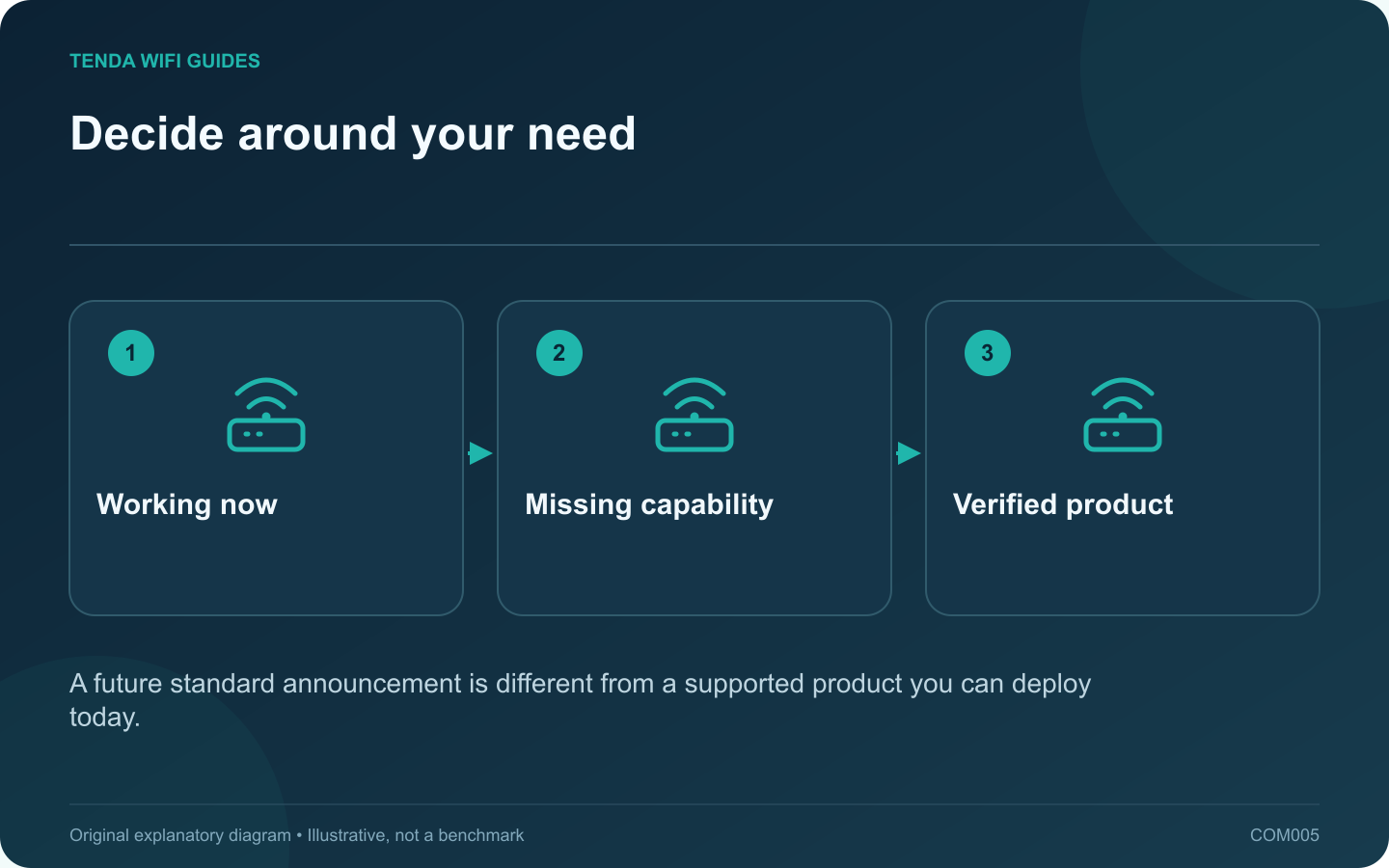
Decide around your need: Working now; Missing capability; Verified product
A future standard announcement is different from a supported product you can deploy today.

Waiting makes sense when your current network meets your needs and the next purchase is optional. It makes less sense when an unsupported or unreliable router is interrupting work. Decide around the problem you have today, then treat Wi-Fi 8 announcements as context for the next buying cycle.

What the current discussion emphasizes

Qualcomm describes Wi-Fi 8 development around reliability, coordination and mobility as well as performance. Those are useful directions, but a technology overview does not establish the capabilities, availability or update policy of a particular retail router.

Before treating an announcement as a shopping option, look for a real model, a regional product page, supported clients and a published software support path. A chipset announcement alone does not complete that chain.

Use three upgrade triggers

  • Security maintenance has ended: replace the unsupported device with equipment you can support now. Do not leave a known maintenance gap open for an uncertain launch date.
  • A measurable task is failing: find the limiting segment first. An Ethernet access point or a better router location may solve it without waiting for another generation.
  • Everything works acceptably: keep the current equipment, save your requirements and review shipping products when replacement becomes worthwhile.

Avoid buying twice for the same promise

Make a short list of capabilities that you can use immediately: port count, access-point mode, guest isolation, suitable coverage and supported client features. Evaluate a present purchase against those requirements. Do not pay extra solely for a claim that an unannounced future update might satisfy them.

If you choose to wait, set an evidence-based review point: a supported client upgrade, a confirmed regional model or a change in your household’s network use. That is more useful than repeatedly moving the target whenever a newer standard is mentioned.

This guide does not predict a Wi-Fi 8 retail launch or promise compatibility between future and current mesh products. Check the exact products again at purchase time.

Sources and editorial notes

Sources checked 8 October 2026. Independent guidance and original illustrations; product comparisons use published specifications rather than hands-on benchmarks. Check the exact model, revision and regional documentation before changing settings.

Related guides

300 FAQs across our guide libraries

Quick answers

100 practical questions from Tenda WiFi Guides.

Browse all 100 FAQs
Should I wait for Wi-Fi 8 before replacing my router?

Waiting makes sense when your current network meets your needs and the next purchase is optional. It makes less sense when an unsupported or unreliable router is interrupting work. Decide around the problem you have today, then treat Wi-Fi 8 announcements as context for the next buying cycle. Qualcomm describes Wi-Fi 8 development around reliability, coordination and mobility as well as performance. Those are useful directions, but a technology overview does not establish the capabilities, availability or update policy of a particular retail router.

Read the full guide and sources
What should I check before turning on Wi-Fi 7 MLO?

Multi-link operation, or MLO, lets compatible Wi-Fi 7 equipment coordinate more than one wireless link. The important buying question is not simply whether MLO appears on the box. Ask which bands, radio modes and client software participate in the connection you intend to use. Intel distinguishes a single-radio approach, eMLSR, from a multi-radio approach. The former can use alternative channels with one client radio; the latter can support simultaneous links. That distinction explains why two devices bearing the same Wi-Fi generation label may not deliver identical results.

Read the full guide and sources
Does a 4K-QAM label guarantee faster internet?

4K-QAM is a Wi-Fi 7 radio capability, not a separate internet plan or a guarantee that a download becomes four times faster. The label describes how information can be carried by the wireless signal. Buying advice becomes misleading when that technical feature is presented as a whole-network speed result. Intel includes 4K-QAM among Wi-Fi 7's capacity improvements. On your comparison worksheet, place it under radio features. Keep measured performance, Ethernet port rates, coverage requirements and subscription costs in separate columns. Mixing those categories makes it easy to count the same marketing benefit twice.

Read the full guide and sources
Is a Wi-Fi 7 router a useful upgrade for my home?

A Wi-Fi 7 router is most useful when a compatible device can exploit it in a room where the connection is already reasonably strong. It is a less direct solution to a bedroom that has never had reliable coverage. Before shopping, separate three reasons for replacing the router: missing features, insufficient coverage and unreliable old hardware. Write down the two devices whose performance matters most. Look up their wireless adapter or manufacturer specification, rather than assuming a recently purchased laptop supports every new Wi-Fi feature. Microsoft documents Windows 11 version 24H2 or later as a requirement for Windows Wi-Fi 7 support; compatible hardware and drivers also matter.

Read the full guide and sources
Independent. Practical. Clear.

Tenda WiFi Guides is an independent information website. We are not affiliated with or endorsed by Tenda. Product names belong to their respective owners.