Independent setup & troubleshootingHelping you find your connection.
The guide library

Is a Wi-Fi 7 router worth buying for your home?

Explore the guide library · Wi-Fi upgrades

Match a Wi-Fi 7 upgrade to your client devices, room layout and wired connections before spending on a new router.
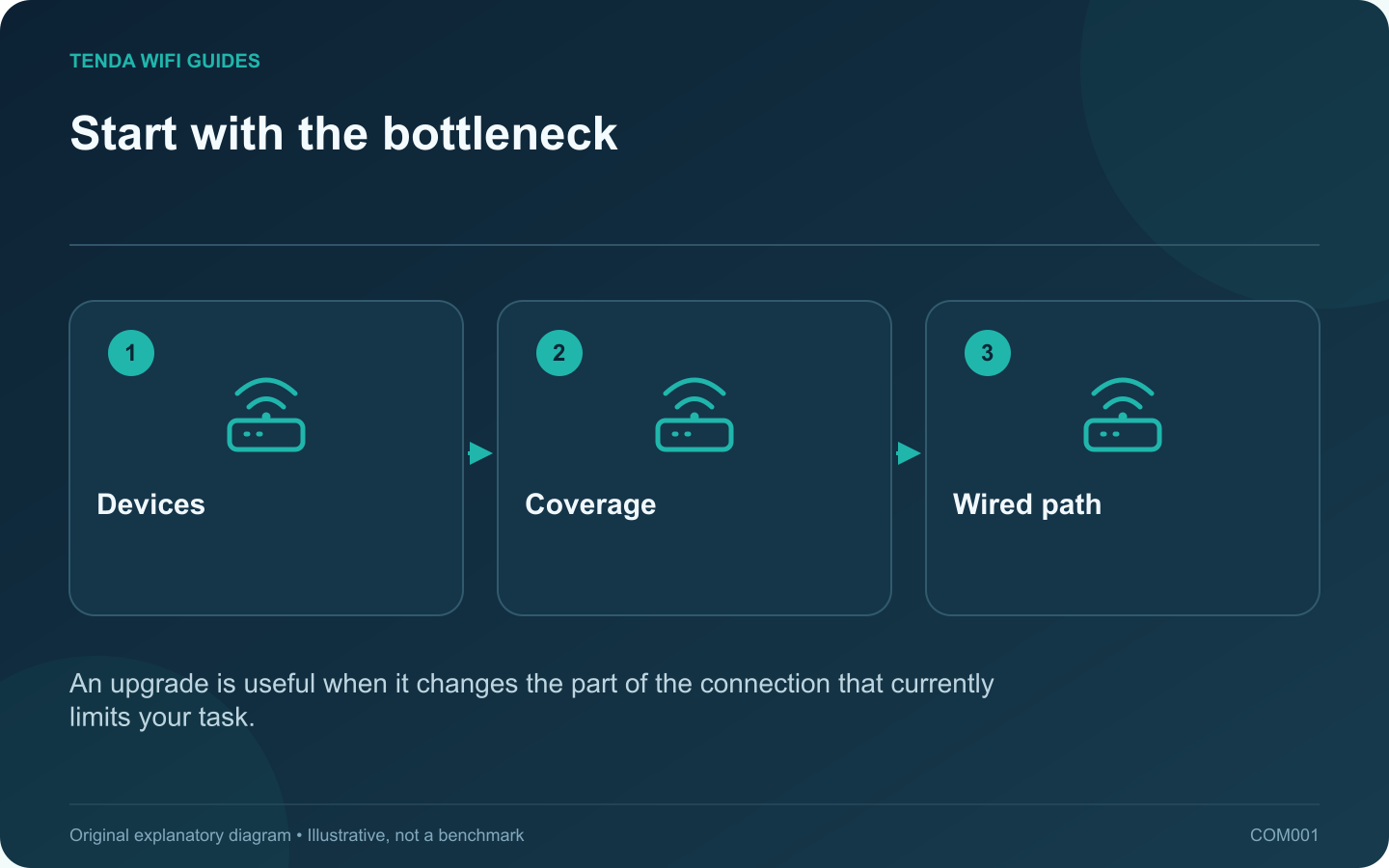
Start with the bottleneck: Devices; Coverage; Wired path
An upgrade is useful when it changes the part of the connection that currently limits your task.

A Wi-Fi 7 router is most useful when a compatible device can exploit it in a room where the connection is already reasonably strong. It is a less direct solution to a bedroom that has never had reliable coverage. Before shopping, separate three reasons for replacing the router: missing features, insufficient coverage and unreliable old hardware.

Make a client-first inventory

Write down the two devices whose performance matters most. Look up their wireless adapter or manufacturer specification, rather than assuming a recently purchased laptop supports every new Wi-Fi feature. Microsoft documents Windows 11 version 24H2 or later as a requirement for Windows Wi-Fi 7 support; compatible hardware and drivers also matter.

Beside each device, record the real task: backing up a large folder, playing an online game, joining calls or streaming video. These tasks do not benefit equally from a higher peak wireless rate.

Choose the upgrade that addresses the observation

  • Fast near the router, poor in one room: examine placement or an additional access point before choosing a more expensive generation.
  • Large local transfers stall at a wired connection: inspect the switch, storage device and Ethernet ports. A radio upgrade does not replace that link.
  • Compatible clients share a busy wireless area: Wi-Fi 7 features such as multi-link operation are relevant candidates, subject to support at both ends.
  • Current equipment no longer receives security maintenance: prioritize a supported replacement even if the speed increase is modest.

Set a useful acceptance test

Choose one desk and one difficult room. Save the current result for an ordinary call or file copy, then repeat with the replacement using the same device, task and position. Include an evening test while other household devices are active.

Keep the old configuration until the new setup passes your daily tasks. An attractive specification is a reason to test a product; successful work in the rooms you use is the reason to keep it. This is a purchase framework, not a measured ranking of routers.

Sources and editorial notes

Sources checked 8 October 2026. Independent guidance and original illustrations; product comparisons use published specifications rather than hands-on benchmarks. Check the exact model, revision and regional documentation before changing settings.

Related guides

300 FAQs across our guide libraries

Quick answers

100 practical questions from Tenda WiFi Guides.

Browse all 100 FAQs
Is a Wi-Fi 7 router a useful upgrade for my home?

A Wi-Fi 7 router is most useful when a compatible device can exploit it in a room where the connection is already reasonably strong. It is a less direct solution to a bedroom that has never had reliable coverage. Before shopping, separate three reasons for replacing the router: missing features, insufficient coverage and unreliable old hardware. Write down the two devices whose performance matters most. Look up their wireless adapter or manufacturer specification, rather than assuming a recently purchased laptop supports every new Wi-Fi feature. Microsoft documents Windows 11 version 24H2 or later as a requirement for Windows Wi-Fi 7 support; compatible hardware and drivers also matter.

Read the full guide and sources
Does a 4K-QAM label guarantee faster internet?

4K-QAM is a Wi-Fi 7 radio capability, not a separate internet plan or a guarantee that a download becomes four times faster. The label describes how information can be carried by the wireless signal. Buying advice becomes misleading when that technical feature is presented as a whole-network speed result. Intel includes 4K-QAM among Wi-Fi 7's capacity improvements. On your comparison worksheet, place it under radio features. Keep measured performance, Ethernet port rates, coverage requirements and subscription costs in separate columns. Mixing those categories makes it easy to count the same marketing benefit twice.

Read the full guide and sources
What should I check before turning on Wi-Fi 7 MLO?

Multi-link operation, or MLO, lets compatible Wi-Fi 7 equipment coordinate more than one wireless link. The important buying question is not simply whether MLO appears on the box. Ask which bands, radio modes and client software participate in the connection you intend to use. Intel distinguishes a single-radio approach, eMLSR, from a multi-radio approach. The former can use alternative channels with one client radio; the latter can support simultaneous links. That distinction explains why two devices bearing the same Wi-Fi generation label may not deliver identical results.

Read the full guide and sources
Should I wait for Wi-Fi 8 before replacing my router?

Waiting makes sense when your current network meets your needs and the next purchase is optional. It makes less sense when an unsupported or unreliable router is interrupting work. Decide around the problem you have today, then treat Wi-Fi 8 announcements as context for the next buying cycle. Qualcomm describes Wi-Fi 8 development around reliability, coordination and mobility as well as performance. Those are useful directions, but a technology overview does not establish the capabilities, availability or update policy of a particular retail router.

Read the full guide and sources
Independent. Practical. Clear.

Tenda WiFi Guides is an independent information website. We are not affiliated with or endorsed by Tenda. Product names belong to their respective owners.