Independent setup & troubleshootingHelping you find your connection.
The guide library

4K-QAM on router boxes: what the specification really tells you

Explore the guide library · Wi-Fi upgrades

Separate a radio modulation capability from the everyday performance you can expect in a different room.
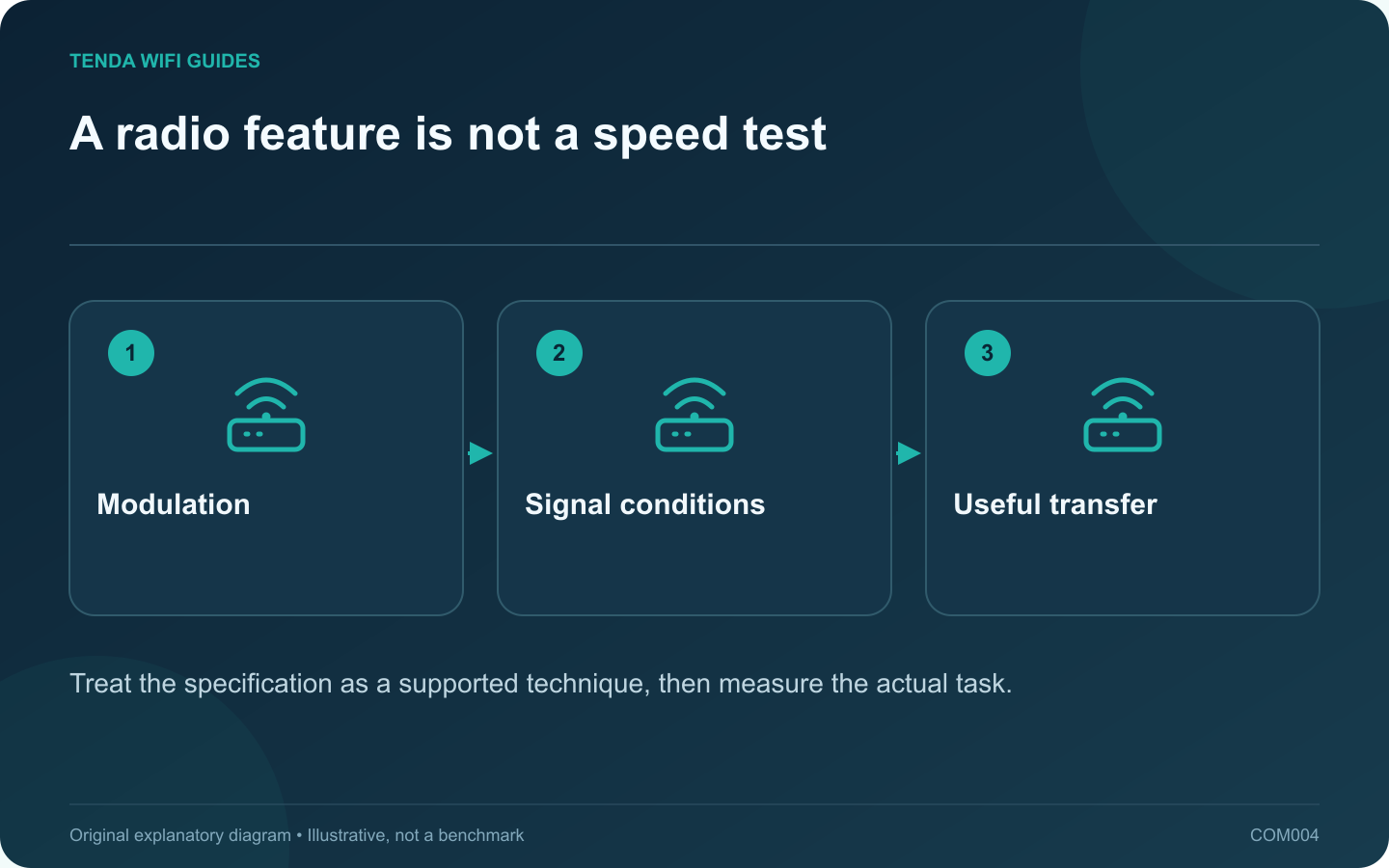
A radio feature is not a speed test: Modulation; Signal conditions; Useful transfer
Treat the specification as a supported technique, then measure the actual task.

4K-QAM is a Wi-Fi 7 radio capability, not a separate internet plan or a guarantee that a download becomes four times faster. The label describes how information can be carried by the wireless signal. Buying advice becomes misleading when that technical feature is presented as a whole-network speed result.

Put the feature in the right column

Intel includes 4K-QAM among Wi-Fi 7’s capacity improvements. On your comparison worksheet, place it under radio features. Keep measured performance, Ethernet port rates, coverage requirements and subscription costs in separate columns. Mixing those categories makes it easy to count the same marketing benefit twice.

A manufacturer may demonstrate a favorable laboratory link. Your desk could involve a different client, additional walls and competing traffic. Unless the measurement conditions match, use that demonstration as background rather than a forecast.

Ask a better shopping question

  • Does the client I actually use support the relevant wireless features?
  • Will the router sit in an open position close enough to the demanding device?
  • Are the destination storage device and wired interfaces fast enough to expose a wireless improvement?
  • Does the router receive maintenance, and can I return it if the practical result disappoints?

Run a comparison that can change your decision

Use a repeatable file copy or another sustained task near the router and at the usual desk. Keep the file, destination and client constant. Write down the completion time and any disconnects, rather than comparing the highest number briefly displayed by an app.

If near-router performance improves but the desk remains unreliable, your next decision is about placement or coverage. If neither location improves, inspect the client’s negotiated connection and the wired path before concluding the radio feature is useless.

You do not need to force an advanced modulation setting to validate a purchase. Most households should judge the complete supported configuration. The useful outcome is a faster or more dependable task, not proof that a particular acronym was active for a moment.

Sources and editorial notes

Sources checked 8 October 2026. Independent guidance and original illustrations; product comparisons use published specifications rather than hands-on benchmarks. Check the exact model, revision and regional documentation before changing settings.

Related guides

300 FAQs across our guide libraries

Quick answers

100 practical questions from Tenda WiFi Guides.

Browse all 100 FAQs
Does a 4K-QAM label guarantee faster internet?

4K-QAM is a Wi-Fi 7 radio capability, not a separate internet plan or a guarantee that a download becomes four times faster. The label describes how information can be carried by the wireless signal. Buying advice becomes misleading when that technical feature is presented as a whole-network speed result. Intel includes 4K-QAM among Wi-Fi 7's capacity improvements. On your comparison worksheet, place it under radio features. Keep measured performance, Ethernet port rates, coverage requirements and subscription costs in separate columns. Mixing those categories makes it easy to count the same marketing benefit twice.

Read the full guide and sources
What must support 6 GHz before I buy a compatible router?

A router with a 6 GHz radio cannot add 6 GHz support to an older phone or laptop. Before spending money, identify at least one device that can use the extra band. Treat the client as a combination of hardware, software and regional support, rather than relying on the device's age. For a computer, find the wireless adapter model and the manufacturer's current driver information. For a phone or tablet, use the specification for the exact generation and regional variant. A similar product name is not enough.

Read the full guide and sources
Will more router antennas make one laptop faster?

A large router with many visible antennas can look like an obvious upgrade. Appearance does not tell you how one laptop will connect. Read the radio specification at both ends and consider the household's simultaneous workloads before paying for a larger design. ASUS lists 4×4 radios for the GT-BE98 Pro's bands, while the Archer BE550 specification describes a different radio arrangement. Those entries are more meaningful than counting plastic antenna housings in a shop photograph.

Read the full guide and sources
Is a Wi-Fi 7 router a useful upgrade for my home?

A Wi-Fi 7 router is most useful when a compatible device can exploit it in a room where the connection is already reasonably strong. It is a less direct solution to a bedroom that has never had reliable coverage. Before shopping, separate three reasons for replacing the router: missing features, insufficient coverage and unreliable old hardware. Write down the two devices whose performance matters most. Look up their wireless adapter or manufacturer specification, rather than assuming a recently purchased laptop supports every new Wi-Fi feature. Microsoft documents Windows 11 version 24H2 or later as a requirement for Windows Wi-Fi 7 support; compatible hardware and drivers also matter.

Read the full guide and sources
Independent. Practical. Clear.

Tenda WiFi Guides is an independent information website. We are not affiliated with or endorsed by Tenda. Product names belong to their respective owners.