Explore the guide library · Wi-Fi upgrades
Check the computer or phone, operating system, drivers and region so a new 6 GHz router delivers a usable connection.
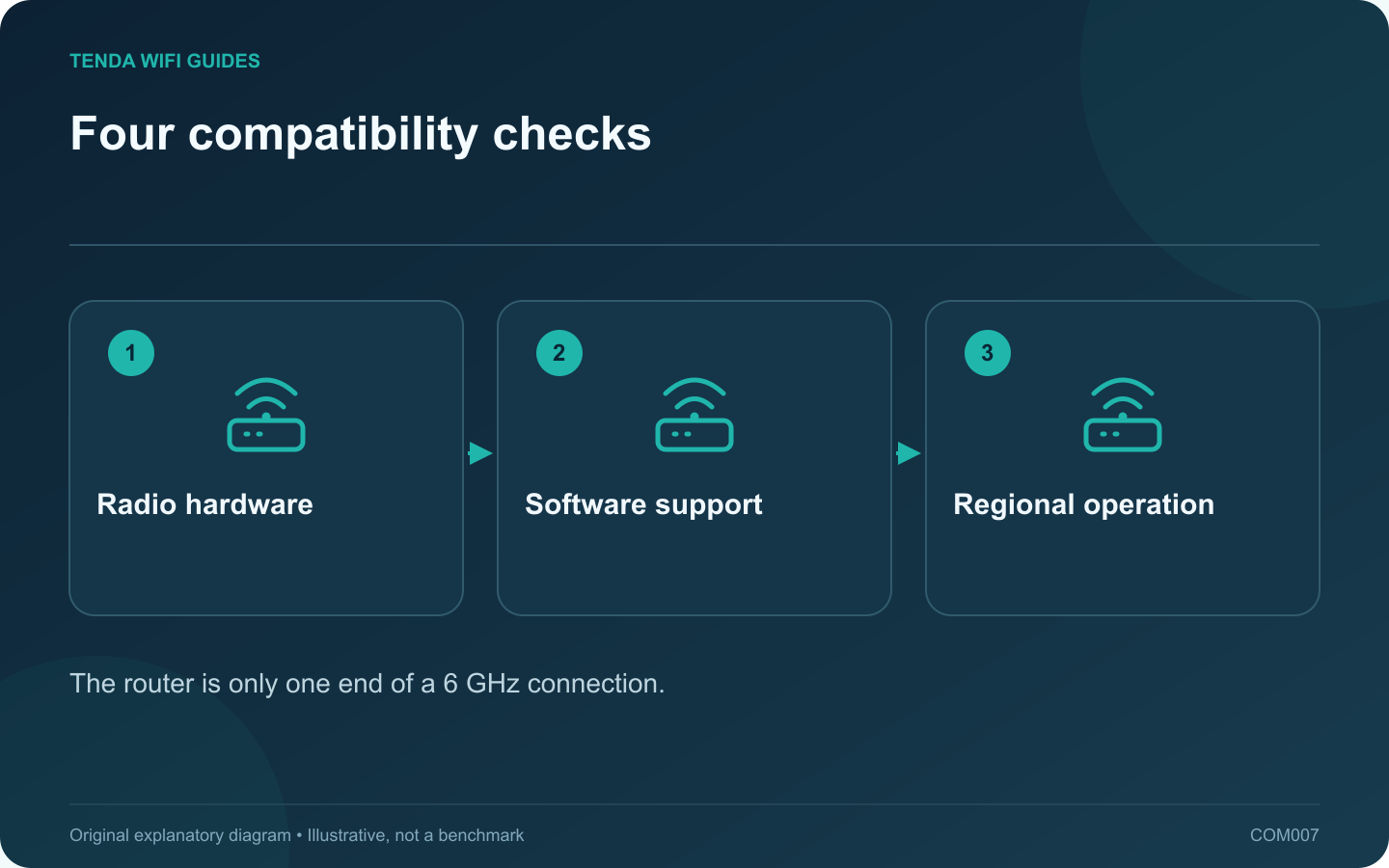
A router with a 6 GHz radio cannot add 6 GHz support to an older phone or laptop. Before spending money, identify at least one device that can use the extra band. Treat the client as a combination of hardware, software and regional support, rather than relying on the device’s age.
Collect the exact identity
For a computer, find the wireless adapter model and the manufacturer’s current driver information. For a phone or tablet, use the specification for the exact generation and regional variant. A similar product name is not enough.
Record the operating-system version next. Microsoft’s Windows guidance distinguishes the software requirements for newer Wi-Fi capabilities. Do not assume that installing a new adapter while retaining an older software environment activates every feature.
Separate basic access from advanced features
Joining a 6 GHz network and using a Wi-Fi 7 feature are different checks. A client may support the band without supporting the router’s advertised multi-link or widest-channel mode. TP-Link explicitly conditions advanced BE63 features on client support and regional availability.
On a buying worksheet, give each feature its own entry: 6 GHz access, intended channel width and MLO mode. Mark unknowns as unknowns until the client documentation resolves them.
Verify after installation
- Set up the router using its regional instructions and current supported firmware.
- Connect the known-compatible test client near the router.
- Inspect the connection details supplied by the client or router. Record the actual band instead of inferring it from the network name.
- Move to the usual work position and repeat the intended task. Include the ordinary location in the acceptance test.
If the band is unavailable, stop changing unrelated DNS or internet settings. Return to the adapter, software, router band configuration and regional documentation. Those checks address the missing radio connection directly.
Keep older household devices on their supported bands. Their continued operation is part of a successful upgrade; forcing every device onto one new configuration is not the objective.
Sources and editorial notes
Sources checked 8 October 2026. Independent guidance and original illustrations; product comparisons use published specifications rather than hands-on benchmarks. Check the exact model, revision and regional documentation before changing settings.