Explore the guide library · Wi-Fi upgrades
Check the band, client, local availability and wired destination before paying extra for a wider wireless channel.
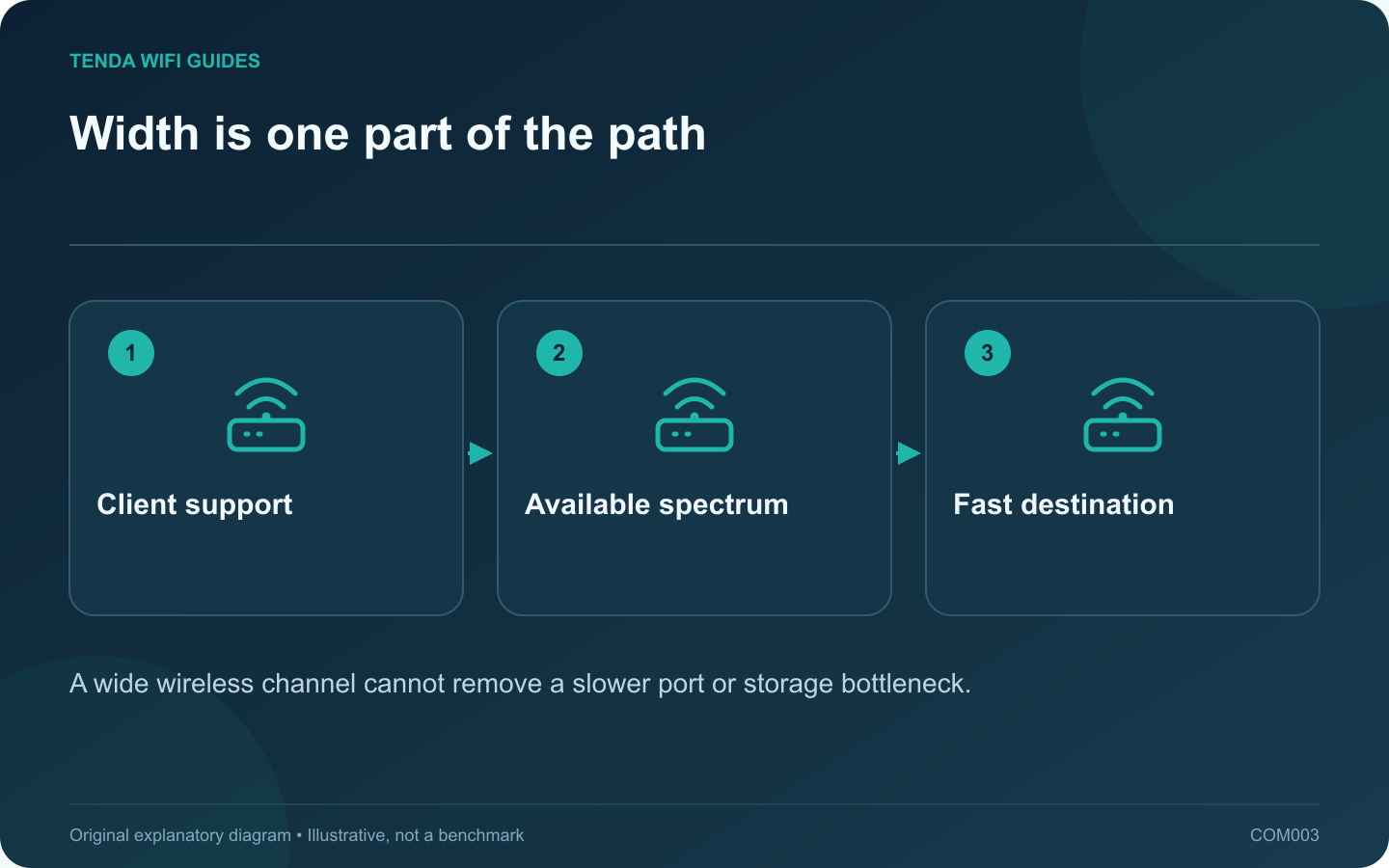
A 320 MHz channel is a capability to evaluate for demanding wireless transfers, not a setting every household needs to maximize. The first question is whether both the router and the device can actually use it in your region. The second is whether the rest of the transfer path has enough capacity to benefit.
Read the qualification beside the headline
For example, TP-Link specifies that the Deco BE63’s 320 MHz operation is on 6 GHz and depends on compatible clients and regional availability. A router described simply as Wi-Fi 7 may use only 2.4 GHz and 5 GHz. Check the band list before comparing channel widths.
Follow one real file transfer
Imagine copying a video project from a laptop to a home storage device. List the laptop adapter, wireless link, router port, switch uplink and storage interface. If the storage unit connects through a slower Ethernet path, replacing only the wireless segment leaves that constraint in place.
For an internet download, replace the storage end of that diagram with the router’s WAN connection and your service plan. The two tests answer different questions, so do not use a fast local copy as a promise about your provider’s download speed.
Decide what to prioritize
- Large transfers near the access point: wide-channel support deserves attention alongside multi-gigabit ports.
- Ordinary calls and browsing: stable coverage and supported firmware are usually more useful purchasing criteria.
- Several walls between the desk and router: investigate where the access point can be installed. A width setting does not remove the walls.
Keep a narrower comparison available
When the equipment offers a supported width control, save the original configuration and compare two settings with the same client and task. Record both completion time and interruptions. Let the manufacturer’s automatic selection remain your baseline unless you have a reproducible reason to change it.
Choose the configuration that performs consistently in your room. A lower displayed channel width is not, by itself, evidence of a defective router.
Sources and editorial notes
Sources checked 8 October 2026. Independent guidance and original illustrations; product comparisons use published specifications rather than hands-on benchmarks. Check the exact model, revision and regional documentation before changing settings.