Explore the guide library · Wi-Fi upgrades
Understand the difference between multiple available links and simultaneous radios, then test MLO without disturbing older devices.
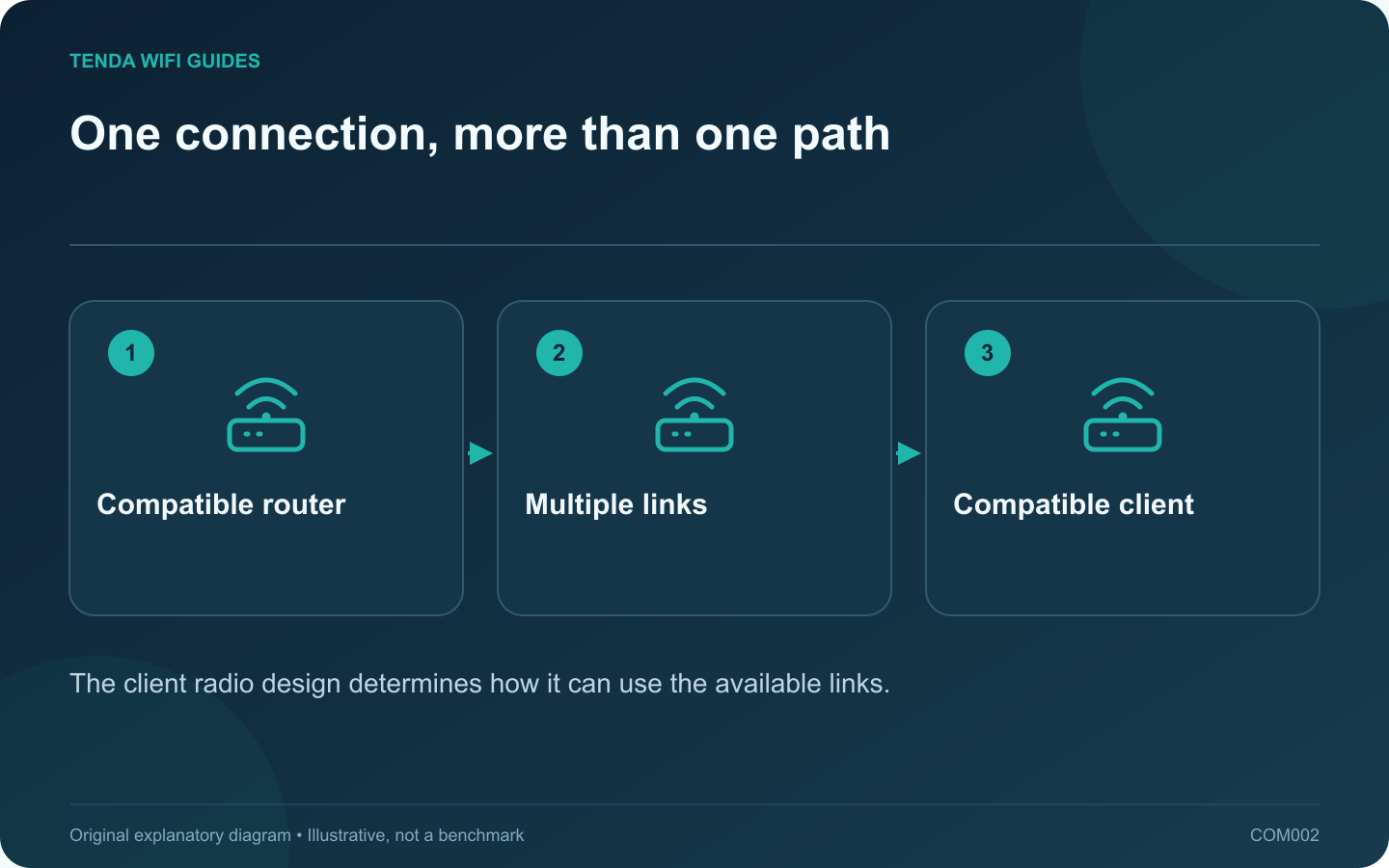
Multi-link operation, or MLO, lets compatible Wi-Fi 7 equipment coordinate more than one wireless link. The important buying question is not simply whether MLO appears on the box. Ask which bands, radio modes and client software participate in the connection you intend to use.
Two implementations can behave differently
Intel distinguishes a single-radio approach, eMLSR, from a multi-radio approach. The former can use alternative channels with one client radio; the latter can support simultaneous links. That distinction explains why two devices bearing the same Wi-Fi generation label may not deliver identical results.
Do not add the router’s advertised band rates and treat the total as a promised laptop download speed. Your actual client capability must be part of the calculation.
Prepare one test device
- Record the router model, revision and firmware. Check its current MLO instructions for the supported band combination.
- Confirm the client adapter, operating system and driver support the intended mode. An older client can still be useful on an ordinary network, but it is not a valid MLO test.
- Keep the existing working Wi-Fi configuration available. If the router provides a separate MLO network, follow its instructions rather than renaming every household network at once.
- Reconnect the test device and inspect the connection information offered by both ends. Merely seeing a new network name does not establish that multiple links are active.
Measure the task, including consistency
Try a large local transfer and an interactive task separately. Note interruptions, repeated stalls and completion time. Compare the same locations before and after enabling MLO; changing room and setting together makes the result difficult to interpret.
If the client becomes unstable, return that client to the previous working configuration and check release notes for both products. Keep other devices on their established network while investigating. A feature is worth retaining when it improves the task without introducing a compatibility problem.
Sources and editorial notes
Sources checked 8 October 2026. Independent guidance and original illustrations; product comparisons use published specifications rather than hands-on benchmarks. Check the exact model, revision and regional documentation before changing settings.