Independent setup & troubleshootingHelping you find your connection.
The guide library

Before adding a port-forwarding rule to a home router

Explore the guide library · Router security

Identify the service, destination and external access requirement before opening an inbound route.
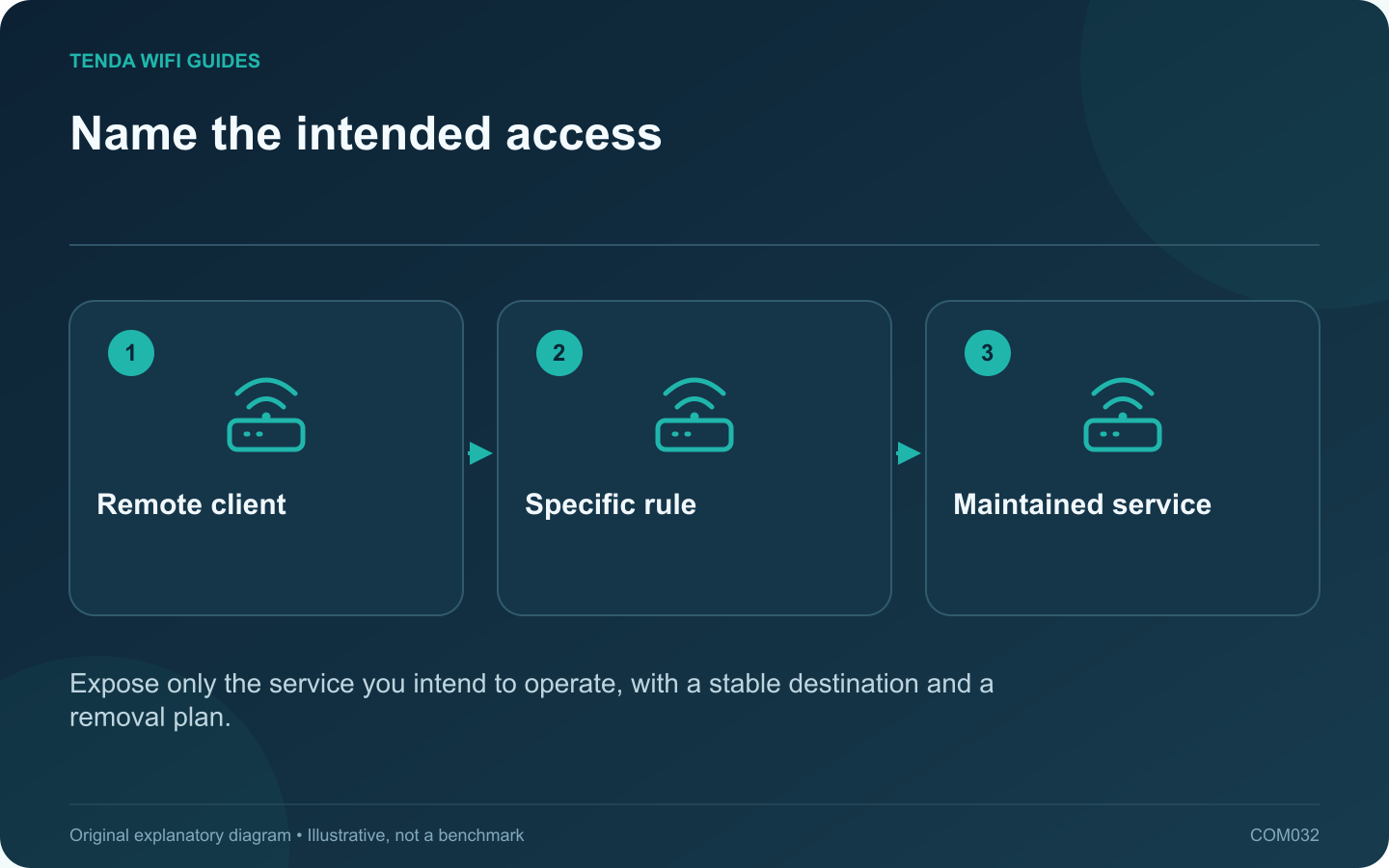
Name the intended access: Remote client; Specific rule; Maintained service
Expose only the service you intend to operate, with a stable destination and a removal plan.

A port-forwarding rule creates a route from an external connection to a specific internal service. Add one only when you understand which service must be reachable and why. It is not a general fix for slow downloads, weak Wi-Fi or an application that has never worked locally.

Prove the local service first

Confirm that the intended server works from another device on the home network. Record its address, listening port and protocol from the application’s official documentation. Give the destination a stable address through a supported reservation or documented network plan.

GL.iNet’s forwarding guide distinguishes the external port, internal address, internal port and protocol. These fields describe different parts of the route; filling them all with the same convenient number does not establish a correct rule.

Assess the external path

Identify any upstream router or provider address-sharing arrangement. If your router is behind another gateway, a rule on the inner router alone may not create public reachability. Ask the ISP about inbound access when the service arrangement is unclear.

Keep the rule narrow

  • Use only the protocol and port required by the documented service.
  • Apply source restrictions when supported and appropriate.
  • Keep the service patched and protected by suitable authentication.
  • Describe the rule clearly and note when it should be removed.

Do not place a general-purpose computer in DMZ merely because a narrowly scoped rule has not worked. That changes the exposure much more broadly and obscures the original diagnostic question.

Verify from the right place

Test the authorized service from a genuinely external connection using its normal client. An internal test to the public address can depend on separate router behavior. Confirm that the intended function works and that unrelated services remain inaccessible.

When the project ends, disable the rule and repeat the external check. A maintained access inventory is as important as a successful initial connection.

Sources and editorial notes

Sources checked 8 October 2026. Independent guidance and original illustrations; product comparisons use published specifications rather than hands-on benchmarks. Check the exact model, revision and regional documentation before changing settings.

Related guides

300 FAQs across our guide libraries

Quick answers

100 practical questions from Tenda WiFi Guides.

Browse all 100 FAQs
What should I verify before forwarding a router port?

A port-forwarding rule creates a route from an external connection to a specific internal service. Add one only when you understand which service must be reachable and why. It is not a general fix for slow downloads, weak Wi-Fi or an application that has never worked locally. Confirm that the intended server works from another device on the home network. Record its address, listening port and protocol from the application's official documentation. Give the destination a stable address through a supported reservation or documented network plan.

Read the full guide and sources
How should I choose between UPnP and manual forwarding?

UPnP can let applications request port mappings automatically, while manual forwarding places the rule under the administrator's direct control. The right choice depends on the devices you trust and the access the application actually needs. Neither option should be enabled blindly to improve a speed-test number. Read the current official support instructions for the game, console or service. Identify whether inbound reachability is required and which method the vendor supports. If the application already works correctly, a change may offer no useful benefit.

Read the full guide and sources
Is local router administration the same as remote access?

Local administration lets you manage the router from the home network. Remote administration introduces another path to the same powerful controls. Configure dependable local access first and leave remote access disabled unless you have a specific reason to use it. Save the correct management address and a distinct administrator credential. Record any changed management port and the supported way to recover access. Store these details privately, separate from the Wi-Fi information shared with visitors.

Read the full guide and sources
Does hiding my Wi-Fi name make the network secure?

For most home networks, keep the Wi-Fi name visible and protect access with a suitable security mode and strong credential. Hiding an SSID is not a substitute for authentication, and it can make joining or diagnosing the network more awkward. The network name helps devices and people identify the intended connection. The security configuration determines who can join and how the wireless connection is protected. Those jobs should not be confused.

Read the full guide and sources
Independent. Practical. Clear.

Tenda WiFi Guides is an independent information website. We are not affiliated with or endorsed by Tenda. Product names belong to their respective owners.