Explore the guide library · Router security
Use strong authentication and a sensible network name rather than relying on a hidden SSID as the security boundary.
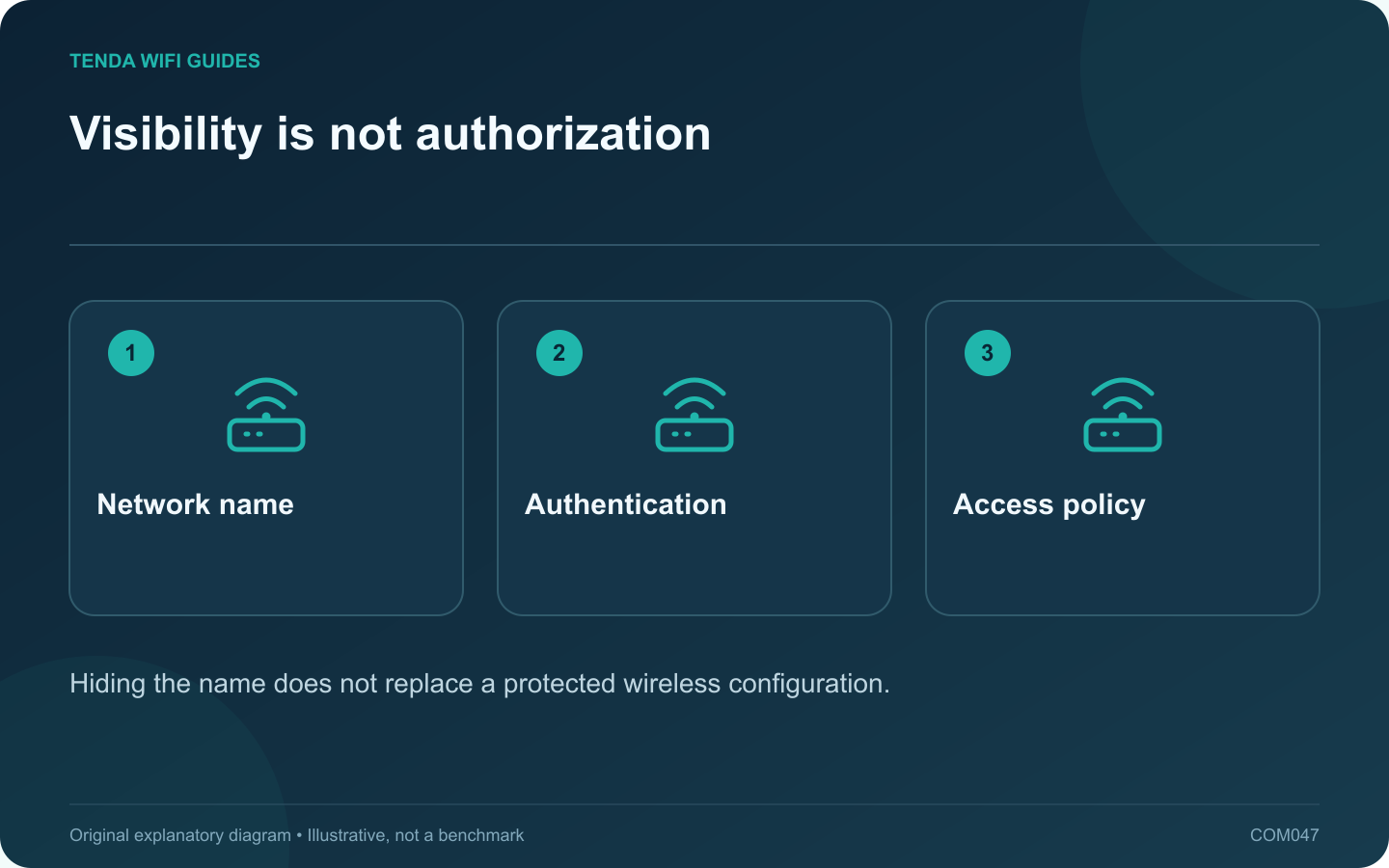
For most home networks, keep the Wi-Fi name visible and protect access with a suitable security mode and strong credential. Hiding an SSID is not a substitute for authentication, and it can make joining or diagnosing the network more awkward.
Separate discovery from permission
The network name helps devices and people identify the intended connection. The security configuration determines who can join and how the wireless connection is protected. Those jobs should not be confused.
Apple advises against hidden networks and explains that hiding the name does not conceal the network from detection. Treat a hidden setting as a compatibility choice that requires a specific justification, not as an extra password.
Choose a useful public name
- Use a distinctive name so household devices do not confuse it with common defaults.
- Avoid personal contact details, a full home address or other identifying information you do not want nearby people to see.
- Keep capitalization and spelling consistent with the intended multi-band setup.
- Give guest access a clear name without exposing the main credential.
If the network is already hidden
Record the current settings and check the router’s supported procedure before making it visible. Test an ordinary phone and an older required device after the change. A saved client profile may need to be refreshed if its assumptions no longer match the network configuration.
Do not change the SSID, password, security mode and channel all at once unless a documented migration requires it. A staged change makes a compatibility problem easier to locate.
Focus effort on the controls that matter
Keep firmware maintained, use a distinct administrator credential and review guest or remote-management access. Check connected devices periodically and investigate unknown entries without assuming every unfamiliar hardware name is an intruder.
The aim is a network that household members can identify and access securely. Making the name inconvenient to see does not establish that the network itself has become more secure.
Sources and editorial notes
Sources checked 8 October 2026. Independent guidance and original illustrations; product comparisons use published specifications rather than hands-on benchmarks. Check the exact model, revision and regional documentation before changing settings.