Independent setup & troubleshootingHelping you find your connection.
The guide library

How to test whether your guest Wi-Fi is actually isolated

Explore the guide library · Router security

A separate network name is not proof of isolation. Verify internet access and blocked local access from an ordinary guest device.
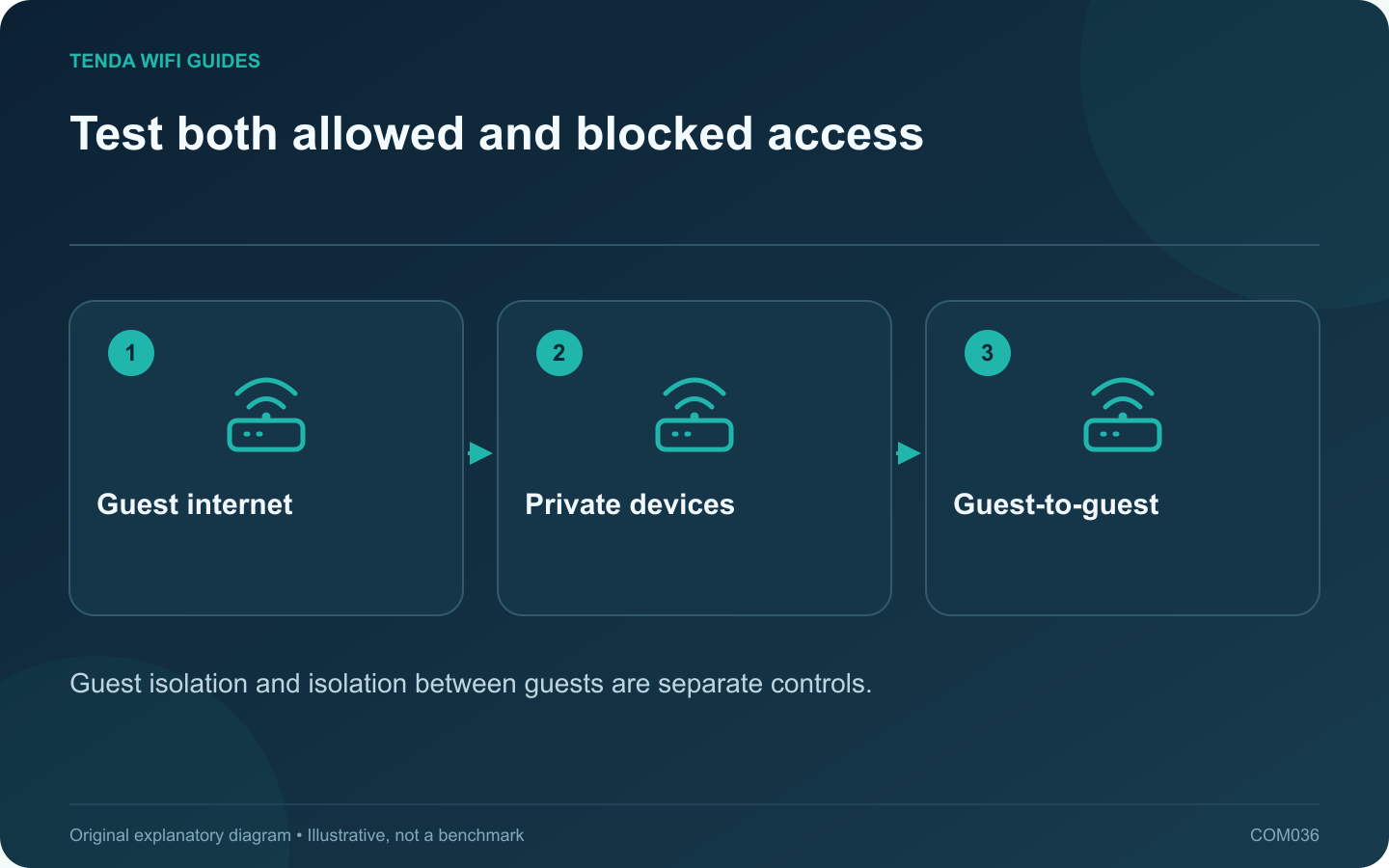
Test both allowed and blocked access: Guest internet; Private devices; Guest-to-guest
Guest isolation and isolation between guests are separate controls.

A guest network should behave according to the access policy you intend. Giving it a different name is not enough to prove that visitors cannot reach your computers or router settings. Test from a device connected as an ordinary guest, with no administrator privileges.

Define what visitors need

For a typical visit, internet access may be sufficient. If guests need a shared television or printer, document that exception instead of disabling every isolation setting. Keep the household’s private storage and management interfaces outside the intended access list.

GL.iNet documents both guest separation and an AP-isolation control. TP-Link’s Deco guide describes mode-dependent local-access options. These examples show why you need to inspect the exact firmware and operating mode, especially after converting a router to an access point.

Run a small permission test

  1. Join the guest network with a test phone or laptop.
  2. Confirm an ordinary public website works.
  3. Try reaching a private resource you own that should be blocked, such as the normal local printer page.
  4. Check whether the router management page is reachable from that guest connection.
  5. If guests should be separated from one another, test a permitted diagnostic connection between two of your own guest devices.

Interpret failures carefully

A resource that cannot be opened may be offline, so first confirm it works from an authorized main-network client. Conversely, a blocked discovery list does not prove direct-address access is blocked. Test the actual connection method when possible.

Do not use a third party’s device or private service as a test target. Your own known resource is enough to validate the intended boundary.

Save the result with the configuration

Record the router mode, relevant settings and the allowed/blocked outcomes. Repeat the test after a major firmware or topology change. If the product cannot enforce the policy in its current mode, choose a supported arrangement that can rather than relying on the word guest in the network name.

Sources and editorial notes

Sources checked 8 October 2026. Independent guidance and original illustrations; product comparisons use published specifications rather than hands-on benchmarks. Check the exact model, revision and regional documentation before changing settings.

Related guides

300 FAQs across our guide libraries

Quick answers

100 practical questions from Tenda WiFi Guides.

Browse all 100 FAQs
How can I check whether guest Wi-Fi is isolated?

A guest network should behave according to the access policy you intend. Giving it a different name is not enough to prove that visitors cannot reach your computers or router settings. Test from a device connected as an ordinary guest, with no administrator privileges. For a typical visit, internet access may be sufficient. If guests need a shared television or printer, document that exception instead of disabling every isolation setting. Keep the household's private storage and management interfaces outside the intended access list.

Read the full guide and sources
How should I choose between UPnP and manual forwarding?

UPnP can let applications request port mappings automatically, while manual forwarding places the rule under the administrator's direct control. The right choice depends on the devices you trust and the access the application actually needs. Neither option should be enabled blindly to improve a speed-test number. Read the current official support instructions for the game, console or service. Identify whether inbound reachability is required and which method the vendor supports. If the application already works correctly, a change may offer no useful benefit.

Read the full guide and sources
Should I use WPA3-only or WPA2/WPA3 transition mode?

Choose the strongest supported Wi-Fi security arrangement that your required devices can use reliably. A household with older equipment may need a transition plan rather than changing the main network and hoping every device reconnects. List the oldest printer, smart plug, camera and computer that must remain connected. Check their manufacturer documentation for supported security modes and available updates. Test them individually instead of assuming all older devices behave alike.

Read the full guide and sources
How should I set up temporary guest Wi-Fi?

A temporary guest network is a practical way to give visitors internet access without distributing the household's main wireless credential. Configure the access limits before sharing it, then decide when the network should expire or be disabled. Most visitors need internet access. Some may need a shared television or printer. Identify that requirement explicitly, because allowing access to the entire private network is a much broader change than enabling one shared activity.

Read the full guide and sources
Independent. Practical. Clear.

Tenda WiFi Guides is an independent information website. We are not affiliated with or endorsed by Tenda. Product names belong to their respective owners.