Independent setup & troubleshootingHelping you find your connection.
The guide library

UPnP vs manual port forwarding: choose an access policy you can maintain

Explore the guide library · Router security

Compare automatic application mappings with deliberate rules, and avoid using DMZ as a routine troubleshooting shortcut.
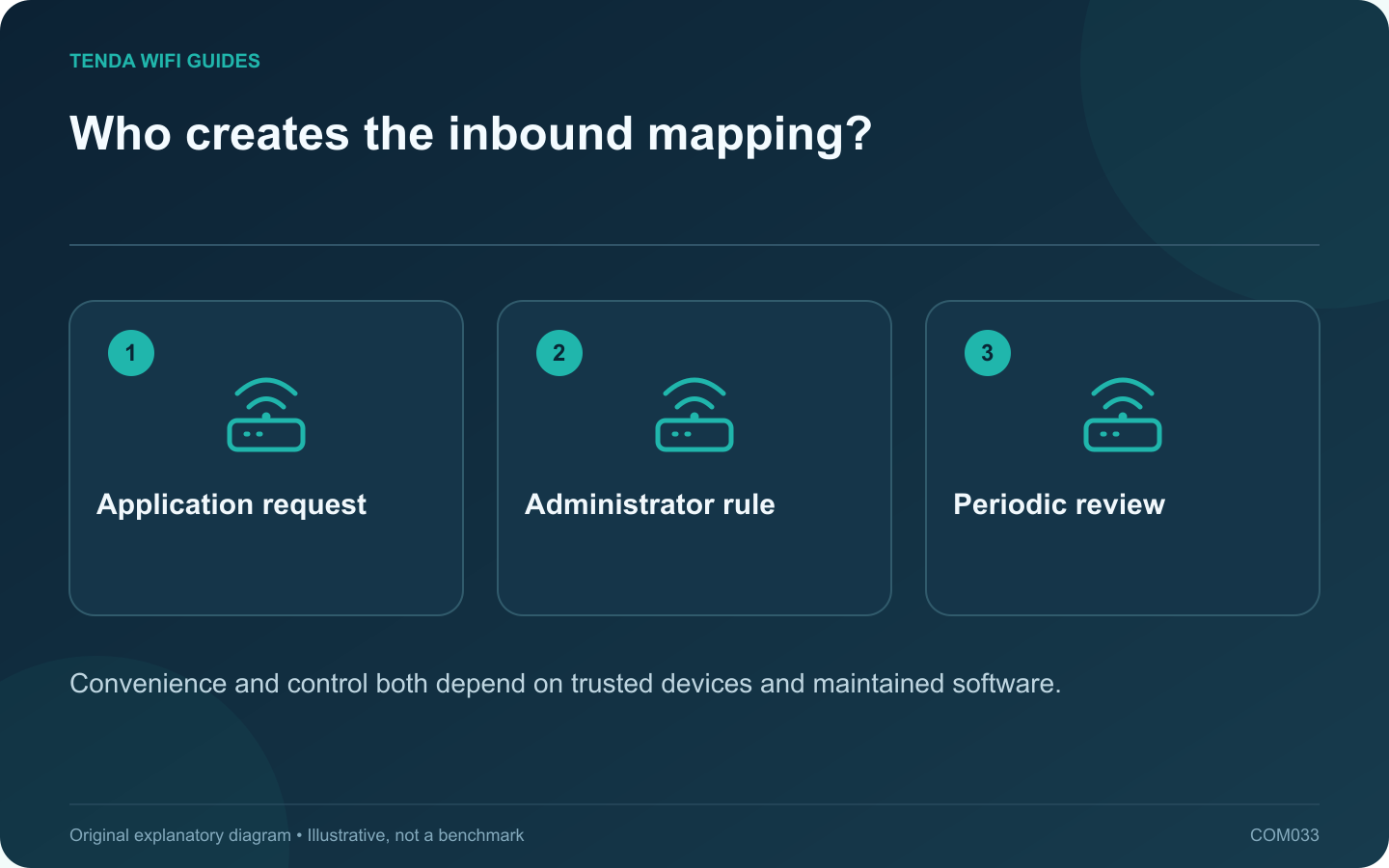
Who creates the inbound mapping?: Application request; Administrator rule; Periodic review
Convenience and control both depend on trusted devices and maintained software.

UPnP can let applications request port mappings automatically, while manual forwarding places the rule under the administrator’s direct control. The right choice depends on the devices you trust and the access the application actually needs. Neither option should be enabled blindly to improve a speed-test number.

Start with the application requirement

Read the current official support instructions for the game, console or service. Identify whether inbound reachability is required and which method the vendor supports. If the application already works correctly, a change may offer no useful benefit.

TP-Link discusses UPnP as a convenience with security tradeoffs. GL.iNet’s forwarding documentation shows the fields needed for an explicit mapping. Those are two different management approaches, not a universal ranking of every router implementation.

Compare the maintenance burden

  • Automatic mappings: convenient for changing application requirements, but require trust in the local devices requesting them and visibility into active entries.
  • Manual rules: easier to document individually, but need stable destinations and cleanup when a device or service changes.
  • No inbound mapping: appropriate when the task does not require one or uses a supported relay or outbound connection.

Test without stacking workarounds

Record the current policy. Change one supported method, restart or reconnect the relevant application as its documentation requires, and inspect the result. Do not add manual rules, enable UPnP and place the same device in DMZ simultaneously. You would lose the ability to identify which change mattered.

If the router is behind another gateway or provider address sharing, investigate that topology separately. A local mapping does not remove an upstream restriction.

Review after the task changes

Remove rules for retired equipment and inspect automatic mappings periodically if your router exposes them. Keep operating systems, consoles and router firmware maintained.

The useful policy is the narrowest supported arrangement that allows the intended task and remains understandable later. An “open NAT” label alone is not a complete assessment of network security or performance.

Sources and editorial notes

Sources checked 8 October 2026. Independent guidance and original illustrations; product comparisons use published specifications rather than hands-on benchmarks. Check the exact model, revision and regional documentation before changing settings.

Related guides

300 FAQs across our guide libraries

Quick answers

100 practical questions from Tenda WiFi Guides.

Browse all 100 FAQs
How should I choose between UPnP and manual forwarding?

UPnP can let applications request port mappings automatically, while manual forwarding places the rule under the administrator's direct control. The right choice depends on the devices you trust and the access the application actually needs. Neither option should be enabled blindly to improve a speed-test number. Read the current official support instructions for the game, console or service. Identify whether inbound reachability is required and which method the vendor supports. If the application already works correctly, a change may offer no useful benefit.

Read the full guide and sources
Is local router administration the same as remote access?

Local administration lets you manage the router from the home network. Remote administration introduces another path to the same powerful controls. Configure dependable local access first and leave remote access disabled unless you have a specific reason to use it. Save the correct management address and a distinct administrator credential. Record any changed management port and the supported way to recover access. Store these details privately, separate from the Wi-Fi information shared with visitors.

Read the full guide and sources
Should I use WPA3-only or WPA2/WPA3 transition mode?

Choose the strongest supported Wi-Fi security arrangement that your required devices can use reliably. A household with older equipment may need a transition plan rather than changing the main network and hoping every device reconnects. List the oldest printer, smart plug, camera and computer that must remain connected. Check their manufacturer documentation for supported security modes and available updates. Test them individually instead of assuming all older devices behave alike.

Read the full guide and sources
What should I verify before forwarding a router port?

A port-forwarding rule creates a route from an external connection to a specific internal service. Add one only when you understand which service must be reachable and why. It is not a general fix for slow downloads, weak Wi-Fi or an application that has never worked locally. Confirm that the intended server works from another device on the home network. Record its address, listening port and protocol from the application's official documentation. Give the destination a stable address through a supported reservation or documented network plan.

Read the full guide and sources
Independent. Practical. Clear.

Tenda WiFi Guides is an independent information website. We are not affiliated with or endorsed by Tenda. Product names belong to their respective owners.