Independent setup & troubleshootingHelping you find your connection.
The guide library

Local router administration vs remote access: keep the jobs separate

Explore the guide library · Router security

Set up reliable local management first, then enable remote administration only for an identified need and supported access method.
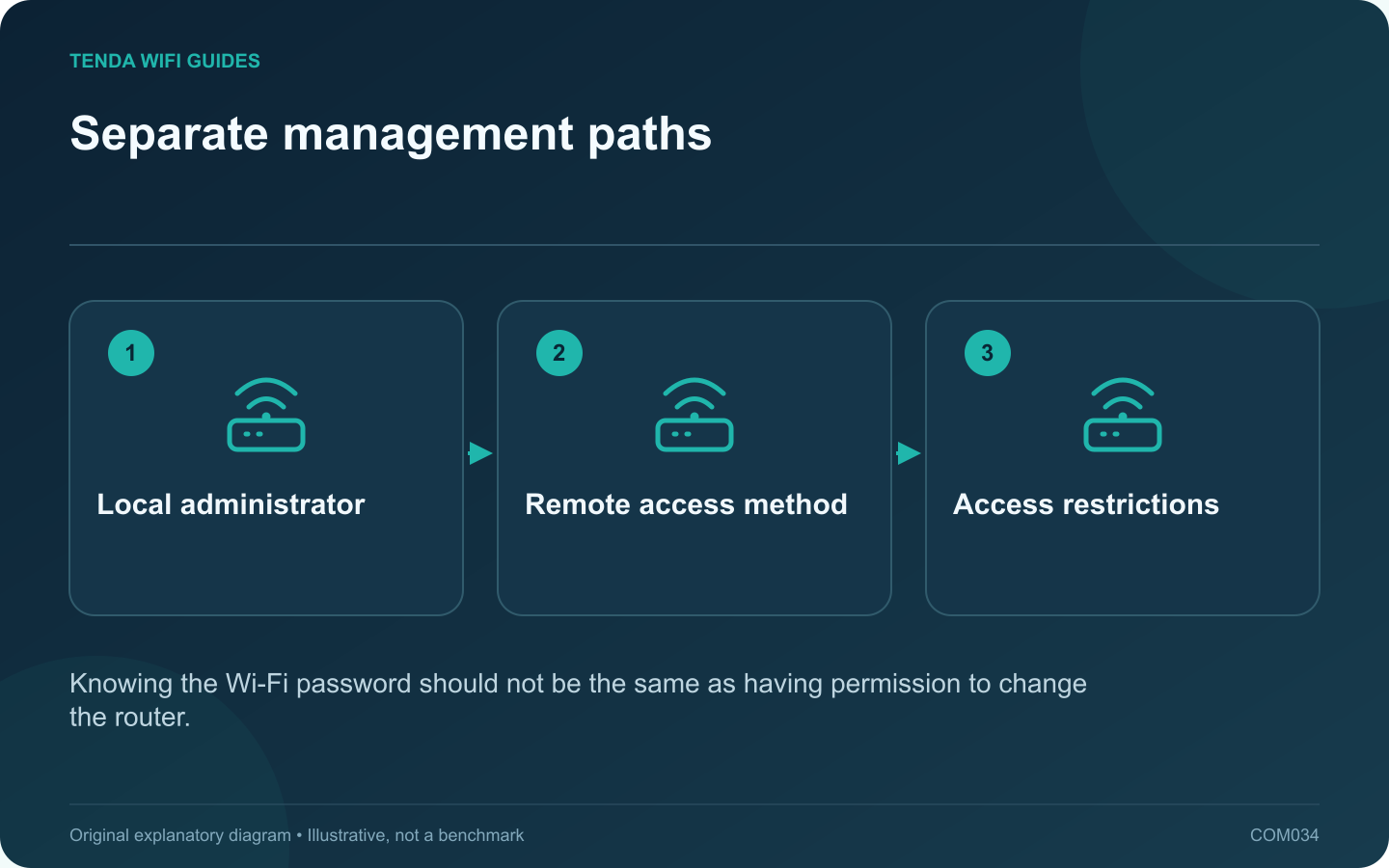
Separate management paths: Local administrator; Remote access method; Access restrictions
Knowing the Wi-Fi password should not be the same as having permission to change the router.

Local administration lets you manage the router from the home network. Remote administration introduces another path to the same powerful controls. Configure dependable local access first and leave remote access disabled unless you have a specific reason to use it.

Establish a local management record

Save the correct management address and a distinct administrator credential. Record any changed management port and the supported way to recover access. Store these details privately, separate from the Wi-Fi information shared with visitors.

GL.iNet’s administrator-access documentation distinguishes local interfaces, HTTPS controls and remote-access restrictions. Your router may arrange these controls differently, so use its current manual rather than copying another product’s port numbers.

Reduce unnecessary management paths

  • Disable unused remote-management features.
  • Use supported encrypted administration where available.
  • Keep idle-session logout at a sensible supported setting.
  • Restrict remote sources when the chosen method supports it.
  • Maintain the router firmware and any account used by its management service.

Test a change before ending the session

If you change the local address, protocol or port, open the documented new management location from an authorized device and confirm it works. Do not close the only working session before noting how to reconnect.

If a browser displays an unexpected certificate or security warning, verify the address, device and manufacturer’s supported setup guidance. Do not train household members to ignore warnings simply because they are trying to manage a router.

Choose remote access deliberately

Compare a supported VPN-based management path with the manufacturer’s maintained remote-management service. Consider authentication, account recovery and who else can administer the network. Avoid publishing the management interface merely because a dynamic hostname is available.

After setup, test both permitted access and a connection that should be denied. Revisit the arrangement when a helper, device or service no longer needs access. Router management is a permission to change the household network, not just another bookmark.

Sources and editorial notes

Sources checked 8 October 2026. Independent guidance and original illustrations; product comparisons use published specifications rather than hands-on benchmarks. Check the exact model, revision and regional documentation before changing settings.

Related guides

300 FAQs across our guide libraries

Quick answers

100 practical questions from Tenda WiFi Guides.

Browse all 100 FAQs
Is local router administration the same as remote access?

Local administration lets you manage the router from the home network. Remote administration introduces another path to the same powerful controls. Configure dependable local access first and leave remote access disabled unless you have a specific reason to use it. Save the correct management address and a distinct administrator credential. Record any changed management port and the supported way to recover access. Store these details privately, separate from the Wi-Fi information shared with visitors.

Read the full guide and sources
Does hiding my Wi-Fi name make the network secure?

For most home networks, keep the Wi-Fi name visible and protect access with a suitable security mode and strong credential. Hiding an SSID is not a substitute for authentication, and it can make joining or diagnosing the network more awkward. The network name helps devices and people identify the intended connection. The security configuration determines who can join and how the wireless connection is protected. Those jobs should not be confused.

Read the full guide and sources
How can I check whether guest Wi-Fi is isolated?

A guest network should behave according to the access policy you intend. Giving it a different name is not enough to prove that visitors cannot reach your computers or router settings. Test from a device connected as an ordinary guest, with no administrator privileges. For a typical visit, internet access may be sufficient. If guests need a shared television or printer, document that exception instead of disabling every isolation setting. Keep the household's private storage and management interfaces outside the intended access list.

Read the full guide and sources
How should I set up temporary guest Wi-Fi?

A temporary guest network is a practical way to give visitors internet access without distributing the household's main wireless credential. Configure the access limits before sharing it, then decide when the network should expire or be disabled. Most visitors need internet access. Some may need a shared television or printer. Identify that requirement explicitly, because allowing access to the entire private network is a much broader change than enabling one shared activity.

Read the full guide and sources
Independent. Practical. Clear.

Tenda WiFi Guides is an independent information website. We are not affiliated with or endorsed by Tenda. Product names belong to their respective owners.