Independent setup & troubleshootingHelping you find your connection.
The guide library

The ISP details to collect before installing a new router

Explore the guide library · Installation planning

Prepare the internet connection type, service requirements and recovery information before disconnecting a working gateway.
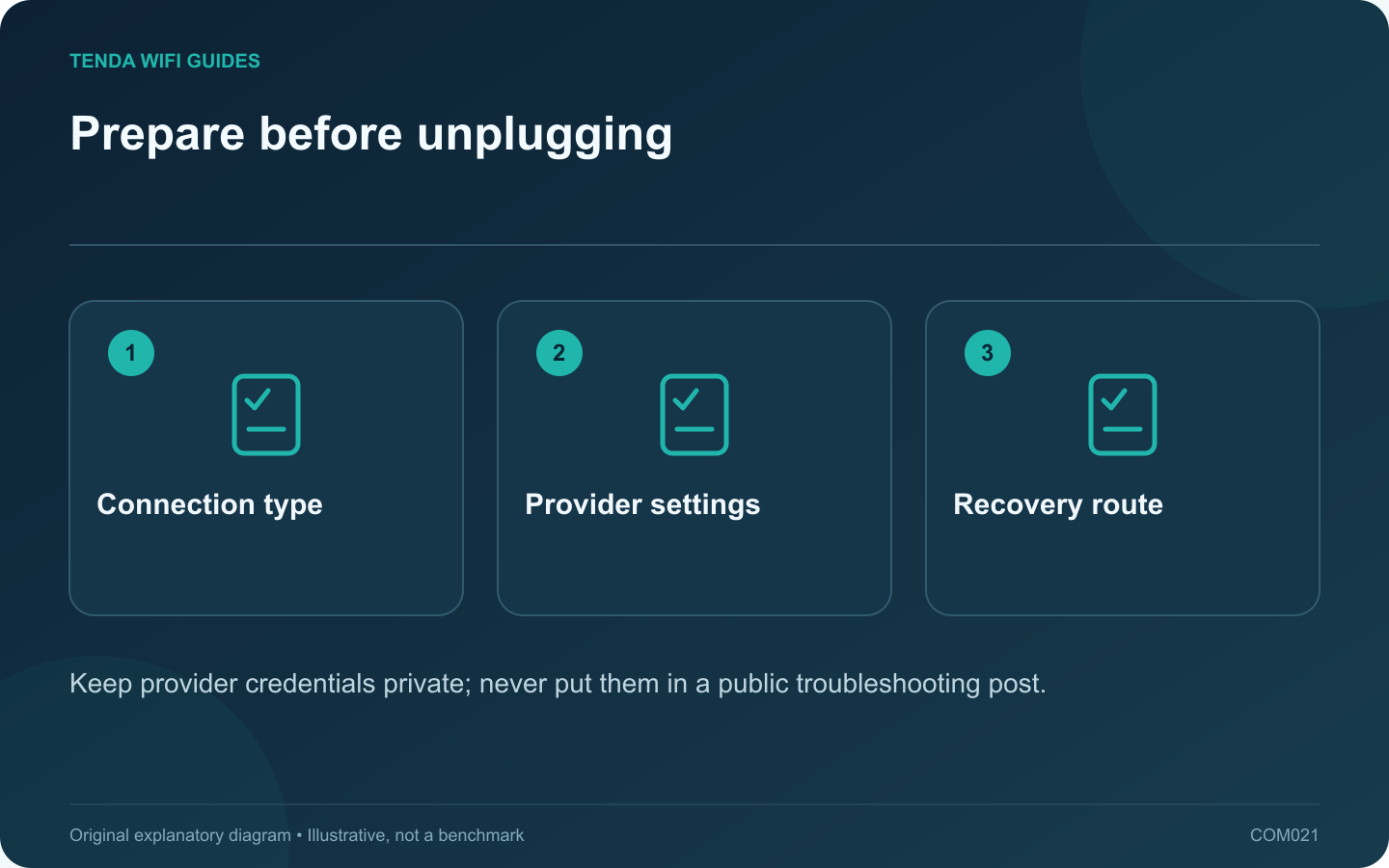
Prepare before unplugging: Connection type; Provider settings; Recovery route
Keep provider credentials private; never put them in a public troubleshooting post.

The fastest router installation often begins before any cable is unplugged. Collect the provider-specific information while the old network still works. This avoids guessing at the setup wizard and makes a failed migration easier to reverse.

Record the internet handoff

Identify whether the router receives Ethernet from a modem, optical terminal, wall socket or another gateway. Note the device and port at the far end of the cable. A fiber service does not necessarily mean that your retail router connects directly to the fiber.

Tenda’s internet setup guidance distinguishes PPPoE, DHCP and static addressing. PPPoE uses provider-supplied credentials; static service requires an address set; DHCP obtains the configuration automatically. The correct choice comes from the provider arrangement, not from which button looks easiest.

Create a private installation record

  • Confirmed connection type and any required account details.
  • VLAN or other service settings explicitly supplied by the ISP.
  • Whether a particular modem, optical terminal or registered device must remain.
  • Telephone or television services that depend on the gateway.
  • Provider support instructions and the old working wiring.

Store passwords separately from a general network diagram. If you later share the diagram for help, remove credentials, public addresses and identifying labels that are not needed to explain the fault.

Test one layer at a time

After installation, check the WAN link and connection status, then test one wired client. Add wireless devices after the basic internet path works. This sequence prevents a Wi-Fi password problem from being mistaken for an ISP authentication failure.

Keep a reversible first attempt

Label the original cables and retain the previous gateway settings. If the new router cannot obtain service, record the exact status message and restore the known arrangement. Ask the ISP about the unresolved requirement rather than cycling through unrelated connection types.

The objective is a verified service handoff with a clear recovery path. A setup wizard’s automatic guess is useful evidence, but it does not replace the provider’s confirmed instructions.

Sources and editorial notes

Sources checked 8 October 2026. Independent guidance and original illustrations; product comparisons use published specifications rather than hands-on benchmarks. Check the exact model, revision and regional documentation before changing settings.

Related guides

300 FAQs across our guide libraries

Quick answers

100 practical questions from Tenda WiFi Guides.

Browse all 100 FAQs
Which ISP settings should I collect before changing routers?

The fastest router installation often begins before any cable is unplugged. Collect the provider-specific information while the old network still works. This avoids guessing at the setup wizard and makes a failed migration easier to reverse. Identify whether the router receives Ethernet from a modem, optical terminal, wall socket or another gateway. Note the device and port at the far end of the cable. A fiber service does not necessarily mean that your retail router connects directly to the fiber.

Read the full guide and sources
Are PPPoE, Wi-Fi and router-administration passwords interchangeable?

A router installation can involve three different passwords. The ISP credential establishes the internet service, the Wi-Fi credential lets devices join the wireless network, and the router administrator credential protects configuration changes. Reusing the wrong one produces a failure at a different stage. When a setup wizard requests PPPoE details, use the account information supplied by the ISP. Tenda's setup guide explicitly separates that step from the wireless and management configuration. A password that successfully connects your phone to Wi-Fi is not evidence that it can authenticate the internet connection.

Read the full guide and sources
Which details are needed for a static WAN address?

Choose static WAN addressing only when your ISP or network administrator has supplied the required configuration. Copying a working computer's private address into the router's internet page is not a substitute. The address, network mask, gateway and DNS details must belong to the intended service handoff. The WAN side connects to the upstream service. The LAN side serves your household devices. Label both clearly in the setup record so a local printer address does not end up in the internet configuration.

Read the full guide and sources
Why might a replacement router need an ISP VLAN setting?

A provider may require a VLAN tag for internet or television service. That requirement is different from creating separate home networks for guests or smart devices. Before replacing the ISP router, confirm both the provider configuration and whether the new router supports the exact required arrangement. Ask for the required service identifier, tagging behavior and any port assignment. Keep internet, television and telephone details in separately labeled entries. Do not borrow a VLAN number from another subscriber's forum post; providers and local deployments can differ.

Read the full guide and sources
Independent. Practical. Clear.

Tenda WiFi Guides is an independent information website. We are not affiliated with or endorsed by Tenda. Product names belong to their respective owners.