Independent setup & troubleshootingHelping you find your connection.
The guide library

PPPoE password, Wi-Fi password and router login: three different credentials

Explore the guide library · Installation planning

Identify which credential a setup screen is requesting so a router migration does not become a loop of failed logins.
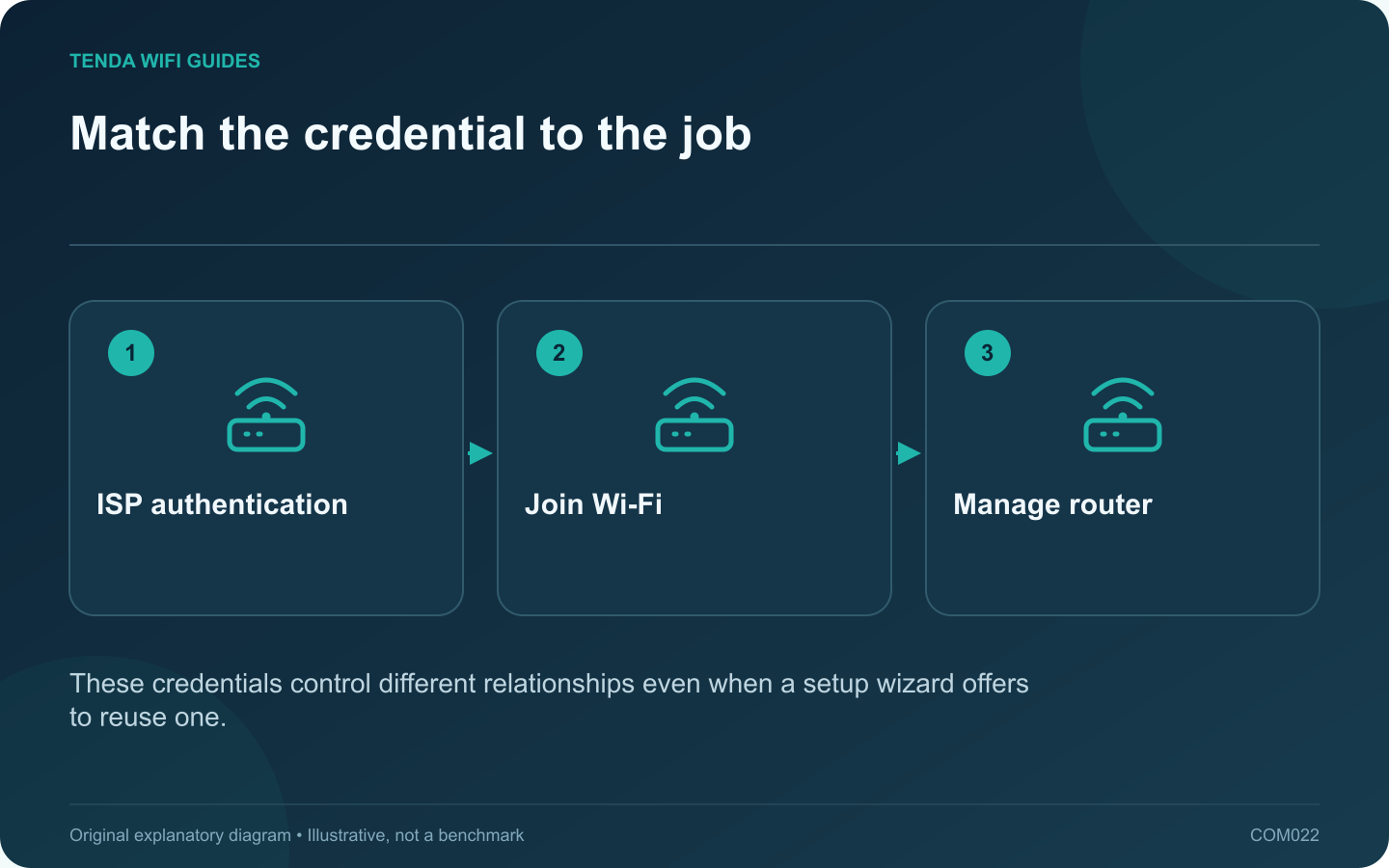
Match the credential to the job: ISP authentication; Join Wi-Fi; Manage router
These credentials control different relationships even when a setup wizard offers to reuse one.

A router installation can involve three different passwords. The ISP credential establishes the internet service, the Wi-Fi credential lets devices join the wireless network, and the router administrator credential protects configuration changes. Reusing the wrong one produces a failure at a different stage.

Read what the screen is asking

When a setup wizard requests PPPoE details, use the account information supplied by the ISP. Tenda’s setup guide explicitly separates that step from the wireless and management configuration. A password that successfully connects your phone to Wi-Fi is not evidence that it can authenticate the internet connection.

Similarly, a browser management login asks for the router’s administrative access. It is not a place to enter an unrelated provider account because the internet happens to be unavailable.

Identify the stage from the symptom

  • The device cannot join the network: inspect the intended Wi-Fi name, security compatibility and wireless credential.
  • The device joins but the router reports ISP authentication failure: confirm the PPPoE account and required service settings with the provider.
  • Internet works but settings cannot be opened: investigate the router management address and administrator login.

Prepare a private credential record

Give each item an explicit label in a password manager or other secure record. Avoid a note titled simply “router password,” which becomes ambiguous when another family member helps with setup. Keep a separate non-secret diagram of which device performs each role.

If a wizard offers to use the Wi-Fi password for management, consider assigning a distinct administrator credential. That prevents ordinary wireless access from automatically conveying knowledge of the management password.

Recover the correct item

Use the provider’s recovery process for ISP credentials and the router manufacturer’s documented process for administrative access. A factory reset can erase the very settings needed to restore service, so do not use it as the first response to every failed login.

Never publish any of these credentials in screenshots, comments or a public support article.

Sources and editorial notes

Sources checked 8 October 2026. Independent guidance and original illustrations; product comparisons use published specifications rather than hands-on benchmarks. Check the exact model, revision and regional documentation before changing settings.

Related guides

300 FAQs across our guide libraries

Quick answers

100 practical questions from Tenda WiFi Guides.

Browse all 100 FAQs
Are PPPoE, Wi-Fi and router-administration passwords interchangeable?

A router installation can involve three different passwords. The ISP credential establishes the internet service, the Wi-Fi credential lets devices join the wireless network, and the router administrator credential protects configuration changes. Reusing the wrong one produces a failure at a different stage. When a setup wizard requests PPPoE details, use the account information supplied by the ISP. Tenda's setup guide explicitly separates that step from the wireless and management configuration. A password that successfully connects your phone to Wi-Fi is not evidence that it can authenticate the internet connection.

Read the full guide and sources
Why might a replacement router need an ISP VLAN setting?

A provider may require a VLAN tag for internet or television service. That requirement is different from creating separate home networks for guests or smart devices. Before replacing the ISP router, confirm both the provider configuration and whether the new router supports the exact required arrangement. Ask for the required service identifier, tagging behavior and any port assignment. Keep internet, television and telephone details in separately labeled entries. Do not borrow a VLAN number from another subscriber's forum post; providers and local deployments can differ.

Read the full guide and sources
Can a replacement router reuse my existing Wi-Fi name and password?

Keeping the same wireless name and password can make a router replacement easier, but it does not clone the old network. The new router still has its own address plan, security settings and feature behavior. Treat automatic reconnection as a convenience to verify, not a guarantee. Save the exact network name, including capitalization, and the security mode. Record reservations, local storage paths, guest settings and any provider configuration separately. Apple recommends consistent, unique wireless naming for its devices; avoid retaining a confusing generic default name solely to save a few minutes.

Read the full guide and sources
Which details are needed for a static WAN address?

Choose static WAN addressing only when your ISP or network administrator has supplied the required configuration. Copying a working computer's private address into the router's internet page is not a substitute. The address, network mask, gateway and DNS details must belong to the intended service handoff. The WAN side connects to the upstream service. The LAN side serves your household devices. Label both clearly in the setup record so a local printer address does not end up in the internet configuration.

Read the full guide and sources
Independent. Practical. Clear.

Tenda WiFi Guides is an independent information website. We are not affiliated with or endorsed by Tenda. Product names belong to their respective owners.