Explore the guide library · Installation planning
A provider-assigned static connection needs matching address, mask, gateway and DNS details, not a copied address from another network.
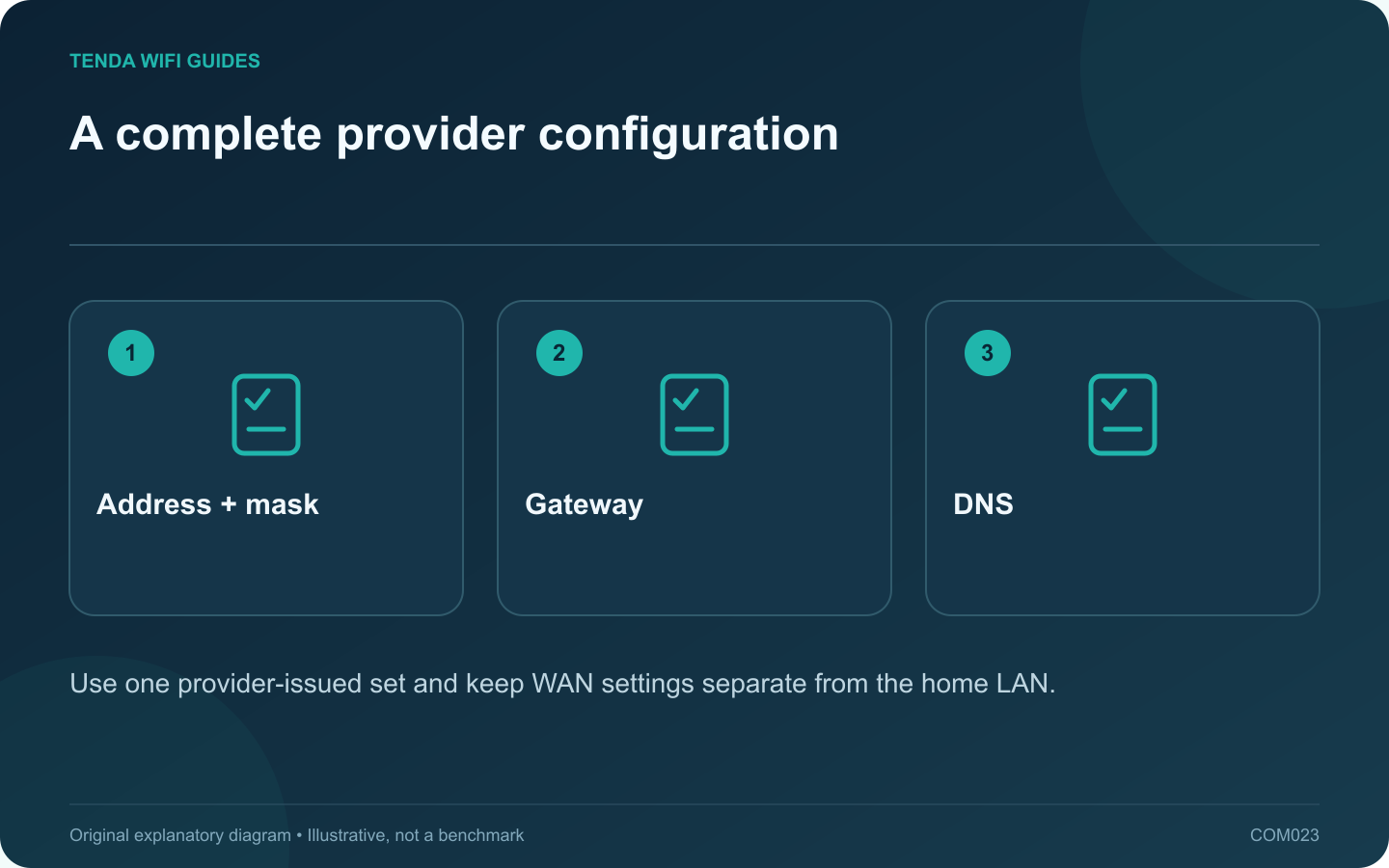
Choose static WAN addressing only when your ISP or network administrator has supplied the required configuration. Copying a working computer’s private address into the router’s internet page is not a substitute. The address, network mask, gateway and DNS details must belong to the intended service handoff.
Keep WAN and LAN records separate
The WAN side connects to the upstream service. The LAN side serves your household devices. Label both clearly in the setup record so a local printer address does not end up in the internet configuration.
Tenda’s F3 static-IP instructions require the settings supplied by the provider. The old screenshots apply to that documented model; use your own router’s current manual for the screen layout. Do not copy an example’s default password or address as a universal configuration.
Verify the values before saving
- Compare each field against the provider’s written information, including punctuation and mask or prefix notation.
- Confirm that the specified gateway belongs to the intended upstream arrangement.
- Record the prescribed DNS servers and whether the provider allows alternatives.
- Check for additional service requirements such as VLAN configuration.
- Retain the previous working settings so the change can be reversed.
Read the result in stages
If the WAN cable is not detected, correct that physical link before editing address fields. If the link is present but service does not work, capture the connection status and compare the entered values again. Test a normal website from one client after the router reports a suitable connection.
Do not change the home LAN subnet, clone a device address and replace DNS all at once. Each change should have a reason tied to the provider instructions or a specific observed conflict.
When the record is incomplete
Ask the provider to complete or confirm the address set. Guessing can create conflicts or make the failure harder to diagnose. A static service is not inherently a speed upgrade; it is a particular addressing arrangement that must be configured correctly.
Sources and editorial notes
Sources checked 8 October 2026. Independent guidance and original illustrations; product comparisons use published specifications rather than hands-on benchmarks. Check the exact model, revision and regional documentation before changing settings.