Independent setup & troubleshootingHelping you find your connection.
The guide library

Before enabling bridge mode on an ISP gateway

Explore the guide library · Installation planning

Prepare the replacement router, provider requirements and recovery path before handing routing duties away from the ISP gateway.
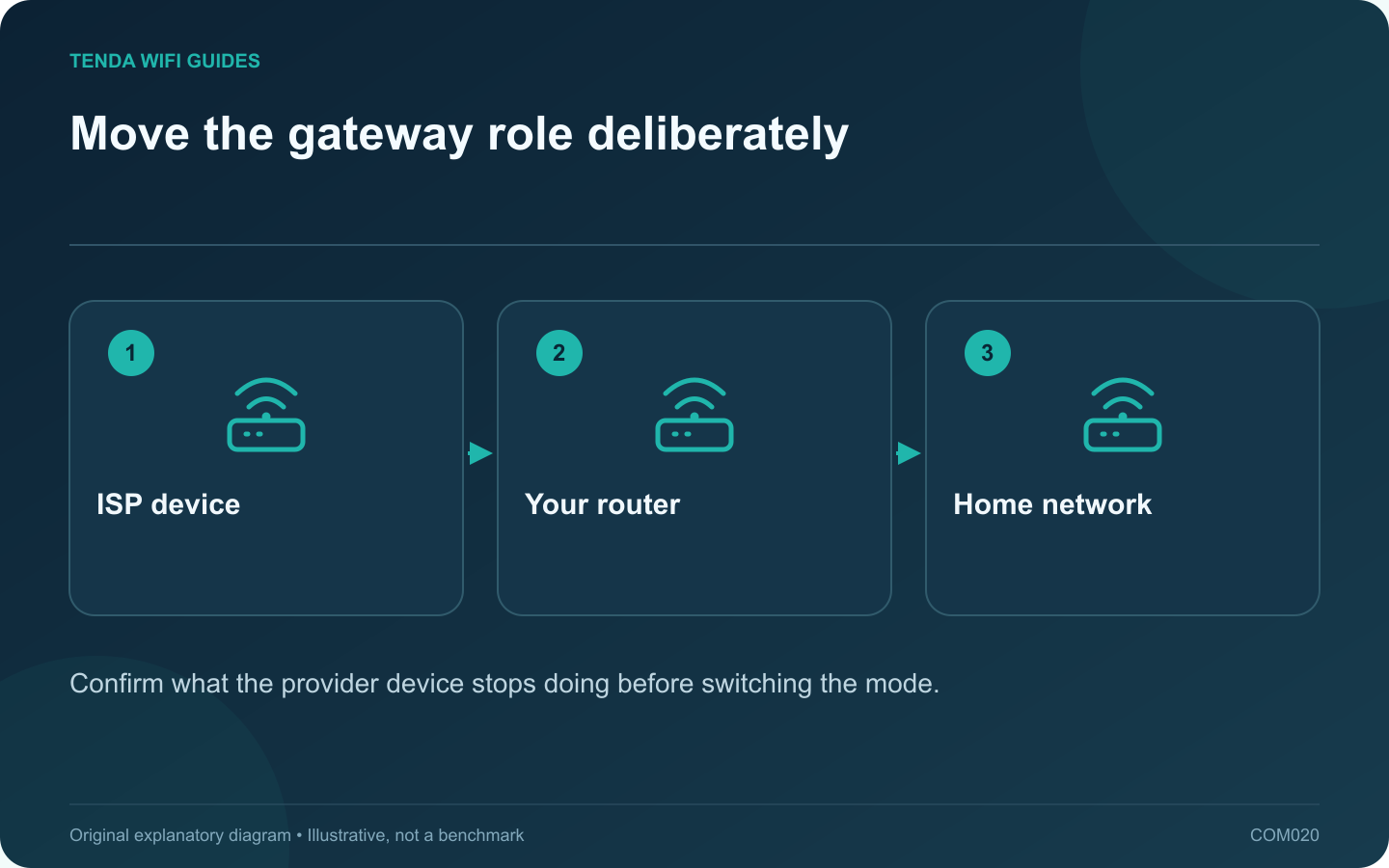
Move the gateway role deliberately: ISP device; Your router; Home network
Confirm what the provider device stops doing before switching the mode.

Bridge mode can be useful when your own router should manage the home network. It is not a universal speed improvement. Before enabling it, confirm that the provider supports the arrangement and prepare the new router to take over the functions the gateway will stop providing.

Ask what changes on this exact gateway

TP-Link’s overview explains that gateway bridge mode hands routing to a separate router and may disable the gateway’s Wi-Fi. The actual behavior depends on the provider equipment. Confirm the effects on telephone service, television equipment and local management access before altering a combined service gateway.

Keep the provider’s recovery instructions available outside the network you are changing. A note stored only on a disconnected desktop is not a useful recovery plan.

Prepare the downstream router

  • Identify the required internet connection type and any provider-supplied credentials or VLAN settings.
  • Check the correct WAN port and the rate supported by the connecting equipment.
  • Prepare the router’s administrator credential and secure Wi-Fi configuration.
  • Plan how household devices will reconnect if the old gateway’s wireless network disappears.

Schedule a controlled handover

Choose a time when the interruption is acceptable. Save the existing settings, follow the gateway’s own bridge instructions and connect only the intended router on the provider-facing path. Do not experiment with several downstream computers while the topology is uncertain.

After the new router obtains service, test a wired client first. Then check wireless access, local devices and any provider-specific services. Record the new management addresses privately.

Know when to use AP mode instead

If the provider requires its gateway to remain in charge or you only need better wireless coverage, an access-point arrangement may be simpler. Compare the features you need in that mode before deciding.

When the bridge attempt fails, restore the documented previous mode and wiring. Do not repeatedly factory-reset both devices without knowing which connection requirement remains unmet.

Sources and editorial notes

Sources checked 8 October 2026. Independent guidance and original illustrations; product comparisons use published specifications rather than hands-on benchmarks. Check the exact model, revision and regional documentation before changing settings.

Related guides

300 FAQs across our guide libraries

Quick answers

100 practical questions from Tenda WiFi Guides.

Browse all 100 FAQs
What should I check before bridging an ISP gateway?

Bridge mode can be useful when your own router should manage the home network. It is not a universal speed improvement. Before enabling it, confirm that the provider supports the arrangement and prepare the new router to take over the functions the gateway will stop providing. TP-Link's overview explains that gateway bridge mode hands routing to a separate router and may disable the gateway's Wi-Fi. The actual behavior depends on the provider equipment. Confirm the effects on telephone service, television equipment and local management access before altering a combined service gateway.

Read the full guide and sources
What if my home phone connects to the ISP router I want to replace?

If a home telephone plugs into the provider's gateway, replacing that gateway can affect more than Wi-Fi. Identify how the voice service is delivered before disconnecting equipment or enabling bridge mode. A retail Ethernet router may not provide the required telephone interface or provisioning. Record the telephone connection, television equipment and any other provider-managed devices. Note which gateway ports they use. Do not assume a telephone socket and an Ethernet socket are interchangeable because they look similar from a distance.

Read the full guide and sources
Which features might disappear in access-point mode?

Use access-point mode when the existing gateway should keep managing the network and the added device should provide wireless access. Use router mode when the new device must take over the gateway role. The decision affects more than the Wi-Fi name: some features depend on where traffic is routed. Write down the controls you rely on, such as reservations, parental rules, VPN routing and guest isolation. Beside each, identify the device that will enforce it after the change. A feature visible in a product advertisement may not be available in every operating mode.

Read the full guide and sources
Which ISP settings should I collect before changing routers?

The fastest router installation often begins before any cable is unplugged. Collect the provider-specific information while the old network still works. This avoids guessing at the setup wizard and makes a failed migration easier to reverse. Identify whether the router receives Ethernet from a modem, optical terminal, wall socket or another gateway. Note the device and port at the far end of the cable. A fiber service does not necessarily mean that your retail router connects directly to the fiber.

Read the full guide and sources
Independent. Practical. Clear.

Tenda WiFi Guides is an independent information website. We are not affiliated with or endorsed by Tenda. Product names belong to their respective owners.