Independent setup & troubleshootingHelping you find your connection.
The guide library

Router mode or access-point mode: check which features you will lose

Explore the guide library · Installation planning

Decide which device should manage the network before changing modes, especially if you need guest isolation, VPN or parental controls.
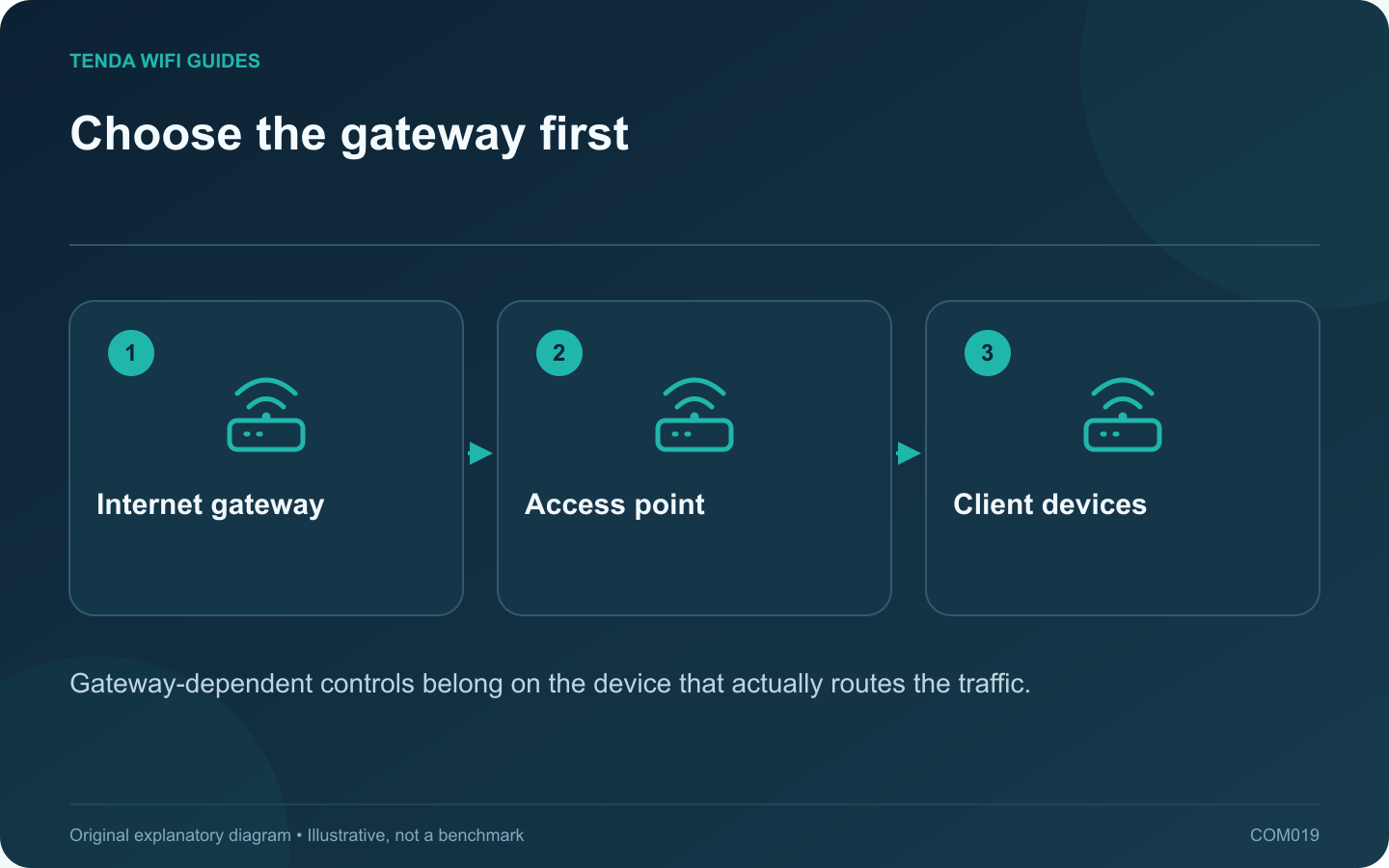
Choose the gateway first: Internet gateway; Access point; Client devices
Gateway-dependent controls belong on the device that actually routes the traffic.

Use access-point mode when the existing gateway should keep managing the network and the added device should provide wireless access. Use router mode when the new device must take over the gateway role. The decision affects more than the Wi-Fi name: some features depend on where traffic is routed.

Make a feature dependency list

Write down the controls you rely on, such as reservations, parental rules, VPN routing and guest isolation. Beside each, identify the device that will enforce it after the change. A feature visible in a product advertisement may not be available in every operating mode.

TP-Link documents substantial feature differences between router and AP modes, including model-dependent guest behavior. Its Deco mode comparison also lists gateway functions that disappear in AP mode. Check the exact product and firmware rather than transferring those tables to another brand.

Draw the intended topology

For an AP installation, draw the existing gateway, its Ethernet connection to the new access point and the wireless clients. Identify the gateway that supplies client addressing and network policy. If you instead want the new router to manage those functions, examine the upstream gateway’s supported bridge arrangement.

Verify the change with one device

  1. Save the present configuration and note how to regain local management access.
  2. Apply the manufacturer’s supported mode change and wiring instructions.
  3. Reconnect one client and inspect its address and gateway.
  4. Test internet access, a local printer and any intended guest restriction.
  5. Only then migrate the remaining clients.

If guest access can now reach a local resource it previously could not, stop treating the guest network name as proof of isolation. Review the documented mode limitations and move the enforcement to a suitable device.

The correct mode is the one that produces the network roles you planned. It is not necessarily the mode that leaves the largest number of menus visible.

Sources and editorial notes

Sources checked 8 October 2026. Independent guidance and original illustrations; product comparisons use published specifications rather than hands-on benchmarks. Check the exact model, revision and regional documentation before changing settings.

Related guides

300 FAQs across our guide libraries

Quick answers

100 practical questions from Tenda WiFi Guides.

Browse all 100 FAQs
Which features might disappear in access-point mode?

Use access-point mode when the existing gateway should keep managing the network and the added device should provide wireless access. Use router mode when the new device must take over the gateway role. The decision affects more than the Wi-Fi name: some features depend on where traffic is routed. Write down the controls you rely on, such as reservations, parental rules, VPN routing and guest isolation. Beside each, identify the device that will enforce it after the change. A feature visible in a product advertisement may not be available in every operating mode.

Read the full guide and sources
What should I check before bridging an ISP gateway?

Bridge mode can be useful when your own router should manage the home network. It is not a universal speed improvement. Before enabling it, confirm that the provider supports the arrangement and prepare the new router to take over the functions the gateway will stop providing. TP-Link's overview explains that gateway bridge mode hands routing to a separate router and may disable the gateway's Wi-Fi. The actual behavior depends on the provider equipment. Confirm the effects on telephone service, television equipment and local management access before altering a combined service gateway.

Read the full guide and sources
What if my home phone connects to the ISP router I want to replace?

If a home telephone plugs into the provider's gateway, replacing that gateway can affect more than Wi-Fi. Identify how the voice service is delivered before disconnecting equipment or enabling bridge mode. A retail Ethernet router may not provide the required telephone interface or provisioning. Record the telephone connection, television equipment and any other provider-managed devices. Note which gateway ports they use. Do not assume a telephone socket and an Ethernet socket are interchangeable because they look similar from a distance.

Read the full guide and sources
Which ISP settings should I collect before changing routers?

The fastest router installation often begins before any cable is unplugged. Collect the provider-specific information while the old network still works. This avoids guessing at the setup wizard and makes a failed migration easier to reverse. Identify whether the router receives Ethernet from a modem, optical terminal, wall socket or another gateway. Note the device and port at the far end of the cable. A fiber service does not necessarily mean that your retail router connects directly to the fiber.

Read the full guide and sources
Independent. Practical. Clear.

Tenda WiFi Guides is an independent information website. We are not affiliated with or endorsed by Tenda. Product names belong to their respective owners.