Independent setup & troubleshootingHelping you find your connection.
The guide library

How to test a new router during its return period

Explore the guide library · Router buying guides

Create a realistic acceptance test for calls, games, local transfers and difficult rooms without relying on a single speed-test peak.
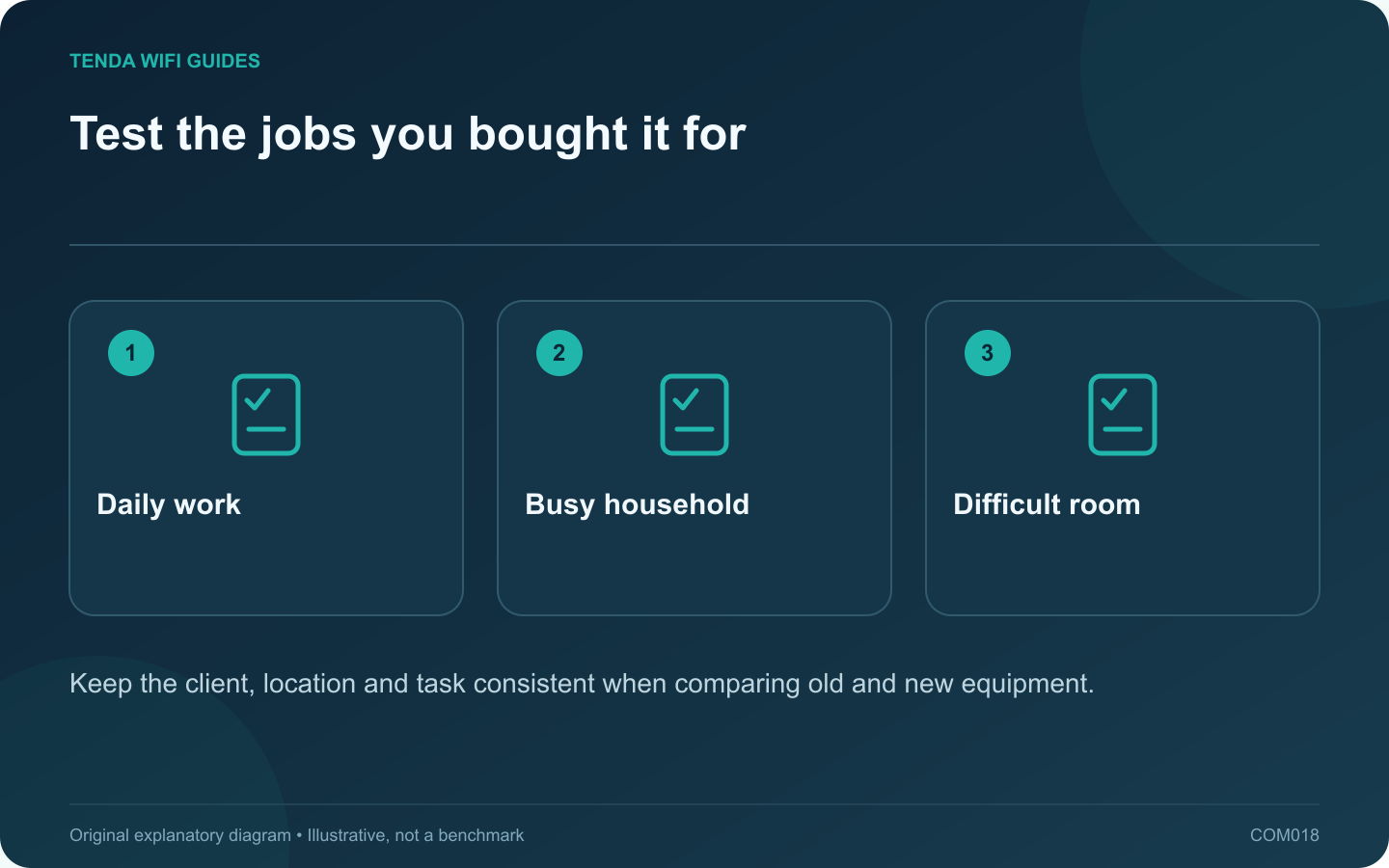
Test the jobs you bought it for: Daily work; Busy household; Difficult room
Keep the client, location and task consistent when comparing old and new equipment.

Decide what success looks like before replacing the old router. Otherwise, a strong first speed test can hide a printer that no longer works, unstable calls in the office or a missing feature. A return-period test should cover the household’s real tasks and the capabilities that justified the purchase.

Save a baseline

Choose a near-router position, the main work area and the weakest important room. Use the same laptop or phone in each. Record an ordinary internet transfer, a video call and any local storage task that matters. Note the time and whether other household traffic was active.

Keep throughput and responsiveness separate. Intel’s gaming discussion highlights latency-related wireless improvements, but a product feature does not establish your measured gaming result. Include the interactive application itself in the test.

Use four acceptance checks

  1. Coverage: the usual task works in every room that was a purchase requirement.
  2. Compatibility: printers, smart devices and older clients reconnect and perform their normal functions.
  3. Busy use: repeat the call or game while another device carries out a typical large transfer.
  4. Management: confirm the guest, reservation, VPN or parental feature you intended to use.

Record typical behavior

Repeat important measurements at more than one time of day. Write down interruptions and failed attempts, not just successful runs. If an improvement appears only in one unusually quiet test, it may not solve the daily problem.

Avoid changing radio settings, client drivers and router position simultaneously. When a change helps, you should be able to explain which variable changed and repeat the result.

Make a keep-or-return decision

Compare the result with the original requirements sheet. Investigate a clear setup error, but do not let the return deadline pass while hoping an unspecified future update will add a required feature. Restore the old configuration if the replacement cannot meet the task, then choose a different topology or product based on the evidence.

Sources and editorial notes

Sources checked 8 October 2026. Independent guidance and original illustrations; product comparisons use published specifications rather than hands-on benchmarks. Check the exact model, revision and regional documentation before changing settings.

Related guides

300 FAQs across our guide libraries

Quick answers

100 practical questions from Tenda WiFi Guides.

Browse all 100 FAQs
How can I test a new router during its return period?

Decide what success looks like before replacing the old router. Otherwise, a strong first speed test can hide a printer that no longer works, unstable calls in the office or a missing feature. A return-period test should cover the household's real tasks and the capabilities that justified the purchase. Choose a near-router position, the main work area and the weakest important room. Use the same laptop or phone in each. Record an ordinary internet transfer, a video call and any local storage task that matters. Note the time and whether other household traffic was active.

Read the full guide and sources
What matters when replacing a router used by older smart devices?

A household can contain a new laptop and a much older plug, printer or camera at the same time. Before replacing the router, identify the older devices whose connection is essential. The newest Wi-Fi generation does not automatically solve their onboarding or security compatibility. Record each device's exact model, supported band, current firmware and setup method. Note whether its companion application needs the phone on a particular network during pairing. Use the manufacturer's documentation rather than assuming every smart-home product uses the same process.

Read the full guide and sources
Why can SQM matter more than a gaming-router speed label?

A fast idle speed test can coexist with poor gaming responsiveness when another device uploads a large file. Before buying a gaming-branded router, reproduce the problem under a normal household load and determine whether congestion is involved. Repeat the test on a suitable wired connection. If the problem disappears only when Wi-Fi is removed, investigate the wireless path. If a busy upload affects both wired and wireless clients, the shared upstream queue deserves attention.

Read the full guide and sources
What should I check before importing a 6 GHz router?

An overseas router listing can look attractive, especially when it advertises an additional band. Before importing, verify that the exact regional product and your client devices support the intended operation where you will use them. A generation label alone is not enough. Some Wi-Fi 7 routers are dual-band and do not include 6 GHz. Compare the actual band specification rather than assuming every newer model includes all capabilities of an older tri-band product. Tenda's RX27 Pro and TE6L Pro illustrate why the detailed radio list matters.

Read the full guide and sources
Independent. Practical. Clear.

Tenda WiFi Guides is an independent information website. We are not affiliated with or endorsed by Tenda. Product names belong to their respective owners.