Independent setup & troubleshootingHelping you find your connection.
The guide library

Check a router’s support life before buying discounted stock

Explore the guide library · Router buying guides

An inexpensive older router can carry a hidden maintenance cost. Check the exact revision and official support status.
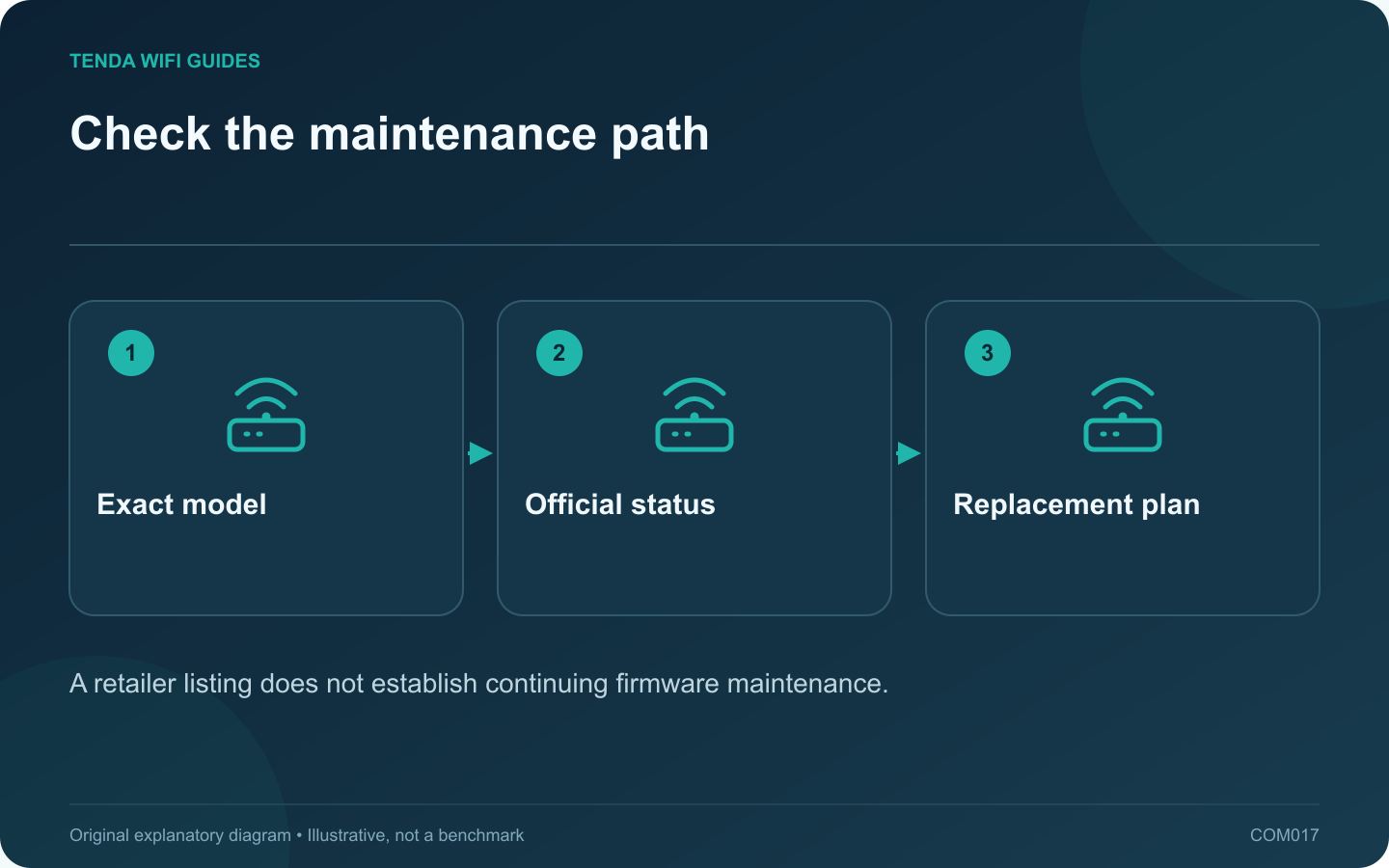
Check the maintenance path: Exact model; Official status; Replacement plan
A retailer listing does not establish continuing firmware maintenance.

A discount is useful only if the router remains suitable to operate. Before buying older stock, check whether the manufacturer still maintains the exact hardware revision. A product can remain available from a seller after its official maintenance has ended.

Identify the device precisely

Record the complete model, suffix and hardware revision from the listing or packaging. Ask the seller to clarify an ambiguous revision before checkout. Different revisions with similar names may have separate support histories, so searching only the family name can produce the wrong conclusion.

ASUS publishes an end-of-life list and describes listed products as no longer receiving firmware and documentation updates. Other manufacturers may use different terms. Read the relevant policy, not just the most recent downloadable file’s date.

Check three kinds of evidence

  • Support status: look for the official maintenance or end-of-life statement.
  • Download history: inspect firmware versions and release notes for the correct revision.
  • Purchase terms: confirm warranty and return conditions for the seller and region.

These are separate questions. A remaining hardware warranty does not necessarily promise future software updates. Likewise, an old release date alone is not definitive proof that a model has been abandoned.

Compare complete ownership cost

Estimate how soon you would need a replacement if the support status is uncertain or already ended. Add the time required to migrate settings, reconnect devices and retest the household. A small initial saving can disappear when another replacement is needed shortly afterward.

Prefer a supported alternative when maintenance has clearly ended. If the official position is unclear, obtain clarification from the manufacturer and keep the answer with your purchase record.

After buying

Save the model and revision in your network inventory and bookmark its official support page. Review maintenance status during routine network upkeep. This guide does not classify every router from a brand as supported or unsupported; the decision belongs to the exact product.

Sources and editorial notes

Sources checked 8 October 2026. Independent guidance and original illustrations; product comparisons use published specifications rather than hands-on benchmarks. Check the exact model, revision and regional documentation before changing settings.

Related guides

300 FAQs across our guide libraries

Quick answers

100 practical questions from Tenda WiFi Guides.

Browse all 100 FAQs
How do I check whether a discounted router is still supported?

A discount is useful only if the router remains suitable to operate. Before buying older stock, check whether the manufacturer still maintains the exact hardware revision. A product can remain available from a seller after its official maintenance has ended. Record the complete model, suffix and hardware revision from the listing or packaging. Ask the seller to clarify an ambiguous revision before checkout. Different revisions with similar names may have separate support histories, so searching only the family name can produce the wrong conclusion.

Read the full guide and sources
What should I inspect before buying a used router?

A used router can be economical when its hardware, ownership and support status are clear. Ask for the exact model and revision before agreeing on a price. A familiar product name can cover several different hardware versions with different firmware. Look up the manufacturer's support page and end-of-life information. Tenda's revision-specific downloads and ASUS's end-of-life list illustrate why model details matter. A clean case does not establish that security updates remain available.

Read the full guide and sources
What should I check before using a router for USB storage?

A USB socket does not tell you everything about a router's storage features. Before buying, verify that the exact model can share the type of drive and files you need. Some USB ports serve other functions, and supported storage behavior can vary between models and firmware. Write down the drive format, capacity, power requirement and client devices. Add whether each person needs read-only or write access. If the current drive contains the only copy of important files, make an independent backup before attaching it to new equipment or changing its format.

Read the full guide and sources
Does an EasyMesh logo guarantee that two routers will work together?

Before buying a second router for an existing mesh system, check the exact pairing you intend to use. A mesh logo or a product-family name does not establish every supported role, firmware requirement or backhaul method. Record the main router model and revision, the proposed satellite and whether they will connect wirelessly or through Ethernet. Include the current firmware versions. This is the minimum information needed for a meaningful compatibility check.

Read the full guide and sources
Independent. Practical. Clear.

Tenda WiFi Guides is an independent information website. We are not affiliated with or endorsed by Tenda. Product names belong to their respective owners.