Independent setup & troubleshootingHelping you find your connection.
The guide library

Buying a router for USB storage: check more than the USB socket

Explore the guide library · Router buying guides

Verify file sharing, access controls, drive support and your backup plan before using a router as shared storage.
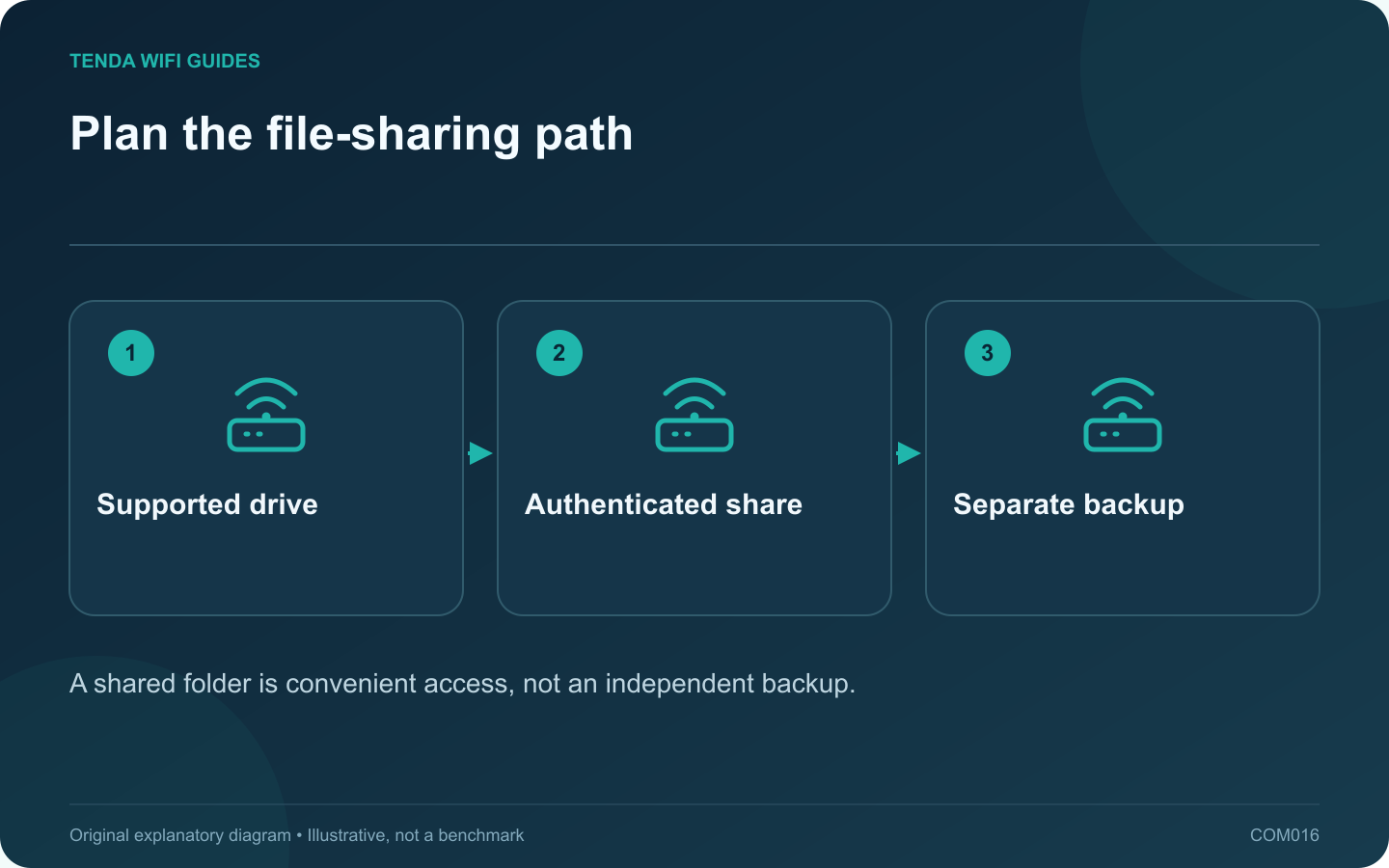
Plan the file-sharing path: Supported drive; Authenticated share; Separate backup
A shared folder is convenient access, not an independent backup.

A USB socket does not tell you everything about a router’s storage features. Before buying, verify that the exact model can share the type of drive and files you need. Some USB ports serve other functions, and supported storage behavior can vary between models and firmware.

Start with a small requirements sheet

Write down the drive format, capacity, power requirement and client devices. Add whether each person needs read-only or write access. If the current drive contains the only copy of important files, make an independent backup before attaching it to new equipment or changing its format.

TP-Link’s current sharing guidance distinguishes local file access from remote access and recommends authentication. Its Deco instructions also restrict USB sharing to supported models. Use those checks as a prompt to inspect your exact router manual, rather than applying a screenshot from another product.

Test permissions with an ordinary account

  1. Connect a spare or backed-up drive containing a test folder.
  2. Enable local sharing and set a dedicated access credential if the product supports it.
  3. Use a normal client account to open the test folder.
  4. Try creating and deleting a disposable file only where write access is intended.
  5. Check that an unauthorized household or guest device cannot browse the protected share.

Keep internet exposure out of the first setup

A successful local share does not require exposing file services directly to the internet. Leave remote sharing disabled while validating the local workflow. If remote access is essential, evaluate a supported secure access method separately and review who can reach it.

Choose by the actual workload

For occasional local document access, a supported router share may be adequate. For multiple users, dependable backups, snapshots or storage expansion, compare a dedicated NAS as a separate product class. Test your own file sizes and client mix before relying on the router for regular work.

Finally, verify safe removal and reconnect behavior. The convenient place to plug in a drive is not automatically the best place to keep its only copy.

Sources and editorial notes

Sources checked 8 October 2026. Independent guidance and original illustrations; product comparisons use published specifications rather than hands-on benchmarks. Check the exact model, revision and regional documentation before changing settings.

Related guides

300 FAQs across our guide libraries

Quick answers

100 practical questions from Tenda WiFi Guides.

Browse all 100 FAQs
What should I check before using a router for USB storage?

A USB socket does not tell you everything about a router's storage features. Before buying, verify that the exact model can share the type of drive and files you need. Some USB ports serve other functions, and supported storage behavior can vary between models and firmware. Write down the drive format, capacity, power requirement and client devices. Add whether each person needs read-only or write access. If the current drive contains the only copy of important files, make an independent backup before attaching it to new equipment or changing its format.

Read the full guide and sources
Why can SQM matter more than a gaming-router speed label?

A fast idle speed test can coexist with poor gaming responsiveness when another device uploads a large file. Before buying a gaming-branded router, reproduce the problem under a normal household load and determine whether congestion is involved. Repeat the test on a suitable wired connection. If the problem disappears only when Wi-Fi is removed, investigate the wireless path. If a busy upload affects both wired and wireless clients, the shared upstream queue deserves attention.

Read the full guide and sources
What should I plan before buying a dual-WAN router?

A dual-WAN router is useful when you have two usable internet paths and a clear policy for switching between them. The second socket is only part of the solution. Consider the backup provider, power supply, data allowance and application behavior before buying the router. GL.iNet's documentation lists supported models for changing a LAN interface into another WAN interface. Its multi-WAN guide distinguishes failover from load balancing. These details show why you should verify the intended model and firmware rather than assume that any USB socket or spare LAN port can serve the backup.

Read the full guide and sources
How do I check whether a discounted router is still supported?

A discount is useful only if the router remains suitable to operate. Before buying older stock, check whether the manufacturer still maintains the exact hardware revision. A product can remain available from a seller after its official maintenance has ended. Record the complete model, suffix and hardware revision from the listing or packaging. Ask the seller to clarify an ambiguous revision before checkout. Different revisions with similar names may have separate support histories, so searching only the family name can produce the wrong conclusion.

Read the full guide and sources
Independent. Practical. Clear.

Tenda WiFi Guides is an independent information website. We are not affiliated with or endorsed by Tenda. Product names belong to their respective owners.