Independent setup & troubleshootingHelping you find your connection.
The guide library

Gaming routers: why SQM can matter more than an advertised speed class

Explore the guide library · Router buying guides

Test latency during uploads before deciding whether a gaming router’s traffic controls solve the problem you have.
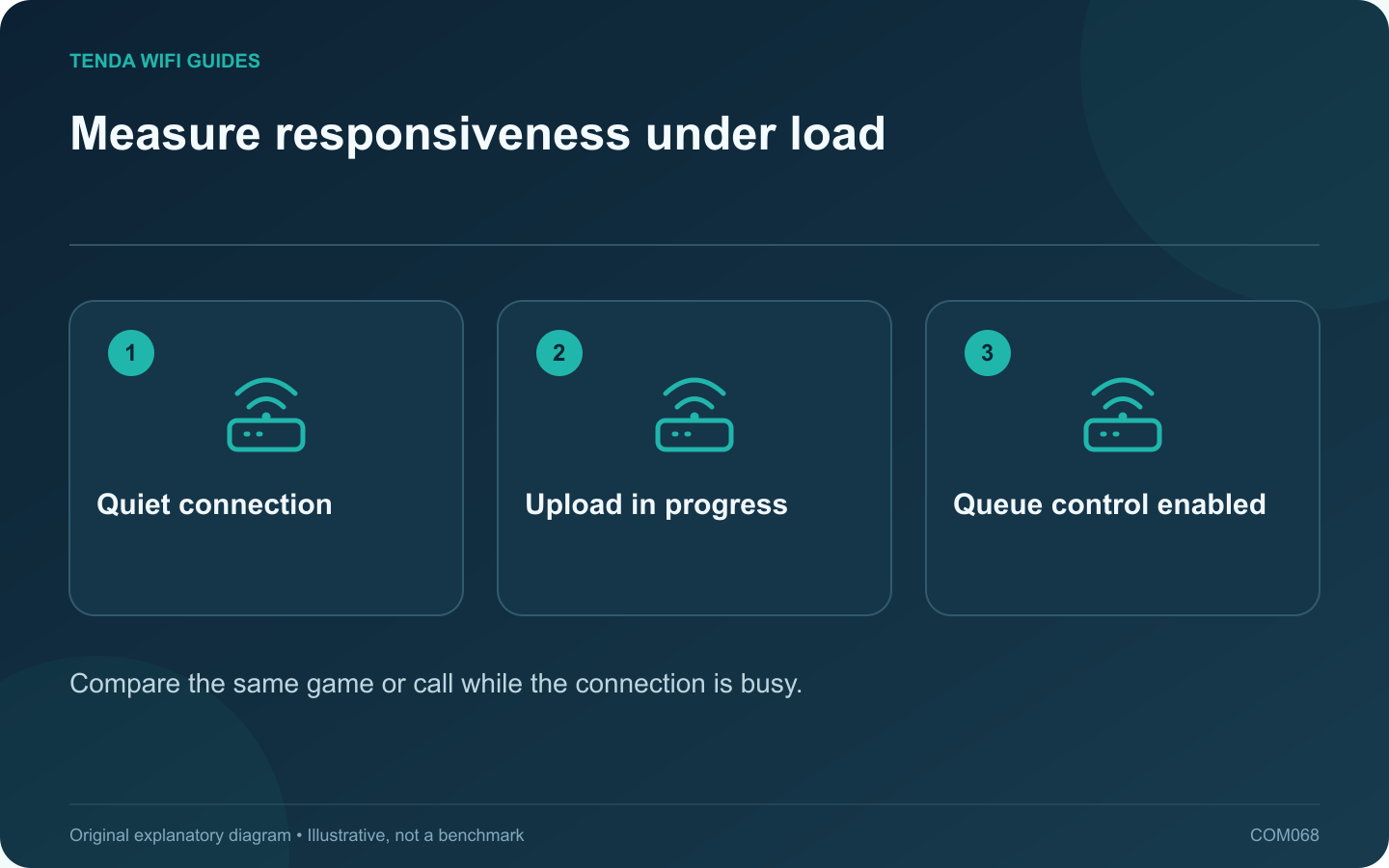
Measure responsiveness under load: Quiet connection; Upload in progress; Queue control enabled
Compare the same game or call while the connection is busy.

A fast idle speed test can coexist with poor gaming responsiveness when another device uploads a large file. Before buying a gaming-branded router, reproduce the problem under a normal household load and determine whether congestion is involved.

Separate radio trouble from queuing

Repeat the test on a suitable wired connection. If the problem disappears only when Wi-Fi is removed, investigate the wireless path. If a busy upload affects both wired and wireless clients, the shared upstream queue deserves attention.

Understand the SQM tradeoff

Smart Queue Management aims to manage traffic queues rather than simply maximize a transfer rate. GL.iNet’s current guide documents hardware restrictions and notes that SQM can reduce peak throughput, disables network acceleration on supported configurations and cannot run alongside its QoS feature.

Check the exact model and firmware. Do not assume a product supports SQM because another device from the same brand does.

Make a controlled comparison

  1. Record ordinary idle latency and the application experience.
  2. Start a repeatable upload or download resembling real use.
  3. Observe responsiveness and interruptions.
  4. Configure supported queue management using the manufacturer’s guidance and measured service capacity.
  5. Repeat the same workload without changing channels or client hardware.

Judge the outcome correctly

A small reduction in maximum transfer speed may be acceptable if interactive applications become more stable. Conversely, if the original issue is weak coverage or a distant game server, queue management may not resolve it.

Keep the previous settings available and avoid guessing a universal bandwidth value from another household’s tutorial. Variable cellular service may need a different approach from stable fixed broadband.

Buy for the demonstrated benefit

Shortlist models with documented support for the control you need and enough capacity for your service. Wi-Fi generation, decorative antennas and a gaming label do not establish lower latency in your specific network. Require a practical return-period test with your clients and workload.

Sources and editorial notes

Sources checked 8 October 2026. Independent guidance and original illustrations; product comparisons use published specifications rather than hands-on benchmarks. Check the exact model, revision and regional documentation before changing settings.

Related guides

300 FAQs across our guide libraries

Quick answers

100 practical questions from Tenda WiFi Guides.

Browse all 100 FAQs
Why can SQM matter more than a gaming-router speed label?

A fast idle speed test can coexist with poor gaming responsiveness when another device uploads a large file. Before buying a gaming-branded router, reproduce the problem under a normal household load and determine whether congestion is involved. Repeat the test on a suitable wired connection. If the problem disappears only when Wi-Fi is removed, investigate the wireless path. If a busy upload affects both wired and wireless clients, the shared upstream queue deserves attention.

Read the full guide and sources
Does an advertised device count describe real router capacity?

An advertised connected-device count can help describe a product category, but it does not tell you how the router will handle your household's simultaneous work. A collection of quiet sensors creates a different demand from several large uploads and interactive calls. Group devices by the work they perform: occasional control messages, streaming, calls, gaming, backups and local transfers. Mark which tasks happen together and which must remain responsive. This is more useful than adding every device in the client list and comparing the total with a box headline.

Read the full guide and sources
What should I verify before using Spitz AX for cellular backup?

A cellular router can provide a useful alternative when fixed broadband fails, but only if it works with your carrier, location and data plan. For Spitz AX, begin with the cellular requirements rather than the Wi-Fi speed class. Check the exact modem variant, supported bands and carrier requirements for the unit being sold. GL.iNet lists Spitz AX as a 4G/5G router with two Nano-SIM slots. Do not interpret two SIM slots as proof of two independent active modems or automatic bandwidth bonding.

Read the full guide and sources
What should I check before importing a 6 GHz router?

An overseas router listing can look attractive, especially when it advertises an additional band. Before importing, verify that the exact regional product and your client devices support the intended operation where you will use them. A generation label alone is not enough. Some Wi-Fi 7 routers are dual-band and do not include 6 GHz. Compare the actual band specification rather than assuming every newer model includes all capabilities of an older tri-band product. Tenda's RX27 Pro and TE6L Pro illustrate why the detailed radio list matters.

Read the full guide and sources
Independent. Practical. Clear.

Tenda WiFi Guides is an independent information website. We are not affiliated with or endorsed by Tenda. Product names belong to their respective owners.