Explore the guide library · Router buying guides
Check cellular bands, plan restrictions, antenna placement and failover behavior before relying on a cellular router.
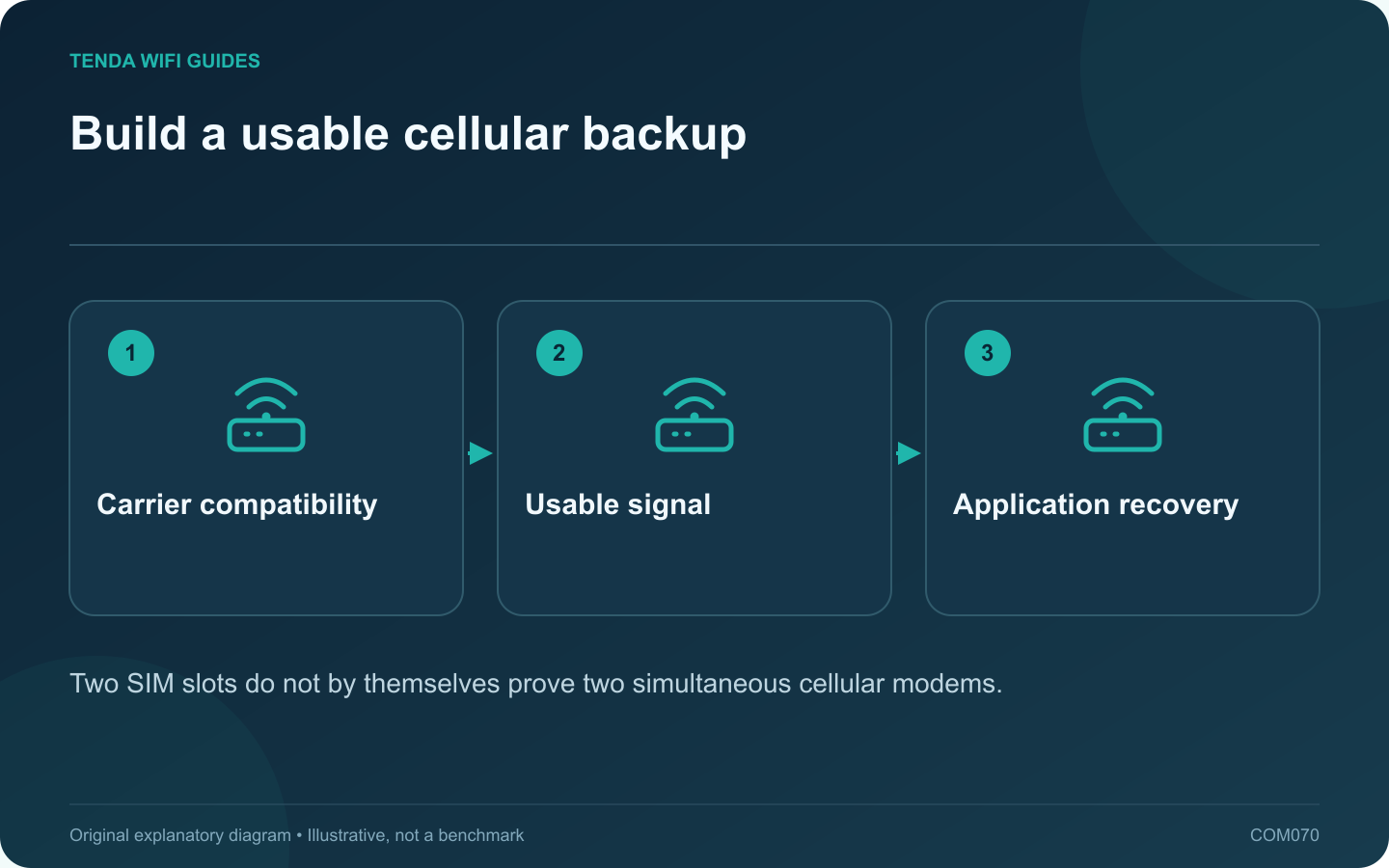
A cellular router can provide a useful alternative when fixed broadband fails, but only if it works with your carrier, location and data plan. For Spitz AX, begin with the cellular requirements rather than the Wi-Fi speed class.
Confirm the regional cellular hardware
Check the exact modem variant, supported bands and carrier requirements for the unit being sold. GL.iNet lists Spitz AX as a 4G/5G router with two Nano-SIM slots. Do not interpret two SIM slots as proof of two independent active modems or automatic bandwidth bonding.
Read the plan conditions
- Is router use permitted?
- Are there hotspot or data-volume limits?
- What happens after the allowance is consumed?
- Are inbound connections or a public address required for your task?
Record any provider-supplied APN settings privately. A plan that works in a phone is not sufficient evidence that every feature will behave the same way in a router.
Test the installation location
Try permitted indoor positions with the supplied antennas installed according to the manual. Observe stability during the hours when the backup would be needed. A short successful test in a different building does not establish performance at the office desk.
Understand the wired layout
The published interfaces include a 2.5 Gbps WAN port and a gigabit LAN port. Map the planned connection to your existing network and check the supported operating arrangement. Do not assume every local wired client receives the maximum advertised cellular rate.
Perform a controlled outage drill
At a suitable time, remove the primary connection through the documented process and observe failover. Reopen the actual work applications and note whether they reconnect. Restore the primary service and verify the return path.
Keep track of backup data consumption during the drill. A successful backup design is one that restores the important tasks within an acceptable time and cost; it is not established by a 5G badge or an idle signal indicator alone.
Sources and editorial notes
Sources checked 8 October 2026. Independent guidance and original illustrations; product comparisons use published specifications rather than hands-on benchmarks. Check the exact model, revision and regional documentation before changing settings.