Explore the guide library · Router buying guides
Choose a work-from-home router around reliable calls, a documented recovery path and compatible backup service.
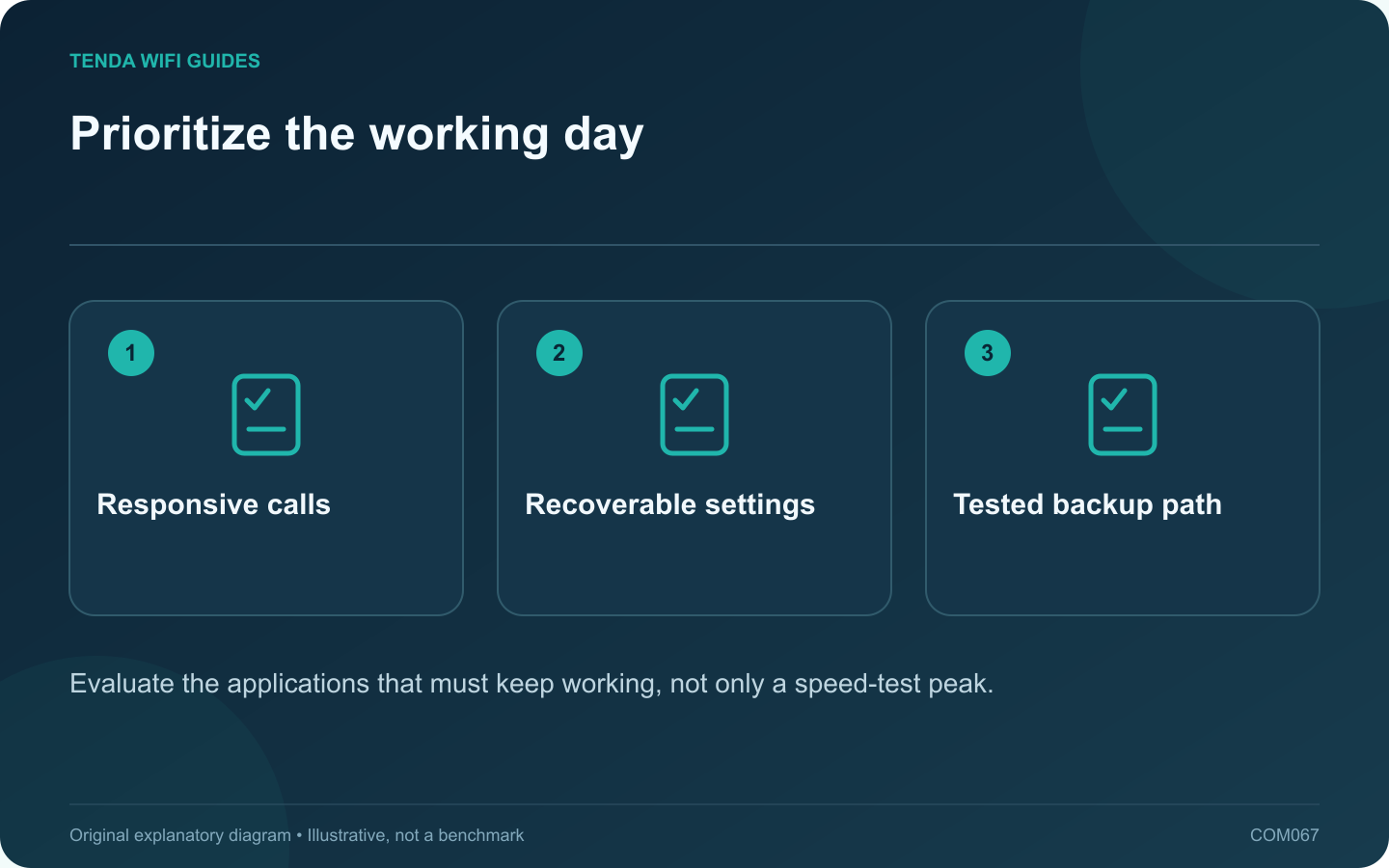
A good home-office router makes interruptions easier to prevent and diagnose. Before comparing models, write down the work applications, number of simultaneous calls and the household traffic that overlaps with them. Include the employer’s VPN requirements without putting confidential configuration details in a public support request.
Check the busy-hour behavior
Run a normal call while another device performs a typical upload. If responsiveness deteriorates, investigate supported queue management and the upstream service. GL.iNet documents SQM as a model-dependent feature with processing costs; it is not available identically on every router.
Plan recovery before adding features
- Use a supported local administration method.
- Keep a private copy of the configuration and provider details.
- Know how to identify the router’s current local address.
- Arrange a maintenance window for firmware updates.
Cloud convenience can be useful, but a cloud outage should not leave you without a documented local troubleshooting route where the product supports one.
Evaluate backup connectivity honestly
If a second connection is essential, verify the exact router supports the required WAN interface and failover behavior. A dual-WAN label does not promise an existing call survives a public-address change. Test reconnection in the actual conferencing and work applications during a quiet period.
Check whether both services depend on the same building power or physical access line. A second bill does not automatically buy an independent failure path.
Write an acceptance sheet
Record call quality at the work desk, local printer access, VPN compatibility, outage recovery and the time needed to restore normal service. Include a wired fallback if practical. Keep household access rules understandable to someone else who might need to administer the network.
Choose the device that satisfies these checks at a sustainable cost. This approach may favor a modest router with appropriate management and cabling over a more expensive model whose additional radio features do not address the office’s actual weak point.
Sources and editorial notes
Sources checked 8 October 2026. Independent guidance and original illustrations; product comparisons use published specifications rather than hands-on benchmarks. Check the exact model, revision and regional documentation before changing settings.
- GL.iNet: multi-WAN modes and detection
- GL.iNet: administrator access controls
- GL.iNet: Smart Queue Management and hardware limitations