Independent setup & troubleshootingHelping you find your connection.
The guide library

Choosing a router for 2 Gbps fiber: three port layouts to compare

Explore the guide library · Router buying guides

Compare Archer BE550, RT-BE86U and Flint 2 by the complete wired path, then check routing features under your workload.
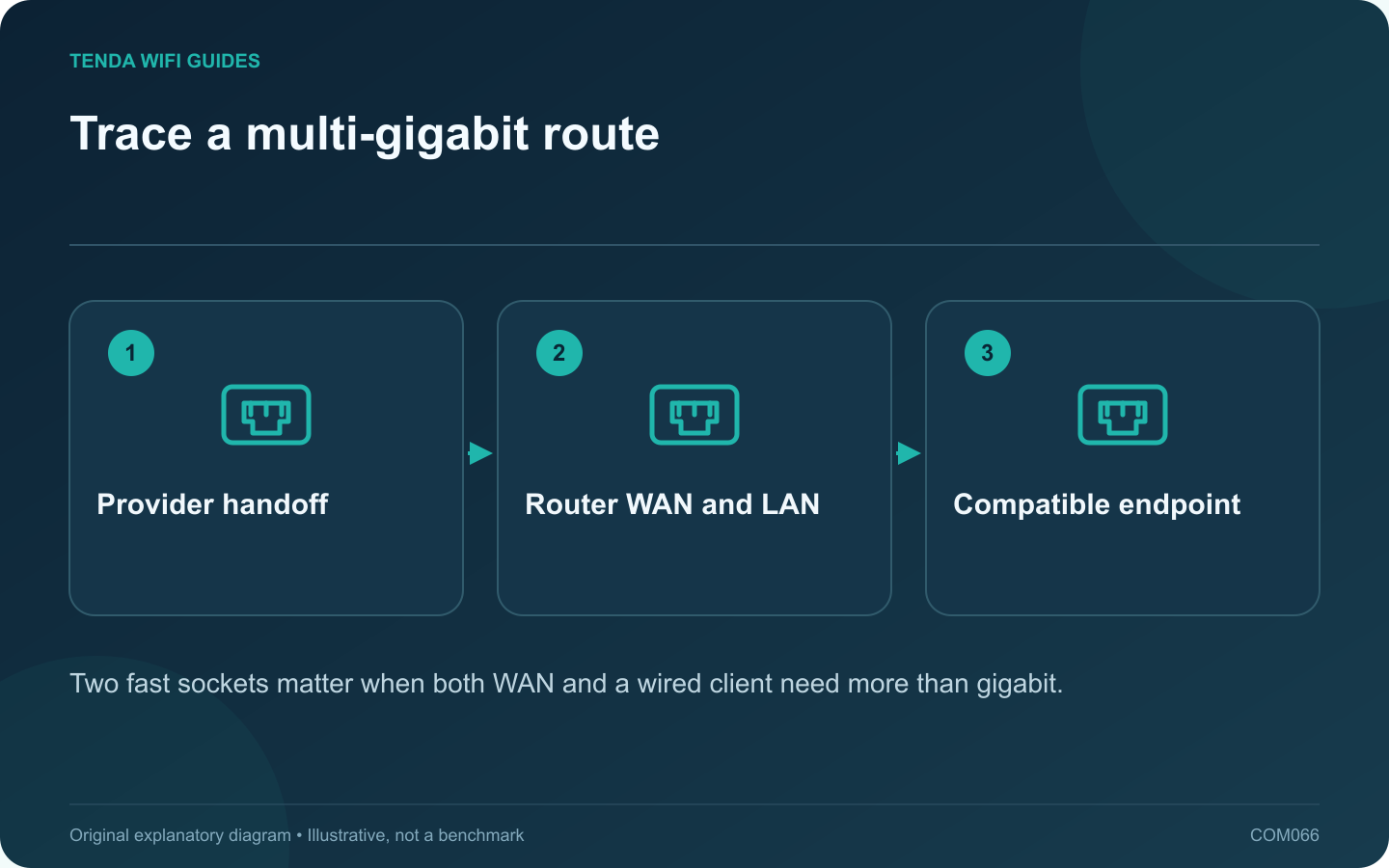
Trace a multi-gigabit route: Provider handoff; Router WAN and LAN; Compatible endpoint
Two fast sockets matter when both WAN and a wired client need more than gigabit.

A 2 Gbps subscription does not mean every connected device will receive that rate. For a wired workstation, both the router’s upstream and downstream interfaces must support the intended connection. For several clients sharing the service, the aggregate workload matters too.

Build a specification shortlist

Archer BE550, ASUS RT-BE86U and GL.iNet Flint 2 offer different multi-gigabit interface arrangements. Check the current regional specifications and hardware revision. Record the physical port rates, supported WAN assignment and the number of faster local connections remaining after installation.

These are candidates for a requirements comparison, not a measured speed ranking. A fast port alone does not establish forwarding performance with every security, VPN or traffic-management feature enabled.

Identify the provider handoff

  1. Confirm the optical terminal or gateway supplies a suitable Ethernet interface.
  2. Record authentication and service requirements.
  3. Choose the router’s supported WAN port.
  4. Connect a workstation with a compatible adapter through an appropriate local port.
  5. Inspect the actual negotiated rate at both ends.

Test two different goals

First test the single wired workstation with other traffic quiet. Then test a realistic household workload across several clients. Record upload as well as download behavior, and repeat with the features you intend to keep enabled.

If a VPN or queue-management option reduces peak throughput, decide whether its benefit is more important than a headline result. Do not turn off necessary protections merely to produce a larger number.

Include the rest of the purchase

Budget for the adapter, switch and cabling if required. A gigabit connection elsewhere in the route can remain the practical limit for that endpoint. Keep the provider’s service terms and expected testing method available when investigating an unexpectedly low result.

The best candidate is the one that passes your actual application tests with the desired features and expansion capacity. Purchase against that written requirement, not an assumption that all multi-gigabit routers behave alike.

Sources and editorial notes

Sources checked 8 October 2026. Independent guidance and original illustrations; product comparisons use published specifications rather than hands-on benchmarks. Check the exact model, revision and regional documentation before changing settings.

Related guides

300 FAQs across our guide libraries

Quick answers

100 practical questions from Tenda WiFi Guides.

Browse all 100 FAQs
What router port layout suits a 2 Gbps fiber connection?

A 2 Gbps subscription does not mean every connected device will receive that rate. For a wired workstation, both the router's upstream and downstream interfaces must support the intended connection. For several clients sharing the service, the aggregate workload matters too. Archer BE550, ASUS RT-BE86U and GL.iNet Flint 2 offer different multi-gigabit interface arrangements. Check the current regional specifications and hardware revision. Record the physical port rates, supported WAN assignment and the number of faster local connections remaining after installation.

Read the full guide and sources
What should I check before importing a 6 GHz router?

An overseas router listing can look attractive, especially when it advertises an additional band. Before importing, verify that the exact regional product and your client devices support the intended operation where you will use them. A generation label alone is not enough. Some Wi-Fi 7 routers are dual-band and do not include 6 GHz. Compare the actual band specification rather than assuming every newer model includes all capabilities of an older tri-band product. Tenda's RX27 Pro and TE6L Pro illustrate why the detailed radio list matters.

Read the full guide and sources
Does an EasyMesh logo guarantee that two routers will work together?

Before buying a second router for an existing mesh system, check the exact pairing you intend to use. A mesh logo or a product-family name does not establish every supported role, firmware requirement or backhaul method. Record the main router model and revision, the proposed satellite and whether they will connect wirelessly or through Ethernet. Include the current firmware versions. This is the minimum information needed for a meaningful compatibility check.

Read the full guide and sources
What should I check before relying on router parental controls?

Parental controls vary substantially between routers and service plans. Before purchasing, write down the behavior you need: a bedtime schedule, a category filter, a pause button or visibility into connected devices. These are different requirements, even when grouped under one menu name. Read which functions are included, which require an account or subscription and what remains after a trial ends. Confirm the features work in the intended router or access-point mode. TP-Link documents mode-dependent Deco features, while Tenda lists parental controls among supported RX2 Pro functions; neither label alone answers every household policy question.

Read the full guide and sources
Independent. Practical. Clear.

Tenda WiFi Guides is an independent information website. We are not affiliated with or endorsed by Tenda. Product names belong to their respective owners.