Independent setup & troubleshootingHelping you find your connection.
The guide library

Buying a used router: support, ownership and hardware checks

Explore the guide library · Router buying guides

Inspect the exact revision, update support and reset state before treating a used router as a bargain.
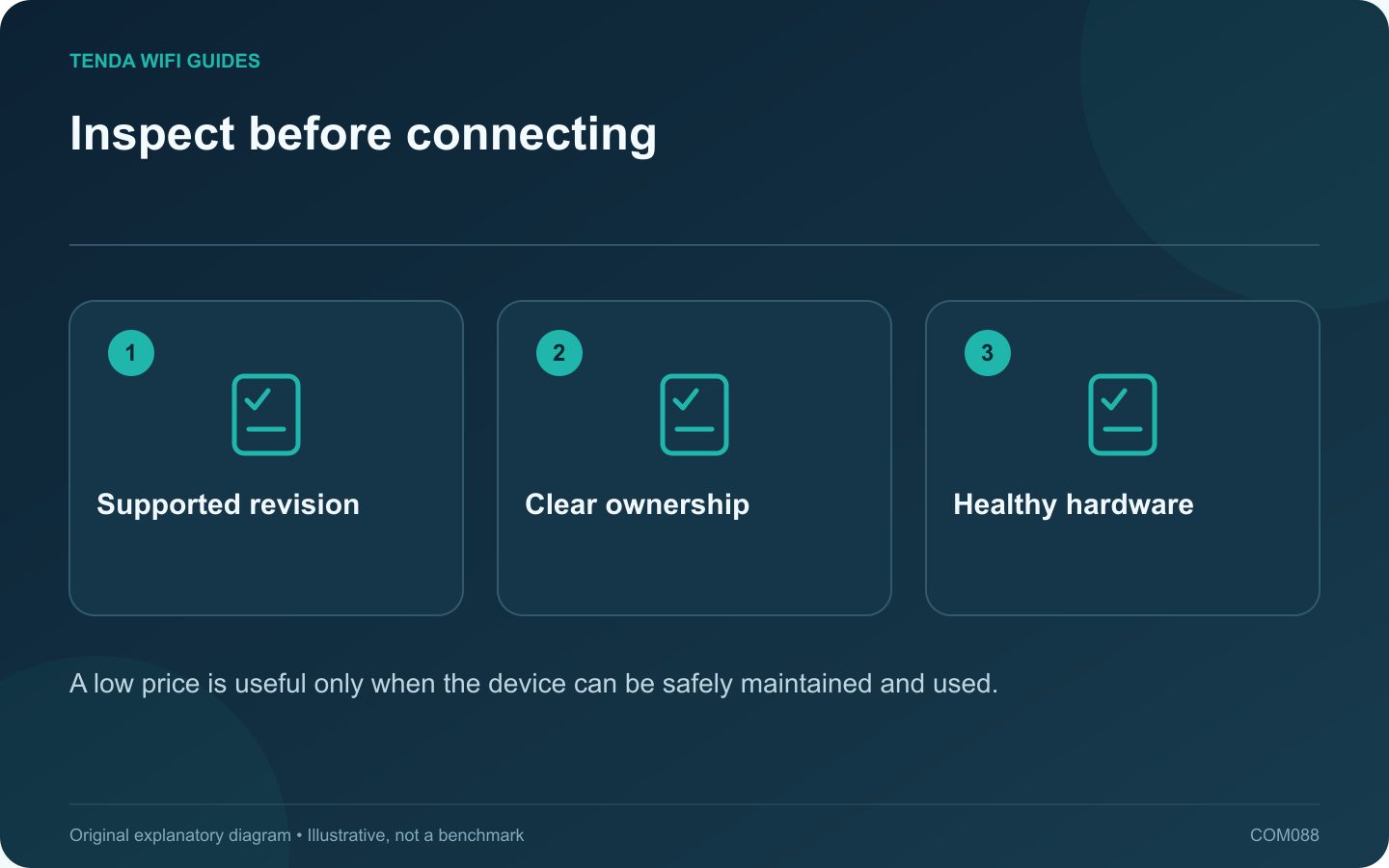
Inspect before connecting: Supported revision; Clear ownership; Healthy hardware
A low price is useful only when the device can be safely maintained and used.

A used router can be economical when its hardware, ownership and support status are clear. Ask for the exact model and revision before agreeing on a price. A familiar product name can cover several different hardware versions with different firmware.

Check support before cosmetics

Look up the manufacturer’s support page and end-of-life information. Tenda’s revision-specific downloads and ASUS’s end-of-life list illustrate why model details matter. A clean case does not establish that security updates remain available.

Confirm the seller can transfer the device

Check whether it belongs to a provider, business or cloud-managed installation. The seller should complete any required account unbinding or ownership transfer through the official process. Do not attempt to bypass a previous owner’s management lock.

Inspect the physical package

  • Correct power supply and undamaged connector.
  • Intact ports and antennas.
  • No visible overheating damage or liquid residue.
  • Readable model and revision label.
  • Required mounting parts or proprietary cables.

Establish your own configuration

Follow the vendor’s supported reset and setup process, then install the appropriate stable firmware. Do not restore a configuration file supplied by an unknown previous owner. Confirm that you control administrator access and any optional remote-management relationship.

Test during the return period

Check every port you intend to use, both relevant wireless bands and normal operation under a representative workload. Observe whether the device restarts unexpectedly. A brief login-page demonstration does not prove long-term stability.

Compare the complete cost with a supported new alternative, including a replacement adapter or missing accessories. If ownership cannot be cleared, updates are unavailable or the hardware behaves erratically, a low purchase price can become an expensive troubleshooting project. Choose the unit only when its supported capabilities meet a specific requirement.

Sources and editorial notes

Sources checked 8 October 2026. Independent guidance and original illustrations; product comparisons use published specifications rather than hands-on benchmarks. Check the exact model, revision and regional documentation before changing settings.

Related guides

300 FAQs across our guide libraries

Quick answers

100 practical questions from Tenda WiFi Guides.

Browse all 100 FAQs
What should I inspect before buying a used router?

A used router can be economical when its hardware, ownership and support status are clear. Ask for the exact model and revision before agreeing on a price. A familiar product name can cover several different hardware versions with different firmware. Look up the manufacturer's support page and end-of-life information. Tenda's revision-specific downloads and ASUS's end-of-life list illustrate why model details matter. A clean case does not establish that security updates remain available.

Read the full guide and sources
How do I check whether a discounted router is still supported?

A discount is useful only if the router remains suitable to operate. Before buying older stock, check whether the manufacturer still maintains the exact hardware revision. A product can remain available from a seller after its official maintenance has ended. Record the complete model, suffix and hardware revision from the listing or packaging. Ask the seller to clarify an ambiguous revision before checkout. Different revisions with similar names may have separate support histories, so searching only the family name can produce the wrong conclusion.

Read the full guide and sources
What router port layout suits a 2 Gbps fiber connection?

A 2 Gbps subscription does not mean every connected device will receive that rate. For a wired workstation, both the router's upstream and downstream interfaces must support the intended connection. For several clients sharing the service, the aggregate workload matters too. Archer BE550, ASUS RT-BE86U and GL.iNet Flint 2 offer different multi-gigabit interface arrangements. Check the current regional specifications and hardware revision. Record the physical port rates, supported WAN assignment and the number of faster local connections remaining after installation.

Read the full guide and sources
What matters when replacing a router used by older smart devices?

A household can contain a new laptop and a much older plug, printer or camera at the same time. Before replacing the router, identify the older devices whose connection is essential. The newest Wi-Fi generation does not automatically solve their onboarding or security compatibility. Record each device's exact model, supported band, current firmware and setup method. Note whether its companion application needs the phone on a particular network during pairing. Use the manufacturer's documentation rather than assuming every smart-home product uses the same process.

Read the full guide and sources
Independent. Practical. Clear.

Tenda WiFi Guides is an independent information website. We are not affiliated with or endorsed by Tenda. Product names belong to their respective owners.