Independent setup & troubleshootingHelping you find your connection.
The guide library

Stable vs preview router firmware: choose the right update channel

Explore the guide library · Router maintenance

Use release notes and a recovery plan to decide whether an early feature is worth testing on an essential connection.
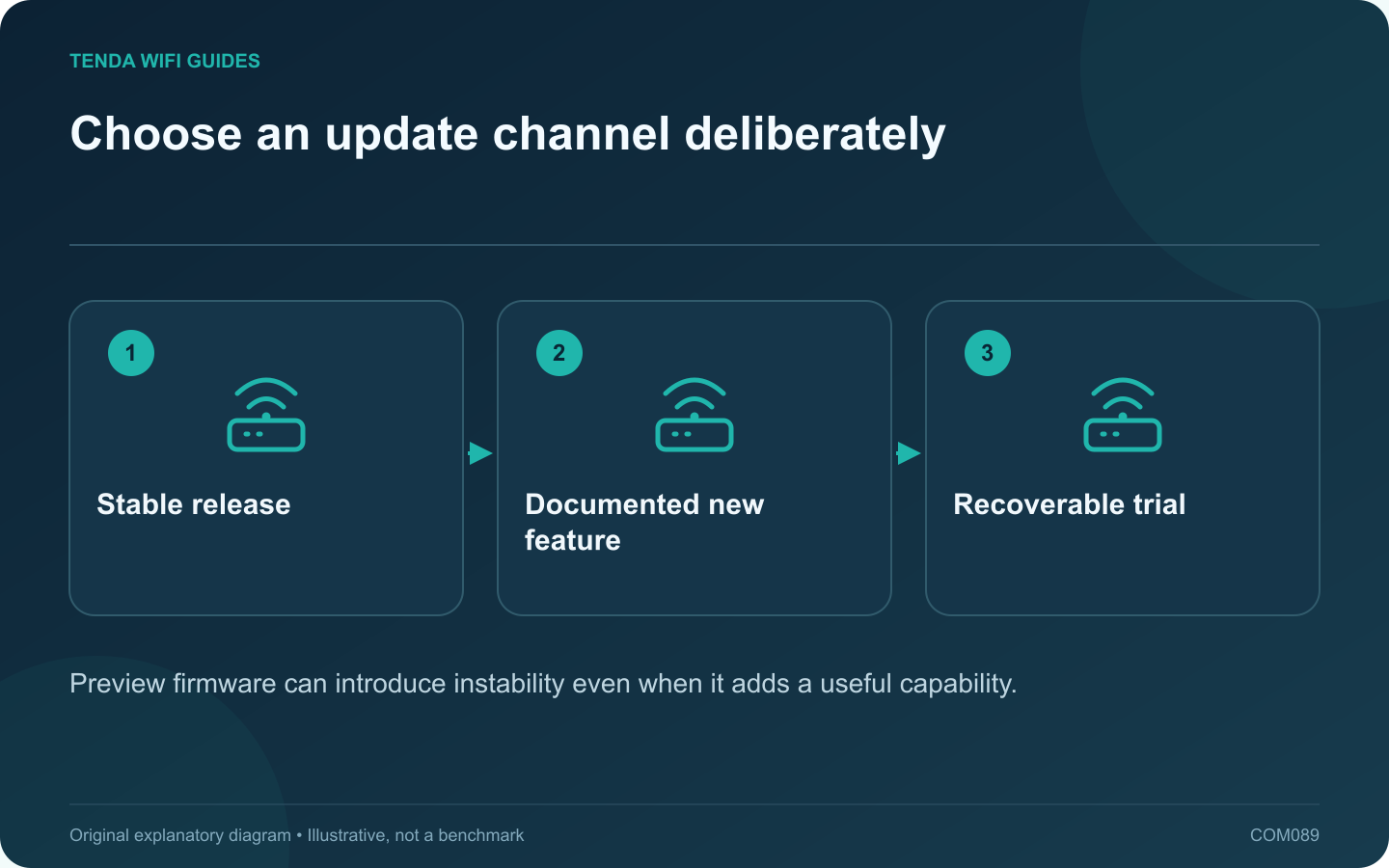
Choose an update channel deliberately: Stable release; Documented new feature; Recoverable trial
Preview firmware can introduce instability even when it adds a useful capability.

Preview firmware can provide early access to a feature, but it also changes the risk of relying on the router for everyday work. For an essential household connection, start with the manufacturer’s supported stable channel unless a specific need justifies a controlled test.

Read the channel description

GL.iNet’s upgrade guide distinguishes official online updates from a preview plan and warns that preview releases may be unstable. Other manufacturers use terms such as beta or early access. Read the product’s current explanation instead of assuming all available downloads have the same support status.

Identify the reason to test

Write down the exact feature or fix you need and the problem it is expected to solve. If the existing connection works and the change is merely curiosity, consider testing on spare equipment rather than the only gateway used for work.

Prepare the recovery path

  • Save a supported backup and readable settings record.
  • Read downgrade and settings-retention restrictions.
  • Keep the exact stable firmware and recovery instructions available.
  • Schedule a period when interruption is acceptable.

A backup from one firmware version may not be safe to restore on another. Follow the vendor’s instructions rather than assuming the file format is universally compatible.

Use an acceptance checklist

Test the new feature and the old essentials: internet access, local services, guest policy, VPN and normal recovery after restart. Record results and firmware versions so a later issue can be linked to a concrete change.

Do not postpone necessary fixes indefinitely

Choosing a stable channel is not a reason to ignore supported security updates. Review release notes and apply appropriate updates with a maintenance plan.

The right channel balances the need for new functionality against the household’s tolerance for disruption. A controlled trial with a supported rollback route is more useful than installing a preview simply because its version number is larger.

Sources and editorial notes

Sources checked 8 October 2026. Independent guidance and original illustrations; product comparisons use published specifications rather than hands-on benchmarks. Check the exact model, revision and regional documentation before changing settings.

Related guides

300 FAQs across our guide libraries

Quick answers

100 practical questions from Tenda WiFi Guides.

Browse all 100 FAQs
Should everyday router use rely on stable or preview firmware?

Preview firmware can provide early access to a feature, but it also changes the risk of relying on the router for everyday work. For an essential household connection, start with the manufacturer's supported stable channel unless a specific need justifies a controlled test. GL.iNet's upgrade guide distinguishes official online updates from a preview plan and warns that preview releases may be unstable. Other manufacturers use terms such as beta or early access. Read the product's current explanation instead of assuming all available downloads have the same support status.

Read the full guide and sources
How can I schedule a router update around important work?

A router firmware update is easier to manage when the interruption is planned. Tell household members when connectivity may stop, check for active calls or transfers and keep an alternative way to read the instructions. Match model, hardware revision and region to the manufacturer's current download or supported online update process. Read the release notes, required intermediate versions and settings-retention instructions. Do not install a similarly named product's firmware.

Read the full guide and sources
How can I prepare router logs without sharing private details?

A router log can help explain a connection failure, but it can also contain device identifiers, addresses and service information. Treat an exported log as private network data. Share only what is needed through the manufacturer's official support process. Write down when the failure happened, the router's timezone, the affected device and the observed symptom. Export relevant logs before a reset or other action that might erase them. GL.iNet's log guide describes viewing, filtering and exporting several log types on supported firmware.

Read the full guide and sources
What belongs in a private router-settings record?

A readable settings record helps when replacing a router or explaining a problem, but it should not expose credentials or private network details. Keep a private recovery record and create a separate redacted copy whenever information must be shared. Write down the router model, firmware, operating mode, provider connection type and a simple cable map. Include the local address plan and the purpose of reservations or special rules. The goal is to explain why a setting exists, not merely capture every screen.

Read the full guide and sources
Independent. Practical. Clear.

Tenda WiFi Guides is an independent information website. We are not affiliated with or endorsed by Tenda. Product names belong to their respective owners.