Independent setup & troubleshootingHelping you find your connection.
The guide library

How to share router logs with support without publishing private details

Explore the guide library · Router maintenance

Capture the relevant time window, preserve the original privately and redact the copy you send through an official support channel.
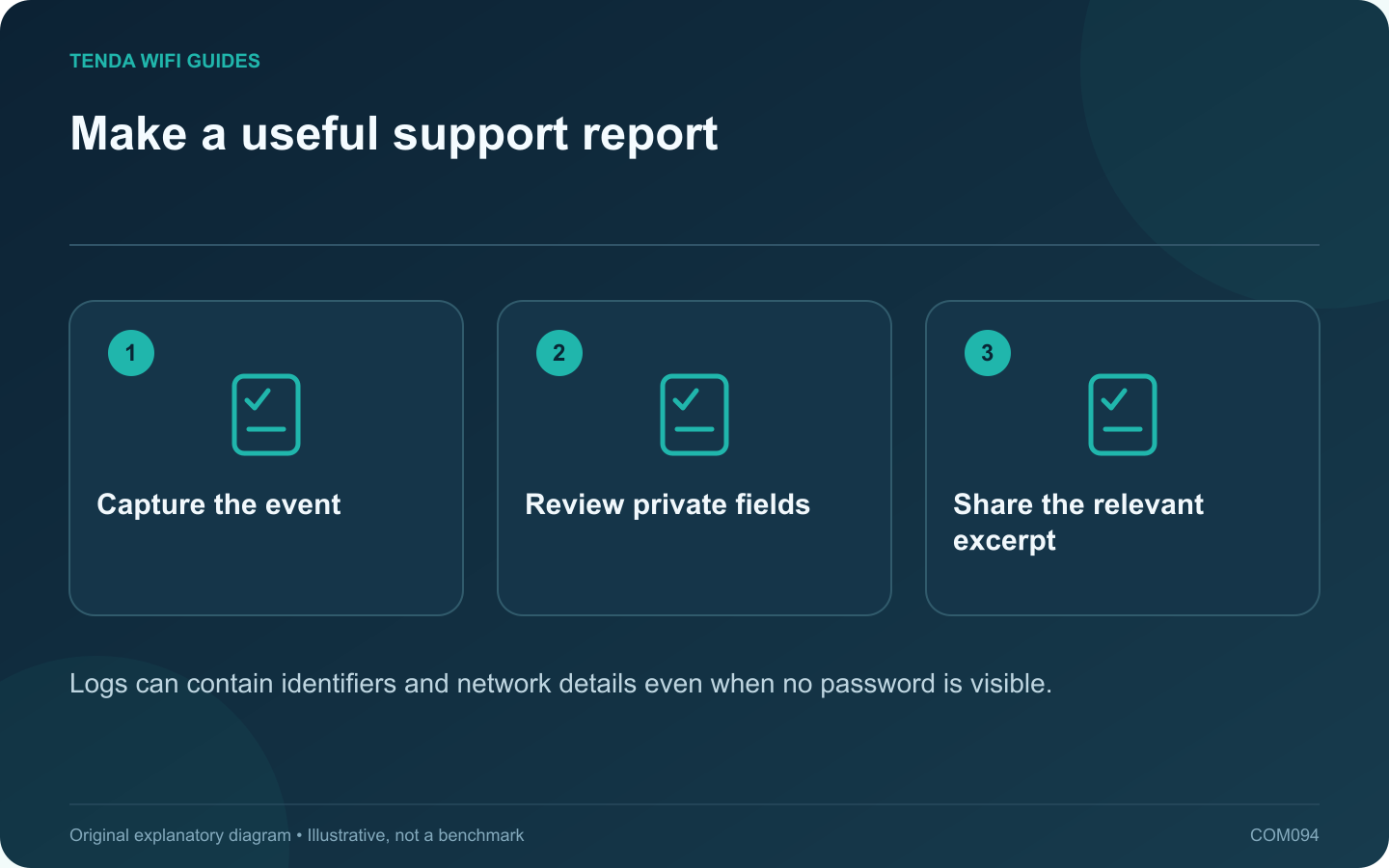
Make a useful support report: Capture the event; Review private fields; Share the relevant excerpt
Logs can contain identifiers and network details even when no password is visible.

A router log can help explain a connection failure, but it can also contain device identifiers, addresses and service information. Treat an exported log as private network data. Share only what is needed through the manufacturer’s official support process.

Capture the incident precisely

Write down when the failure happened, the router’s timezone, the affected device and the observed symptom. Export relevant logs before a reset or other action that might erase them. GL.iNet’s log guide describes viewing, filtering and exporting several log types on supported firmware.

Keep the original private

Save an unchanged original in a secure location for your own reference. Work on a separate copy for sharing. This preserves diagnostic context if support later asks about a line that was removed.

Review the content deliberately

  • Account identifiers and authentication material.
  • Public and private addresses.
  • Device names and hardware identifiers.
  • Visited domains or application details.
  • Location, carrier or connection information.

Redact consistently so the relationship between repeated entries remains understandable. For example, replace the same client identifier with the same neutral label throughout the excerpt.

Add an explanation

Include model, hardware revision, firmware, the approximate event time and the steps that reproduce the problem. State what changed recently. A short report with a relevant excerpt is often easier to interpret than an unexplained archive of every available log.

Choose the right destination

Verify the support portal belongs to the vendor before uploading. A public community post is a different audience from a private ticket; never paste a full unreviewed configuration or credential-bearing log into a forum.

Retain the support case reference and remove shared files when the service’s normal process allows and the case no longer requires them. Useful troubleshooting evidence should narrow the problem without unnecessarily exposing the household’s network details.

Sources and editorial notes

Sources checked 8 October 2026. Independent guidance and original illustrations; product comparisons use published specifications rather than hands-on benchmarks. Check the exact model, revision and regional documentation before changing settings.

Related guides

300 FAQs across our guide libraries

Quick answers

100 practical questions from Tenda WiFi Guides.

Browse all 100 FAQs
How can I prepare router logs without sharing private details?

A router log can help explain a connection failure, but it can also contain device identifiers, addresses and service information. Treat an exported log as private network data. Share only what is needed through the manufacturer's official support process. Write down when the failure happened, the router's timezone, the affected device and the observed symptom. Export relevant logs before a reset or other action that might erase them. GL.iNet's log guide describes viewing, filtering and exporting several log types on supported firmware.

Read the full guide and sources
What belongs in a private router-settings record?

A readable settings record helps when replacing a router or explaining a problem, but it should not expose credentials or private network details. Keep a private recovery record and create a separate redacted copy whenever information must be shared. Write down the router model, firmware, operating mode, provider connection type and a simple cable map. Include the local address plan and the purpose of reservations or special rules. The goal is to explain why a setting exists, not merely capture every screen.

Read the full guide and sources
Why are router schedules running at the wrong time?

When a Wi-Fi schedule or parental rule runs at the wrong hour, inspect the router's clock before deleting the rule. The schedule may be correct relative to a timezone or system time that does not match the household. Record the actual local time, the time displayed by the router and the selected timezone. Check the date as well as the hour. An incorrect date can affect logs and other time-dependent operations even when the minutes appear plausible.

Read the full guide and sources
Should everyday router use rely on stable or preview firmware?

Preview firmware can provide early access to a feature, but it also changes the risk of relying on the router for everyday work. For an essential household connection, start with the manufacturer's supported stable channel unless a specific need justifies a controlled test. GL.iNet's upgrade guide distinguishes official online updates from a preview plan and warns that preview releases may be unstable. Other manufacturers use terms such as beta or early access. Read the product's current explanation instead of assuming all available downloads have the same support status.

Read the full guide and sources
Independent. Practical. Clear.

Tenda WiFi Guides is an independent information website. We are not affiliated with or endorsed by Tenda. Product names belong to their respective owners.