Explore the guide library · Router maintenance
Prepare the file, power and acceptance checks before starting an update that may reboot the household gateway.
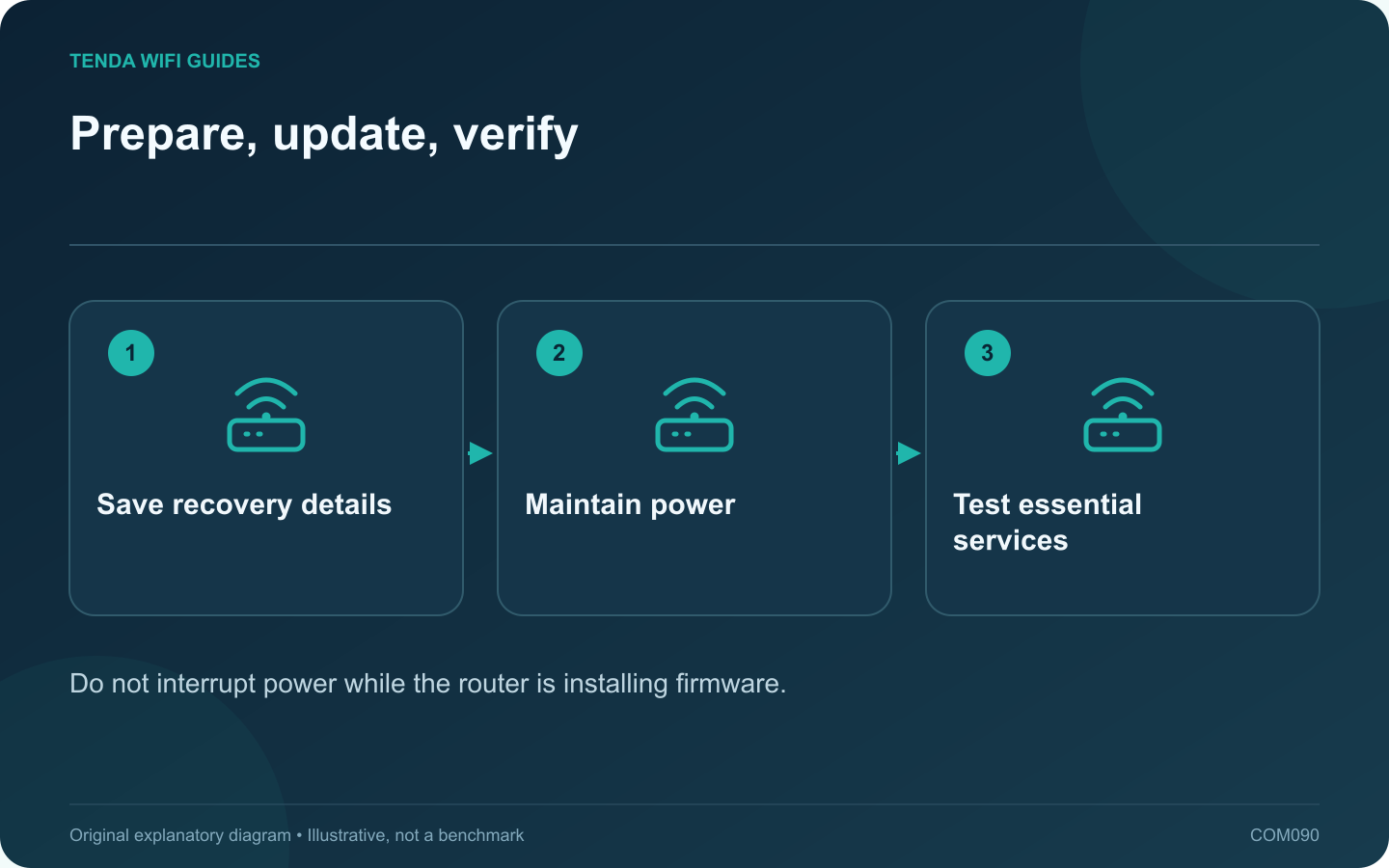
A router firmware update is easier to manage when the interruption is planned. Tell household members when connectivity may stop, check for active calls or transfers and keep an alternative way to read the instructions.
Confirm the exact update
Match model, hardware revision and region to the manufacturer’s current download or supported online update process. Read the release notes, required intermediate versions and settings-retention instructions. Do not install a similarly named product’s firmware.
Prepare before clicking install
- Save a supported configuration backup privately.
- Record provider connection details and the management address.
- Keep the relevant recovery guide available offline.
- Use a stable power arrangement and supported administration connection.
- Pause tasks that should not be interrupted.
Let the update finish
GL.iNet’s upgrade guide explicitly warns against removing power during installation and notes that the router restarts afterward. Follow the timing and status guidance for your own product. An administration page disappearing during a reboot is not by itself a reason to unplug the device.
Verify the installed version
After normal access returns, read the firmware version in the interface. Check that the intended settings remain or restore them only through a documented compatible process. Keep the old backup separate from a new post-update backup.
Run a short acceptance test
- Test one wired or nearby wireless client’s internet access.
- Check the distant device most likely to reveal coverage trouble.
- Verify guest boundaries and required local resources.
- Test any VPN, voice or television service affected by the gateway.
Record the date, version and result. If a new problem appears, preserve logs and consult the vendor’s supported recovery advice before repeatedly resetting the router. The update is complete when the intended firmware is installed and the household’s essential tasks work, not merely when the progress bar disappears.
Sources and editorial notes
Sources checked 8 October 2026. Independent guidance and original illustrations; product comparisons use published specifications rather than hands-on benchmarks. Check the exact model, revision and regional documentation before changing settings.