Independent setup & troubleshootingHelping you find your connection.
The guide library

Why router traffic statistics can change when network acceleration is enabled

Explore the guide library · Router configuration

Check documented feature conflicts before trusting counters or speed limits after changing packet-forwarding acceleration.
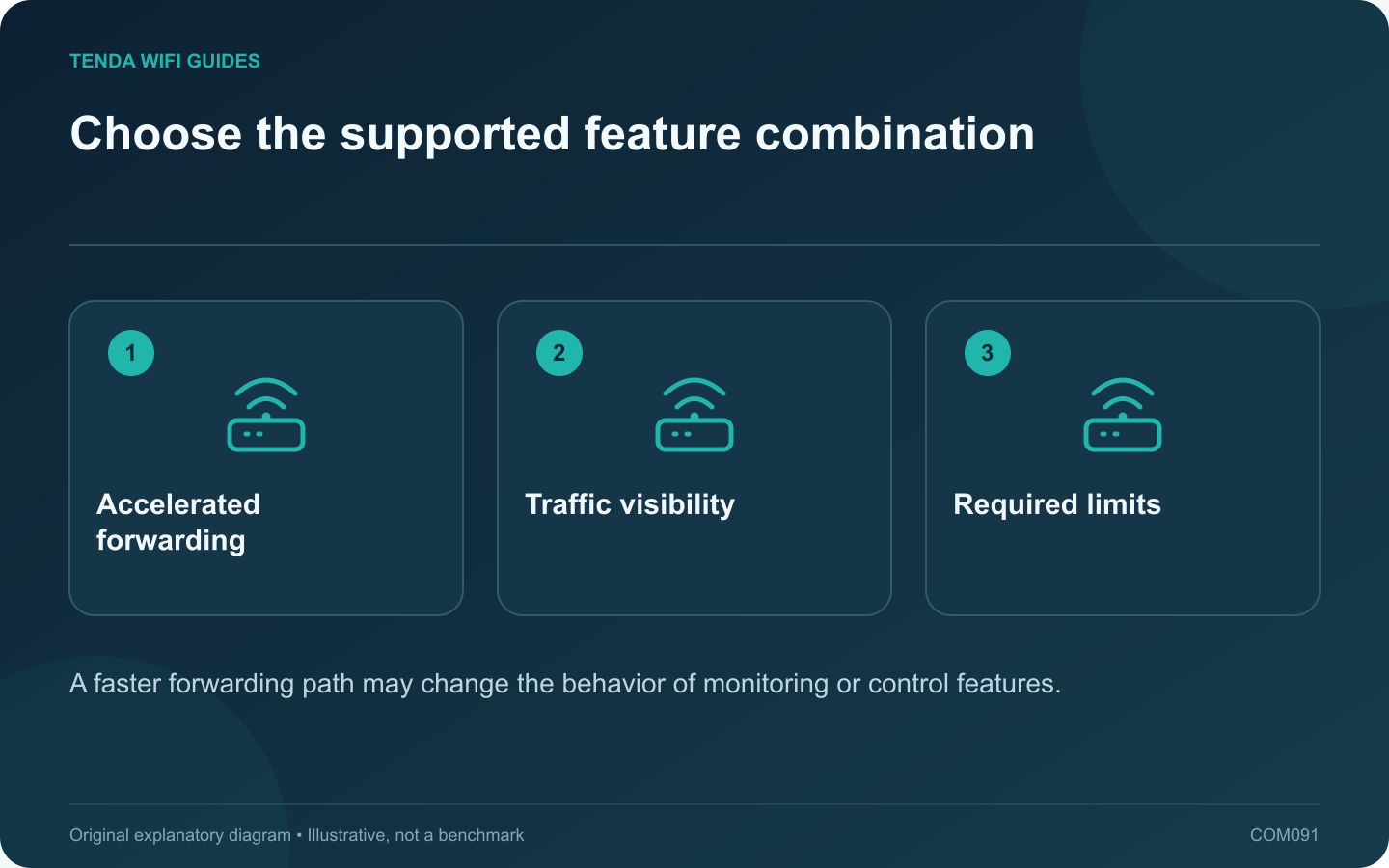
Choose the supported feature combination: Accelerated forwarding; Traffic visibility; Required limits
A faster forwarding path may change the behavior of monitoring or control features.

If router traffic counters or client limits behave unexpectedly after enabling acceleration, check the documentation before assuming the client is evading a rule. Some accelerated forwarding paths conflict with features that inspect or control traffic.

Read the exact compatibility note

GL.iNet’s current network-acceleration guide warns that client speed, traffic statistics and client speed limits do not work properly when that feature is enabled. Its SQM guide describes another incompatible combination. These are product-specific documented limits, not a universal rule for every router brand.

Decide which outcome matters

Write down whether the priority is maximum forwarding capacity, accurate household traffic accounting, a client limit or responsiveness under load. You may need a supported compromise or different hardware to achieve the required combination.

Compare settings methodically

  1. Record the original acceleration and traffic-control settings.
  2. Use one authorized test client and a repeatable transfer.
  3. Observe the relevant counter or limit.
  4. Apply only a documented compatible configuration.
  5. Repeat the same test and compare behavior.

Use an independent check

Where appropriate, compare the router’s observation with the endpoint’s own transfer information. Different measurement windows and protocol overhead can produce different totals, so avoid treating small differences as proof of malfunction.

If a provider charges by data usage, use its billing records as the authoritative basis for that charge. A home-router counter may have resets, missing paths or feature limitations.

Document the final choice

Keep a note of the feature combination and the reason for it. Retest after major firmware changes because supported behavior may evolve. Do not disable necessary security controls just to chase a higher throughput figure.

A useful configuration is one whose limitations are understood and whose important controls have been observed working. An impressive speed test cannot validate a traffic limit or a monitoring chart that the manufacturer explicitly marks as incompatible with the enabled acceleration mode.

Sources and editorial notes

Sources checked 8 October 2026. Independent guidance and original illustrations; product comparisons use published specifications rather than hands-on benchmarks. Check the exact model, revision and regional documentation before changing settings.

Related guides

300 FAQs across our guide libraries

Quick answers

100 practical questions from Tenda WiFi Guides.

Browse all 100 FAQs
Why can network acceleration affect router traffic statistics?

If router traffic counters or client limits behave unexpectedly after enabling acceleration, check the documentation before assuming the client is evading a rule. Some accelerated forwarding paths conflict with features that inspect or control traffic. GL.iNet's current network-acceleration guide warns that client speed, traffic statistics and client speed limits do not work properly when that feature is enabled. Its SQM guide describes another incompatible combination. These are product-specific documented limits, not a universal rule for every router brand.

Read the full guide and sources
Can router lights be switched off while Wi-Fi stays on?

If a router's indicator lights disturb a bedroom, look for a supported LED control before turning the whole device off. LED night mode, wireless scheduling and power control can have different effects. Choosing the wrong one can interrupt devices that need an overnight connection. TP-Link documents LED management through Tether on models that support the feature. Other routers may provide a web-interface setting or a dedicated button. Read the exact model guide before pressing an unfamiliar combined button.

Read the full guide and sources
Should I put a game console in the router’s DMZ?

A consumer router's DMZ host setting commonly sends otherwise unmatched inbound traffic to a selected local device. That is a broad change in exposure, not a special low-latency gaming mode. Avoid using it as the first response to a connection warning. Distinguish login failure, a server outage, voice-chat trouble and a NAT-related matchmaking message. Test basic connectivity and the service's official status information. A router rule will not repair an unavailable game server or an account problem.

Read the full guide and sources
How should I compare Thread and Wi-Fi smart devices?

Choose a smart-home accessory by the task it must perform and the infrastructure you can maintain. Thread and Wi-Fi serve different design needs, and neither label alone guarantees a better product. A sensor, a camera and a wall-powered display have different power and traffic requirements. Thread Group describes Thread as an IP-based network suited to low-power devices, while Matter can use several network transports. For a buying decision, translate that into concrete questions: how is the accessory powered, what information does it exchange, and which controller or border-router role does it require?

Read the full guide and sources
Independent. Practical. Clear.

Tenda WiFi Guides is an independent information website. We are not affiliated with or endorsed by Tenda. Product names belong to their respective owners.