Explore the guide library · Internet connection setup
Use the provider’s authorized registration process before copying an old device identity into a replacement router.
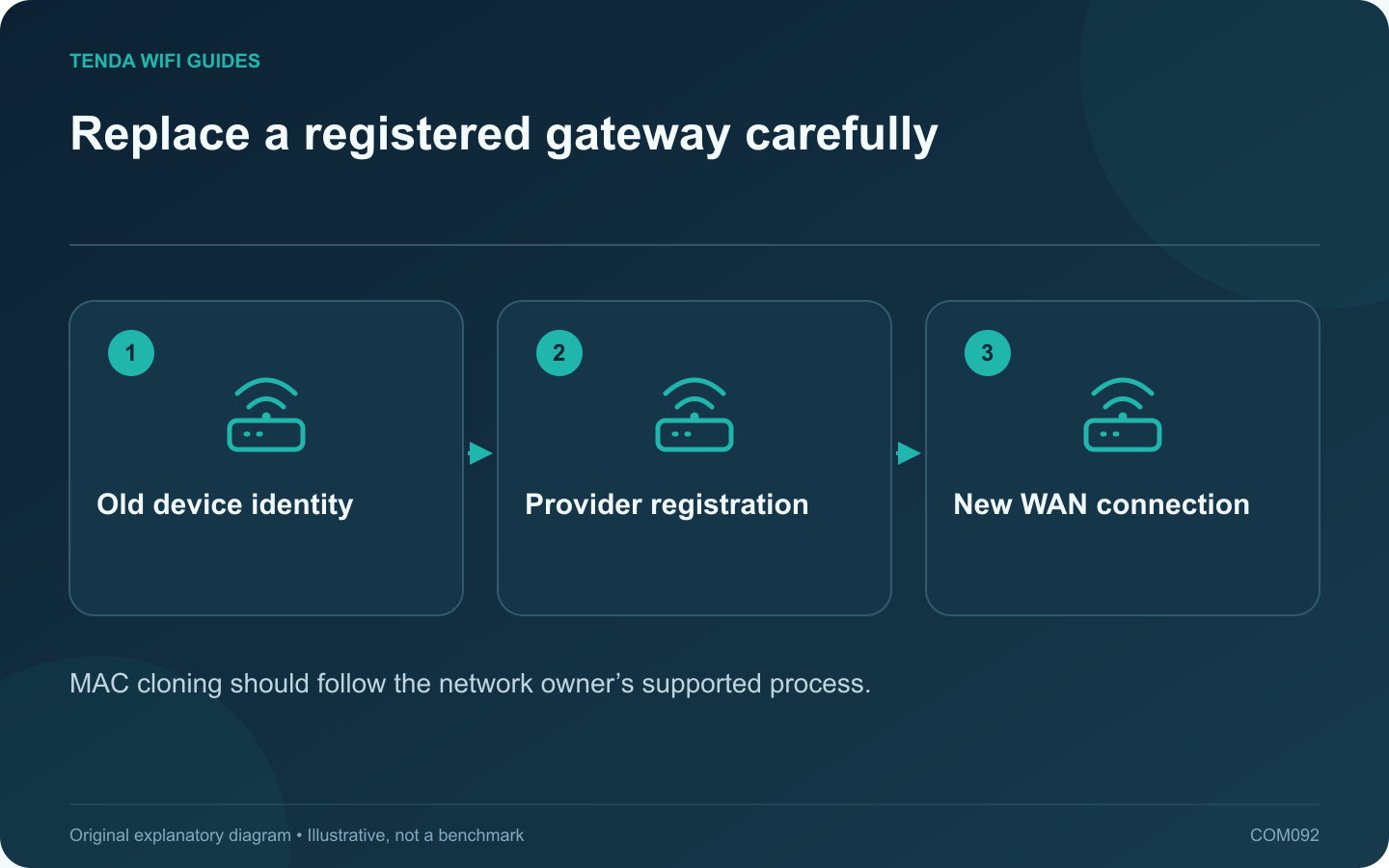
Some provider arrangements associate service with a particular device identity. If a replacement router cannot obtain the expected connection while the old one still works, ask whether WAN MAC registration is involved. Do not assume cloning is required for every service.
Rule out the basic mismatch
Check the WAN cable, connection type and provider authentication requirements. Record the new router’s status message and whether it receives an address. A PPPoE credential error, disconnected cable and registered-device restriction are different problems.
Ask for the authorized replacement process
The provider may update the registration, require a lease release or specify another supported procedure. GL.iNet’s connection-troubleshooting guide includes MAC-related steps for relevant cases, but the provider’s policy determines whether they are appropriate for your connection.
Identify the correct interface
A router can have several MAC addresses for wired and wireless interfaces. Use the exact WAN identity requested by the provider. A sticker or client list may display a different interface, so verify the label and documentation rather than guessing.
Apply only the justified change
- Record the router’s original WAN setting privately.
- Follow the provider-approved registration or replacement instruction.
- Reconnect through the documented process.
- Check the obtained address and internet status.
- Test the connection after a normal restart.
Avoid identity conflicts
Do not use another person’s registered device identity or bypass a network’s access restrictions. Keep the old and replacement arrangements consistent with the provider’s instructions, especially when an identity has been transferred.
If service still fails, restore any unjustified experimental change and provide a redacted status report to the provider. Keep the exact error and timing; do not publish account credentials or full diagnostic records.
The goal is a correctly registered replacement gateway. MAC cloning is a specific compatibility tool in some installations, not a universal internet repair button or a way to increase the subscribed speed.
Sources and editorial notes
Sources checked 8 October 2026. Independent guidance and original illustrations; product comparisons use published specifications rather than hands-on benchmarks. Check the exact model, revision and regional documentation before changing settings.