Independent setup & troubleshootingHelping you find your connection.
The guide library

NAT loopback: why a home service may work outside but fail inside

Explore the guide library · Internet connection setup

Compare local-address and public-name access before assuming a working external service needs more open ports.
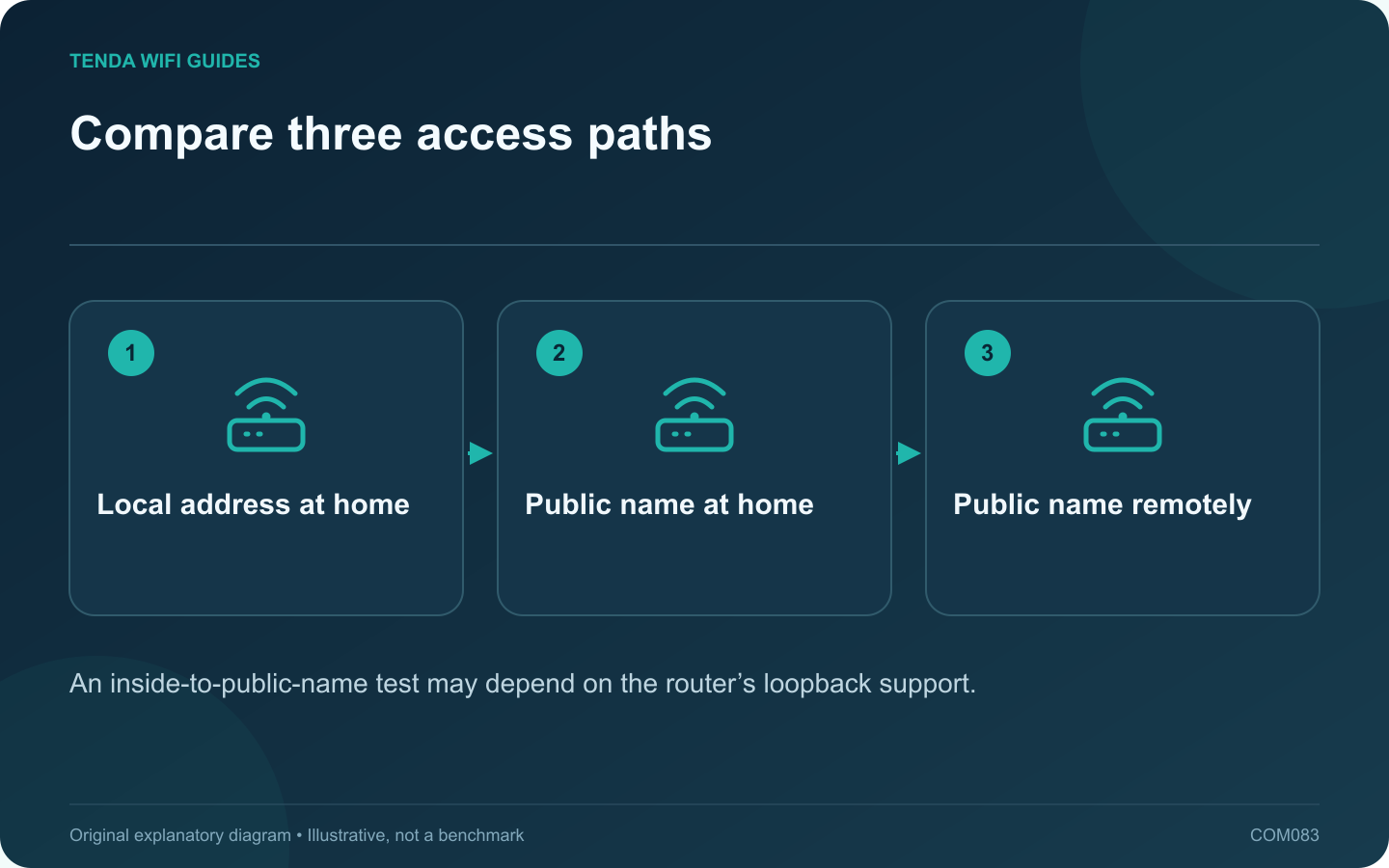
Compare three access paths: Local address at home; Public name at home; Public name remotely
An inside-to-public-name test may depend on the router’s loopback support.

If an authorized home service works from another connection but fails through its public name on home Wi-Fi, investigate the local path before changing forwarding rules. NAT loopback, sometimes called hairpin NAT, is one possible difference between the two tests.

Make a three-result table

Test the service through its supported local address while at home. Then test its public name from home. Finally, test the same public name from a separate connection using your own authorized device. Record the exact error and whether the application uses the same protocol and port.

Understand the loopback role

TP-Link explains loopback as handling a local client’s attempt to reach an internal service through the router’s public-side address. Support and behavior vary by model and operating mode. Do not assume every router exposes a switch with that exact name.

Check name resolution

A public name may resolve differently inside and outside the home. Inspect the intended DNS result without publishing the full address. If the name points to an old connection or the wrong service, the problem is not necessarily loopback.

Choose a supported local route

  • Use the service’s supported local address when appropriate.
  • Consider documented local DNS behavior if the application requires a consistent name.
  • Check certificate-name requirements before substituting an address in an HTTPS application.
  • Consult the router’s current loopback documentation.

Avoid widening exposure

If remote access already works, adding broad forwarding or enabling DMZ is unlikely to explain the difference between the two local paths. Keep the existing exposure limited to its authorized purpose.

After a supported correction, repeat all three tests and record the result. Also verify behavior after a router restart or public-address change if dynamic DNS is involved. A clear comparison separates local routing and name-resolution issues from genuinely broken external access.

Sources and editorial notes

Sources checked 8 October 2026. Independent guidance and original illustrations; product comparisons use published specifications rather than hands-on benchmarks. Check the exact model, revision and regional documentation before changing settings.

Related guides

300 FAQs across our guide libraries

Quick answers

100 practical questions from Tenda WiFi Guides.

Browse all 100 FAQs
Why can a home service work remotely but fail on home Wi-Fi?

If an authorized home service works from another connection but fails through its public name on home Wi-Fi, investigate the local path before changing forwarding rules. NAT loopback, sometimes called hairpin NAT, is one possible difference between the two tests. Test the service through its supported local address while at home. Then test its public name from home. Finally, test the same public name from a separate connection using your own authorized device. Record the exact error and whether the application uses the same protocol and port.

Read the full guide and sources
Could an ISP’s WAN MAC registration stop a new router connecting?

Some provider arrangements associate service with a particular device identity. If a replacement router cannot obtain the expected connection while the old one still works, ask whether WAN MAC registration is involved. Do not assume cloning is required for every service. Check the WAN cable, connection type and provider authentication requirements. Record the new router's status message and whether it receives an address. A PPPoE credential error, disconnected cable and registered-device restriction are different problems.

Read the full guide and sources
When should I consider changing router MTU?

Leave the router's documented MTU setting alone unless the provider or a specific diagnosis gives you a reason to change it. MTU describes a packet-size limit on an interface. An arbitrary smaller number is not a general cure for weak Wi-Fi, slow DNS or a busy broadband connection. Identify the application and operation that fails, whether it happens on a wired client, and whether a VPN is involved. Preserve the working default. A page that loads slowly once is insufficient evidence for changing a gateway-wide setting.

Read the full guide and sources
What should I check before bridging an ISP gateway?

Bridge mode can be useful when your own router should manage the home network. It is not a universal speed improvement. Before enabling it, confirm that the provider supports the arrangement and prepare the new router to take over the functions the gateway will stop providing. TP-Link's overview explains that gateway bridge mode hands routing to a separate router and may disable the gateway's Wi-Fi. The actual behavior depends on the provider equipment. Confirm the effects on telephone service, television equipment and local management access before altering a combined service gateway.

Read the full guide and sources
Independent. Practical. Clear.

Tenda WiFi Guides is an independent information website. We are not affiliated with or endorsed by Tenda. Product names belong to their respective owners.