Independent setup & troubleshootingHelping you find your connection.
The guide library

Planning a home VPN server: check reachability before buying hardware

Explore the guide library · Security and privacy

Distinguish a router’s VPN-server feature from the provider connection needed to reach it remotely.
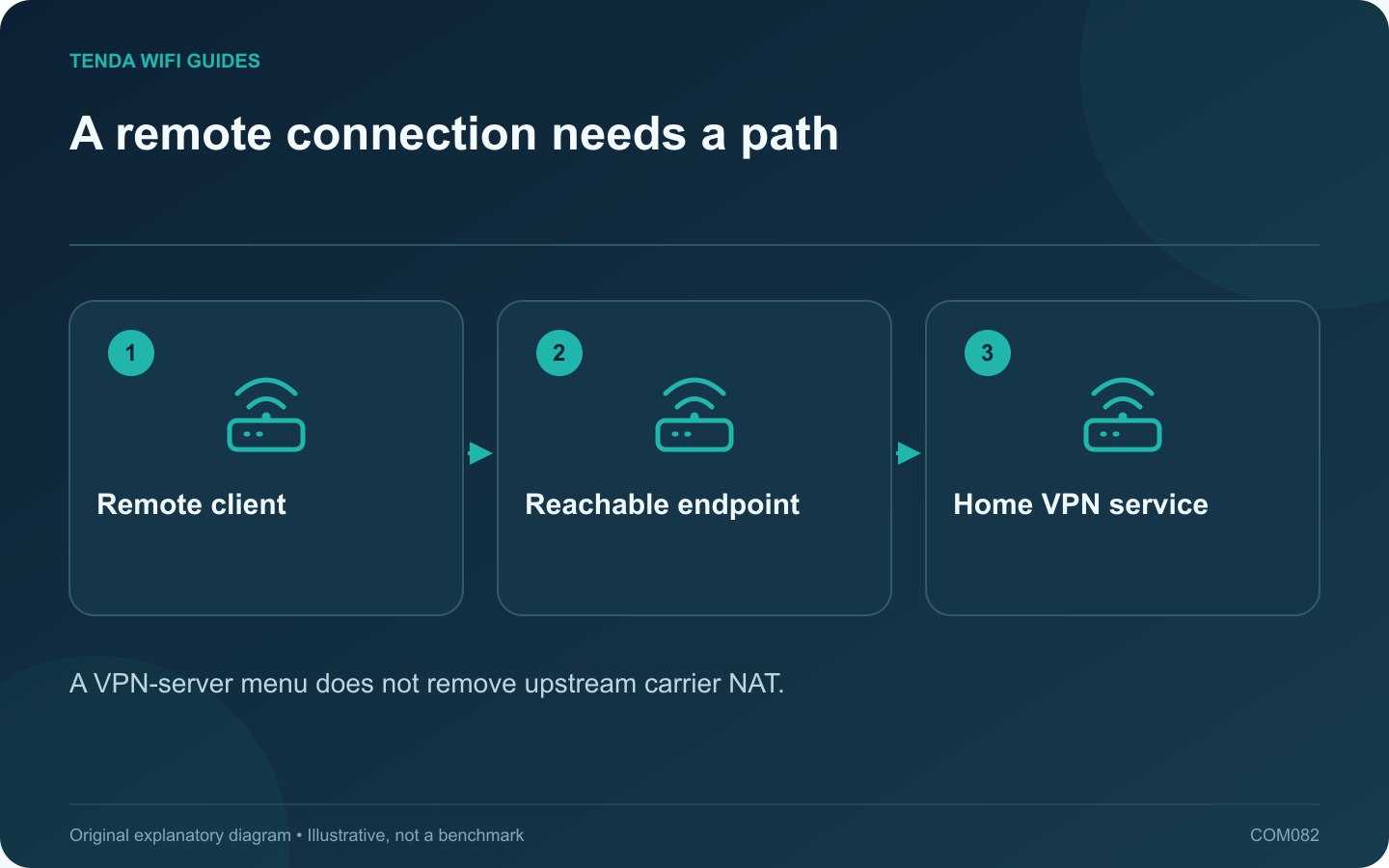
A remote connection needs a path: Remote client; Reachable endpoint; Home VPN service
A VPN-server menu does not remove upstream carrier NAT.

A router may support a VPN server while your internet connection prevents a remote client from reaching it directly. Before buying hardware for remote home access, establish how the endpoint will be reached and who will administer the service.

Define the remote task

List the resources you need: a private storage share, a management interface or a specific home application. Limit access to that purpose. Do not expose file-sharing or remote-desktop services directly to the public internet as a shortcut around the VPN plan.

Check provider reachability

Review the WAN arrangement and ask the provider whether direct inbound access is supported. Carrier-grade NAT or another upstream router can prevent a local forwarding rule from being sufficient. A dynamic DNS name tracks an address; it does not by itself remove that upstream restriction.

Confirm the server implementation

  • Supported protocol and client platforms.
  • Authentication and key-management process.
  • Access controls for local resources.
  • Firmware support and update procedure.
  • Expected recovery after an address or connection change.

Use the current guide for the exact router. A model’s VPN client performance claim does not establish its server behavior or every remote-access feature.

Test from a separate connection

After a properly scoped setup, test with your own authorized client on another internet connection. Verify both that the intended resource works and that unnecessary resources remain unavailable. A test from the same home Wi-Fi may not exercise the external path.

Maintain access deliberately

Store configuration and private keys securely, remove access for retired devices and keep a recovery method that does not depend on the remote tunnel already working.

If direct reachability is unavailable, consider a reputable supported outbound-connection solution or a provider service change after reviewing its costs and trust model. Choose the architecture first; the most expensive router cannot independently change the provider’s network policy.

Sources and editorial notes

Sources checked 8 October 2026. Independent guidance and original illustrations; product comparisons use published specifications rather than hands-on benchmarks. Check the exact model, revision and regional documentation before changing settings.

Related guides

300 FAQs across our guide libraries

Quick answers

100 practical questions from Tenda WiFi Guides.

Browse all 100 FAQs
What must be reachable before I buy a home VPN server?

A router may support a VPN server while your internet connection prevents a remote client from reaching it directly. Before buying hardware for remote home access, establish how the endpoint will be reached and who will administer the service. List the resources you need: a private storage share, a management interface or a specific home application. Limit access to that purpose. Do not expose file-sharing or remote-desktop services directly to the public internet as a shortcut around the VPN plan.

Read the full guide and sources
What should I recheck after enabling IPv6 on a new router?

A router replacement can change which internet protocols your clients use. If IPv6 becomes available, verify the access policy on that path as well as IPv4. Do not assume an old forwarding or filtering rule automatically describes every new connection. Examples include visitors being unable to reach private storage, router administration being available only to authorized local devices, or a particular application requiring an approved tunnel. State the desired behavior before looking for a matching menu.

Read the full guide and sources
Should a VPN run on the router or on individual devices?

A device VPN and a router VPN put the tunnel boundary in different places. Choose by the traffic that needs protection or a particular route, the devices you can configure and the policies governing them. Do not move an employer-managed connection onto home equipment without authorization. List the clients that should use the tunnel and those that should remain on the normal connection. Include local printers, storage, streaming equipment and smart-home controllers. Write down whether any service must keep working if the VPN provider becomes unavailable.

Read the full guide and sources
Should I put a game console in the router’s DMZ?

A consumer router's DMZ host setting commonly sends otherwise unmatched inbound traffic to a selected local device. That is a broad change in exposure, not a special low-latency gaming mode. Avoid using it as the first response to a connection warning. Distinguish login failure, a server outage, voice-chat trouble and a NAT-related matchmaking message. Test basic connectivity and the service's official status information. A router rule will not repair an unavailable game server or an account problem.

Read the full guide and sources
Independent. Practical. Clear.

Tenda WiFi Guides is an independent information website. We are not affiliated with or endorsed by Tenda. Product names belong to their respective owners.