Independent setup & troubleshootingHelping you find your connection.
The guide library

Router upgrades and IPv6: verify that your access policy still applies

Explore the guide library · Security and privacy

Check both protocol paths when validating guest access, administration and filtering after a router change.
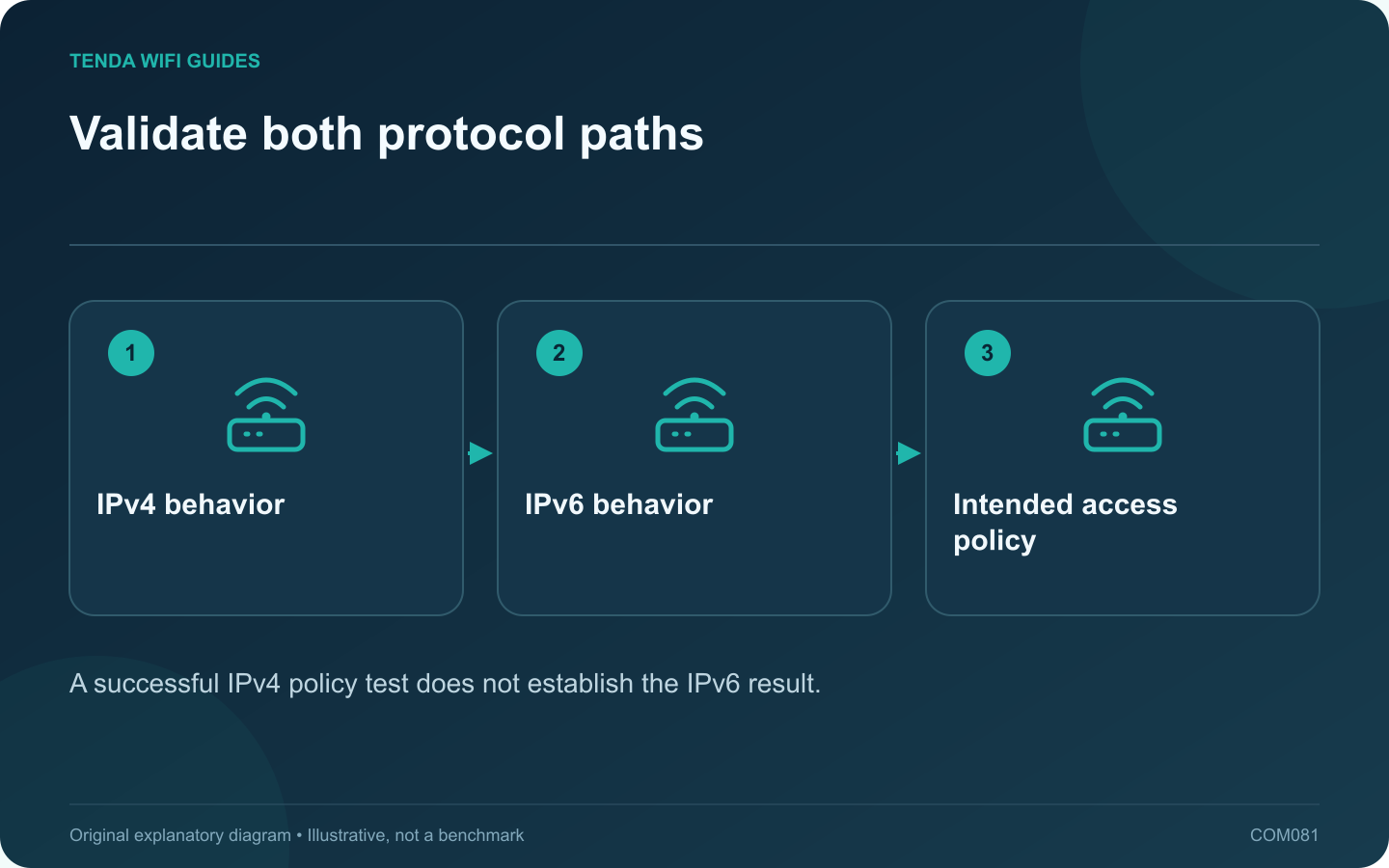
Validate both protocol paths: IPv4 behavior; IPv6 behavior; Intended access policy
A successful IPv4 policy test does not establish the IPv6 result.

A router replacement can change which internet protocols your clients use. If IPv6 becomes available, verify the access policy on that path as well as IPv4. Do not assume an old forwarding or filtering rule automatically describes every new connection.

Write the intended policy plainly

Examples include visitors being unable to reach private storage, router administration being available only to authorized local devices, or a particular application requiring an approved tunnel. State the desired behavior before looking for a matching menu.

Check feature support

Read the firmware documentation for the exact feature and protocol. GL.iNet’s IPv6 guide currently warns of limitations with some functions. Such notes matter more than assuming a feature works across all traffic because its switch is enabled.

Test using your own devices

  1. Identify whether the test client has working IPv4 and IPv6 connectivity.
  2. Check the intended allowed resource through the supported route.
  3. Check that a prohibited local resource remains unavailable.
  4. Review the administration interface’s permitted networks.
  5. Repeat after a normal restart or lease renewal.

Use only devices and networks you are authorized to test. Keep full addresses and diagnostic output private when sharing results.

Avoid incomplete fixes

Do not open broad inbound access to resolve an unexplained application problem. Similarly, turning off a protocol may hide a compatibility issue without establishing a maintainable configuration. Choose a vendor-supported arrangement that can enforce the policy you need.

Keep evidence for maintenance

Record the firmware, relevant settings and observed result for each test. If a necessary control is unsupported, consult the vendor’s supported alternatives or choose equipment that meets the requirement.

The acceptance criterion is the behavior of the actual clients and services. A settings screenshot is useful documentation, but it is not sufficient proof that the same boundary applies to both protocol families after an upgrade.

Sources and editorial notes

Sources checked 8 October 2026. Independent guidance and original illustrations; product comparisons use published specifications rather than hands-on benchmarks. Check the exact model, revision and regional documentation before changing settings.

Related guides

300 FAQs across our guide libraries

Quick answers

100 practical questions from Tenda WiFi Guides.

Browse all 100 FAQs
What should I recheck after enabling IPv6 on a new router?

A router replacement can change which internet protocols your clients use. If IPv6 becomes available, verify the access policy on that path as well as IPv4. Do not assume an old forwarding or filtering rule automatically describes every new connection. Examples include visitors being unable to reach private storage, router administration being available only to authorized local devices, or a particular application requiring an approved tunnel. State the desired behavior before looking for a matching menu.

Read the full guide and sources
How can I choose a Wi-Fi name without identifying my household?

A Wi-Fi network name should help household members select the correct connection without revealing unnecessary personal information. Choose a neutral name that is easy to recognize and type. Do not include a full address, telephone number, personal account identifier or password in the SSID. The SSID identifies the network; the security settings and credential control access. Hiding the name is not a substitute for modern wireless protection. Apple recommends a unique network name and supported security settings rather than relying on obscurity.

Read the full guide and sources
What must be reachable before I buy a home VPN server?

A router may support a VPN server while your internet connection prevents a remote client from reaching it directly. Before buying hardware for remote home access, establish how the endpoint will be reached and who will administer the service. List the resources you need: a private storage share, a management interface or a specific home application. Limit access to that purpose. Do not expose file-sharing or remote-desktop services directly to the public internet as a shortcut around the VPN plan.

Read the full guide and sources
Should I put a game console in the router’s DMZ?

A consumer router's DMZ host setting commonly sends otherwise unmatched inbound traffic to a selected local device. That is a broad change in exposure, not a special low-latency gaming mode. Avoid using it as the first response to a connection warning. Distinguish login failure, a server outage, voice-chat trouble and a NAT-related matchmaking message. Test basic connectivity and the service's official status information. A router rule will not repair an unavailable game server or an account problem.

Read the full guide and sources
Independent. Practical. Clear.

Tenda WiFi Guides is an independent information website. We are not affiliated with or endorsed by Tenda. Product names belong to their respective owners.