Explore the guide library · Security and privacy
Investigate the connection path and application requirements before broadly forwarding inbound traffic to a device.
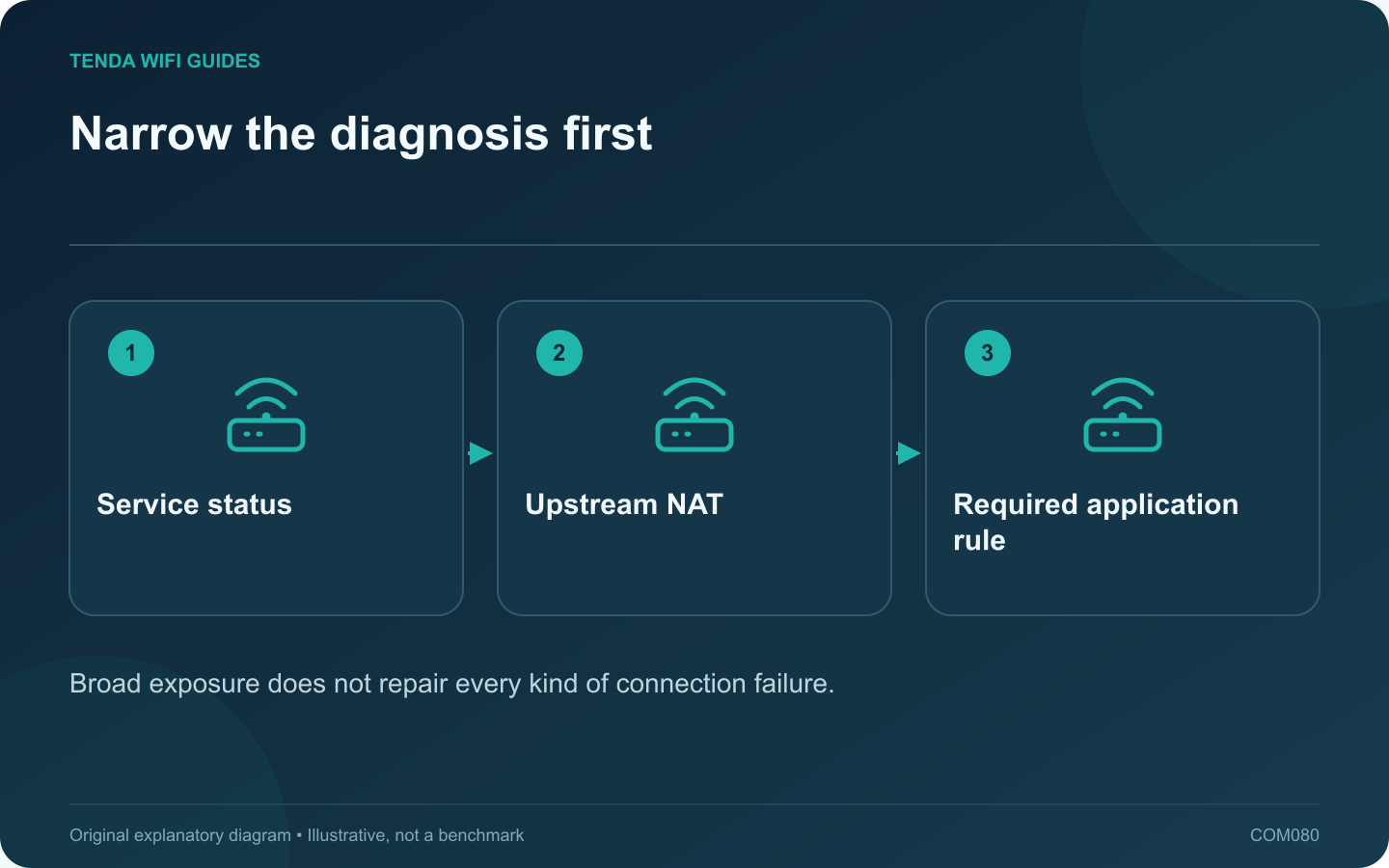
A consumer router’s DMZ host setting commonly sends otherwise unmatched inbound traffic to a selected local device. That is a broad change in exposure, not a special low-latency gaming mode. Avoid using it as the first response to a connection warning.
Check what is actually failing
Distinguish login failure, a server outage, voice-chat trouble and a NAT-related matchmaking message. Test basic connectivity and the service’s official status information. A router rule will not repair an unavailable game server or an account problem.
Inspect the upstream path
If your router is behind another gateway or carrier-grade NAT, a local DMZ setting may not make the device reachable from the internet. Compare the router’s WAN arrangement with provider information before changing inbound rules.
Use the application’s documented requirements
- Identify the exact platform and service.
- Read its official network requirements.
- Check whether the router already has a conflicting manual rule.
- Apply only a supported, justified configuration.
- Retest the specific failed function.
Keep the endpoint’s firewall and security updates in place. Do not disable protection merely to obtain a different label in a connection test.
Understand the term DMZ
A home-router DMZ host option is not necessarily an isolated network segment with business firewall policies. Read the actual vendor description. A familiar security term can describe very different implementations across products.
Review any existing broad rule
If DMZ was enabled during an earlier troubleshooting session, record which device receives it and why. Remove unnecessary exposure through the supported interface after confirming the intended application works without it.
Prefer a clear, limited configuration with a repeatable test result. A change that appears to help once should still be investigated, because an upstream address change or unrelated service recovery can coincide with the router adjustment and create a false explanation.
Sources and editorial notes
Sources checked 8 October 2026. Independent guidance and original illustrations; product comparisons use published specifications rather than hands-on benchmarks. Check the exact model, revision and regional documentation before changing settings.