Independent setup & troubleshootingHelping you find your connection.
The guide library

Choose a Wi-Fi network name without publishing personal details

Explore the guide library · Security and privacy

Use a recognizable, neutral SSID and keep the password separate from the name visitors can see.
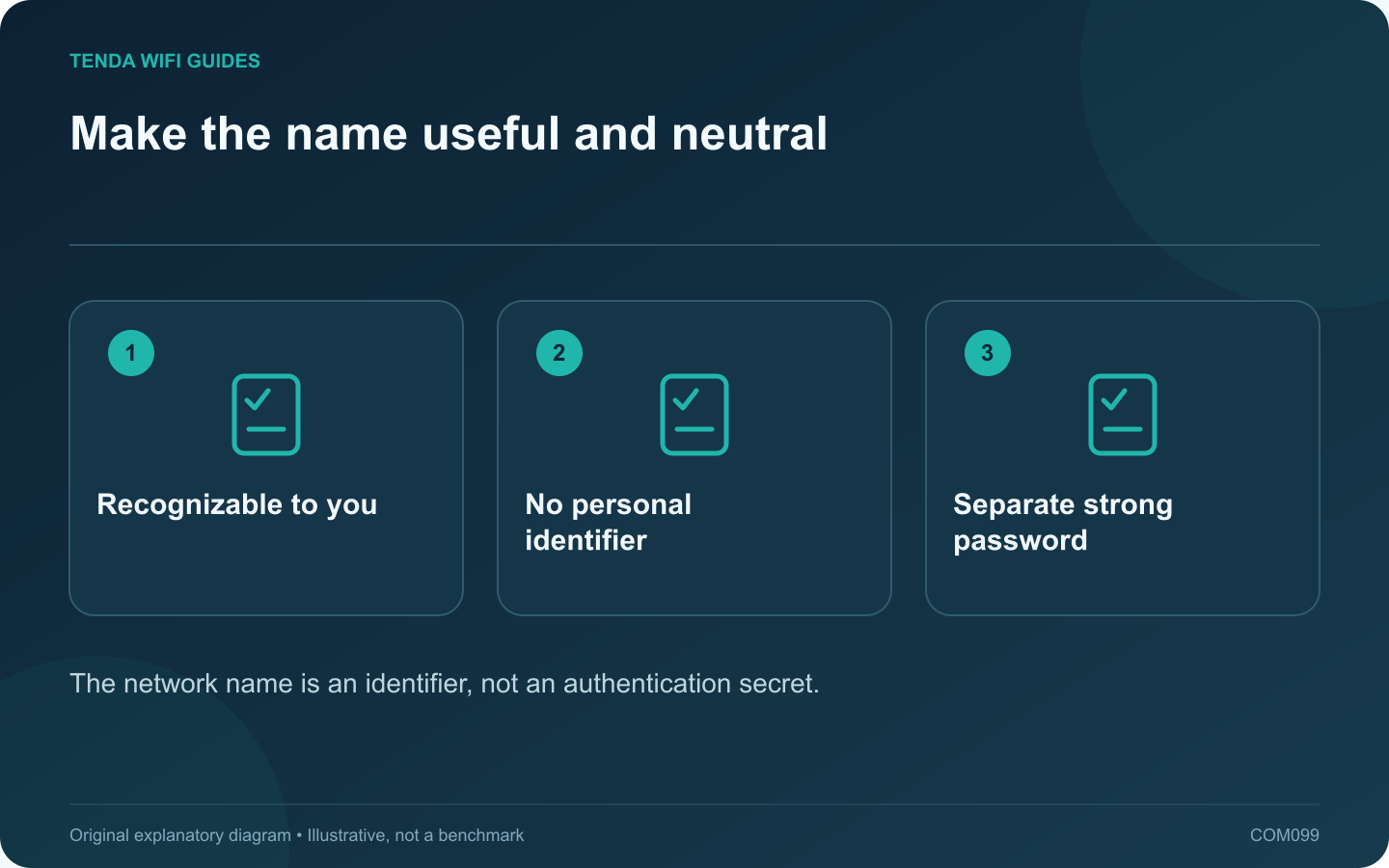
Make the name useful and neutral: Recognizable to you; No personal identifier; Separate strong password
The network name is an identifier, not an authentication secret.

A Wi-Fi network name should help household members select the correct connection without revealing unnecessary personal information. Choose a neutral name that is easy to recognize and type. Do not include a full address, telephone number, personal account identifier or password in the SSID.

Separate identity from authentication

The SSID identifies the network; the security settings and credential control access. Hiding the name is not a substitute for modern wireless protection. Apple recommends a unique network name and supported security settings rather than relying on obscurity.

Keep naming consistent with the design

If the router’s supported band-steering arrangement uses one name, follow that design. If you deliberately use separate networks for a documented purpose, use labels that make the distinction clear without exposing private information.

Prepare for a rename

  1. List clients that may need to reconnect.
  2. Record the current name privately for recovery.
  3. Choose a time when temporary disconnection is acceptable.
  4. Apply the new name through the supported local interface.
  5. Reconnect and test one ordinary client before moving through the rest.

Check difficult clients

Some older or embedded devices have limited setup interfaces. Use a simple, supported character set and length if the manufacturer recommends it. Avoid decorative characters that household members cannot easily enter on a television or printer.

Provide guest access deliberately

Give visitors the intended guest-network details rather than assuming a similar-looking name establishes isolation. A guest network still needs an independently verified access policy.

Update any private connection instructions or QR codes you maintain, and keep them out of public screenshots. Confirm that old saved profiles do not cause devices to select an unintended nearby network.

A good name improves usability while disclosing little. It should remain only one small part of a network whose administrator access, updates and wireless security are configured and maintained appropriately.

Sources and editorial notes

Sources checked 8 October 2026. Independent guidance and original illustrations; product comparisons use published specifications rather than hands-on benchmarks. Check the exact model, revision and regional documentation before changing settings.

Related guides

300 FAQs across our guide libraries

Quick answers

100 practical questions from Tenda WiFi Guides.

Browse all 100 FAQs
How can I choose a Wi-Fi name without identifying my household?

A Wi-Fi network name should help household members select the correct connection without revealing unnecessary personal information. Choose a neutral name that is easy to recognize and type. Do not include a full address, telephone number, personal account identifier or password in the SSID. The SSID identifies the network; the security settings and credential control access. Hiding the name is not a substitute for modern wireless protection. Apple recommends a unique network name and supported security settings rather than relying on obscurity.

Read the full guide and sources
Should a VPN run on the router or on individual devices?

A device VPN and a router VPN put the tunnel boundary in different places. Choose by the traffic that needs protection or a particular route, the devices you can configure and the policies governing them. Do not move an employer-managed connection onto home equipment without authorization. List the clients that should use the tunnel and those that should remain on the normal connection. Include local printers, storage, streaming equipment and smart-home controllers. Write down whether any service must keep working if the VPN provider becomes unavailable.

Read the full guide and sources
How does port triggering differ from port forwarding?

Port triggering and port forwarding solve different inbound-connection requirements. Start with the application's official networking documentation rather than enabling both. A rule should have a named purpose, a known destination and a reason to remain in place. A conventional forwarding rule maps specified inbound traffic to a chosen local device. Port triggering uses an outbound event to activate associated inbound handling for the initiating client, with behavior and timeouts defined by the router.

Read the full guide and sources
What must be reachable before I buy a home VPN server?

A router may support a VPN server while your internet connection prevents a remote client from reaching it directly. Before buying hardware for remote home access, establish how the endpoint will be reached and who will administer the service. List the resources you need: a private storage share, a management interface or a specific home application. Limit access to that purpose. Do not expose file-sharing or remote-desktop services directly to the public internet as a shortcut around the VPN plan.

Read the full guide and sources
Independent. Practical. Clear.

Tenda WiFi Guides is an independent information website. We are not affiliated with or endorsed by Tenda. Product names belong to their respective owners.