Independent setup & troubleshootingHelping you find your connection.
The guide library

Port triggering vs port forwarding: match the application’s connection pattern

Explore the guide library · Security and privacy

Understand temporary triggered rules and fixed destination rules before exposing a service through the router.
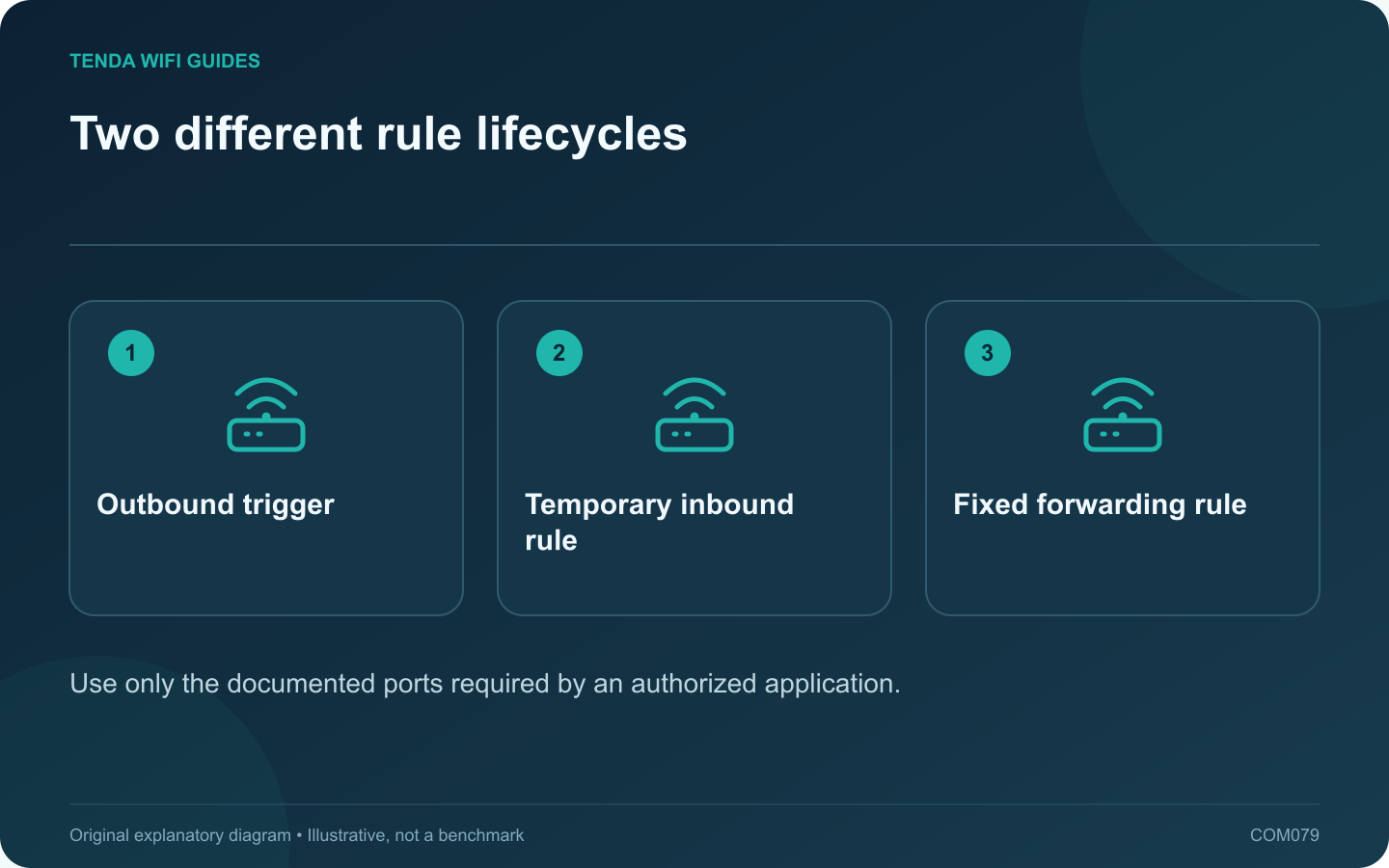
Two different rule lifecycles: Outbound trigger; Temporary inbound rule; Fixed forwarding rule
Use only the documented ports required by an authorized application.

Port triggering and port forwarding solve different inbound-connection requirements. Start with the application’s official networking documentation rather than enabling both. A rule should have a named purpose, a known destination and a reason to remain in place.

Understand the distinction

A conventional forwarding rule maps specified inbound traffic to a chosen local device. Port triggering uses an outbound event to activate associated inbound handling for the initiating client, with behavior and timeouts defined by the router.

TP-Link’s guides describe these features separately. The exact interface, protocol options and limitations depend on the model and firmware.

Choose from the application requirement

A continuously reachable authorized service may need a stable destination and carefully scoped forwarding. An application documented to use a trigger can have a different requirement. Neither method is automatically appropriate merely because a game reports a connectivity warning.

Check prerequisites

  • Confirm the correct TCP or UDP requirement.
  • Identify the intended client and address.
  • Determine whether an upstream gateway or carrier NAT prevents direct inbound access.
  • Keep the client’s own firewall and authentication controls enabled.

Test a single rule

Create only the rule justified by the application’s documentation. Test from the appropriate external connection or application workflow. A test from inside the same LAN may depend on loopback behavior and can produce a misleading conclusion.

If several clients need the same inbound service, check the router’s documented limitations before duplicating rules. Conflicting mappings do not become valid because the devices have different names.

Retire unused access

Remove a rule when the application or device no longer needs it, and keep a private record of why active rules exist. Avoid broad port ranges or a DMZ setting as a substitute for understanding the requirement.

The correct configuration is the narrowest supported arrangement that makes the authorized application work and remains understandable during a later security or maintenance review.

Sources and editorial notes

Sources checked 8 October 2026. Independent guidance and original illustrations; product comparisons use published specifications rather than hands-on benchmarks. Check the exact model, revision and regional documentation before changing settings.

Related guides

300 FAQs across our guide libraries

Quick answers

100 practical questions from Tenda WiFi Guides.

Browse all 100 FAQs
How does port triggering differ from port forwarding?

Port triggering and port forwarding solve different inbound-connection requirements. Start with the application's official networking documentation rather than enabling both. A rule should have a named purpose, a known destination and a reason to remain in place. A conventional forwarding rule maps specified inbound traffic to a chosen local device. Port triggering uses an outbound event to activate associated inbound handling for the initiating client, with behavior and timeouts defined by the router.

Read the full guide and sources
What should I recheck after enabling IPv6 on a new router?

A router replacement can change which internet protocols your clients use. If IPv6 becomes available, verify the access policy on that path as well as IPv4. Do not assume an old forwarding or filtering rule automatically describes every new connection. Examples include visitors being unable to reach private storage, router administration being available only to authorized local devices, or a particular application requiring an approved tunnel. State the desired behavior before looking for a matching menu.

Read the full guide and sources
What must be reachable before I buy a home VPN server?

A router may support a VPN server while your internet connection prevents a remote client from reaching it directly. Before buying hardware for remote home access, establish how the endpoint will be reached and who will administer the service. List the resources you need: a private storage share, a management interface or a specific home application. Limit access to that purpose. Do not expose file-sharing or remote-desktop services directly to the public internet as a shortcut around the VPN plan.

Read the full guide and sources
How can I choose a Wi-Fi name without identifying my household?

A Wi-Fi network name should help household members select the correct connection without revealing unnecessary personal information. Choose a neutral name that is easy to recognize and type. Do not include a full address, telephone number, personal account identifier or password in the SSID. The SSID identifies the network; the security settings and credential control access. Hiding the name is not a substitute for modern wireless protection. Apple recommends a unique network name and supported security settings rather than relying on obscurity.

Read the full guide and sources
Independent. Practical. Clear.

Tenda WiFi Guides is an independent information website. We are not affiliated with or endorsed by Tenda. Product names belong to their respective owners.