Independent setup & troubleshootingHelping you find your connection.
The guide library

Thread vs Wi-Fi for smart-home devices: compare the task, not just the logo

Explore the guide library · Smart-home networking

Consider power, traffic, controller requirements and existing infrastructure when choosing between smart-home networking options.
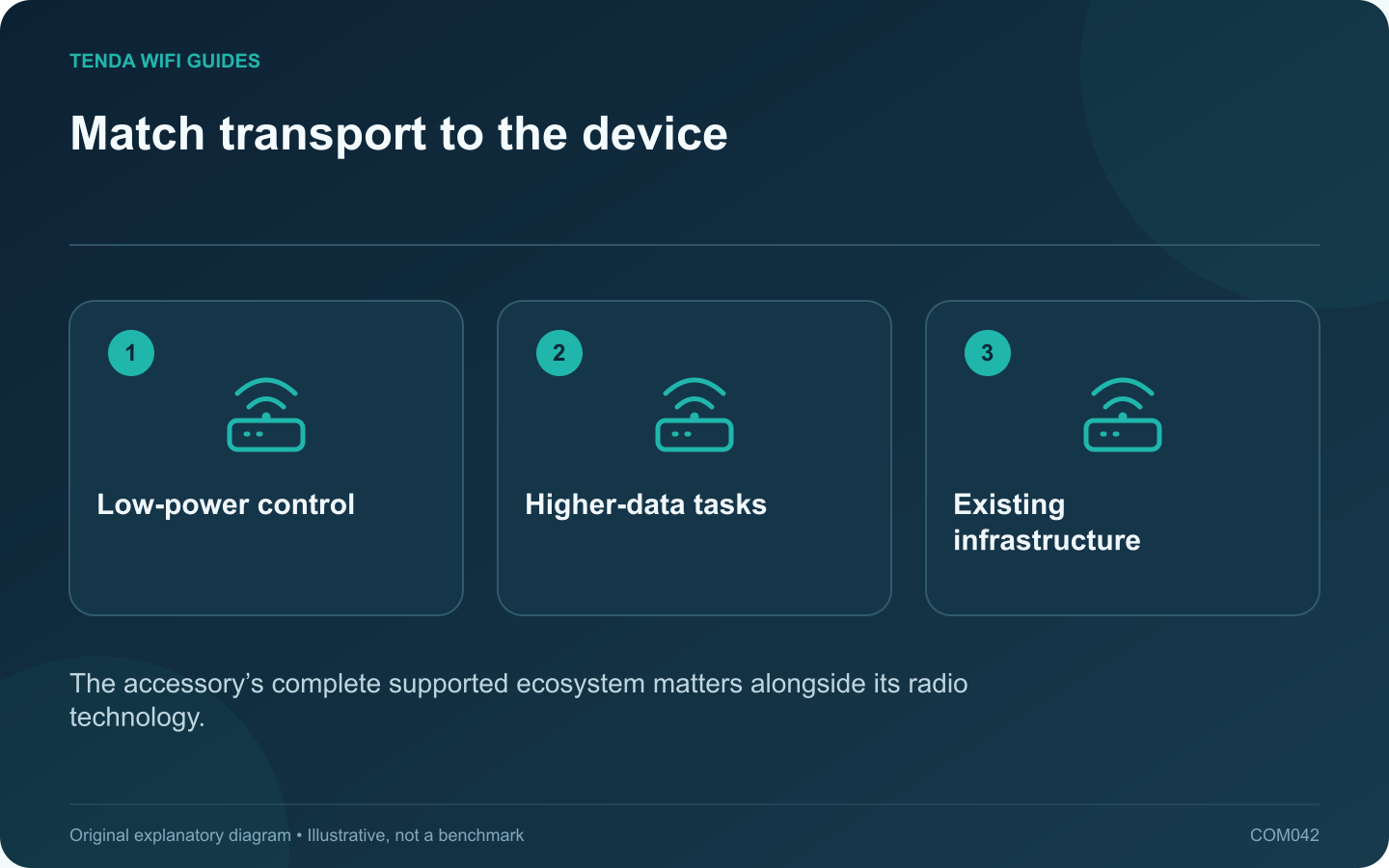
Match transport to the device: Low-power control; Higher-data tasks; Existing infrastructure
The accessory’s complete supported ecosystem matters alongside its radio technology.

Choose a smart-home accessory by the task it must perform and the infrastructure you can maintain. Thread and Wi-Fi serve different design needs, and neither label alone guarantees a better product. A sensor, a camera and a wall-powered display have different power and traffic requirements.

Start with the product behavior

Thread Group describes Thread as an IP-based network suited to low-power devices, while Matter can use several network transports. For a buying decision, translate that into concrete questions: how is the accessory powered, what information does it exchange, and which controller or border-router role does it require?

A camera carrying video and a contact sensor reporting occasional events should not be ranked using the same bandwidth headline. Also inspect the actual accessory’s update policy, reliability features and platform compatibility.

Compare the whole installation

  • Existing infrastructure: identify any compatible controller and Thread border router already in the home.
  • Placement: evaluate the intended room, available power and the relevant network coverage.
  • Control: check whether the app, local automation and remote access you need are supported.
  • Maintenance: understand battery replacement, software updates and recovery after a network change.

Try one representative accessory

Install a single device before committing to a houseful. Test the ordinary action repeatedly from the normal location and include its intended automation. If the device is battery powered, use the manufacturer’s maintenance expectations rather than inventing a lifespan from a radio specification.

Record whether a failure concerns discovery, control, power or the network route. That distinction will help you decide whether another accessory, a better infrastructure placement or a platform change is appropriate.

Keep the choice reversible

Retain setup codes and purchase documentation privately. Check how the device can be removed from its platform and reset before handing it to someone else.

The best choice is the supported accessory that performs the desired task with a manageable network dependency. Avoid choosing solely because one protocol is currently receiving more attention.

Sources and editorial notes

Sources checked 8 October 2026. Independent guidance and original illustrations; product comparisons use published specifications rather than hands-on benchmarks. Check the exact model, revision and regional documentation before changing settings.

Related guides

300 FAQs across our guide libraries

Quick answers

100 practical questions from Tenda WiFi Guides.

Browse all 100 FAQs
How should I compare Thread and Wi-Fi smart devices?

Choose a smart-home accessory by the task it must perform and the infrastructure you can maintain. Thread and Wi-Fi serve different design needs, and neither label alone guarantees a better product. A sensor, a camera and a wall-powered display have different power and traffic requirements. Thread Group describes Thread as an IP-based network suited to low-power devices, while Matter can use several network transports. For a buying decision, translate that into concrete questions: how is the accessory powered, what information does it exchange, and which controller or border-router role does it require?

Read the full guide and sources
Do a Matter controller, Thread border router and Wi-Fi router do the same job?

A Matter controller, a Thread border router and a home Wi-Fi router perform different jobs. One product may combine several roles, which makes shopping descriptions confusing. Start with the accessory's requirements and inventory the roles already present in your home. The Connectivity Standards Alliance describes controllers that manage Matter devices and border routers that connect Thread devices to other IP networks. Thread Group explains that Matter can operate over Thread, Wi-Fi or Ethernet. A Matter logo alone therefore does not tell you whether the accessory joins Wi-Fi.

Read the full guide and sources
What should I test before moving smart devices to an IoT network?

An IoT network can make a smart-home installation easier to organize, but separation must preserve the communication the devices need. Start with a list of control paths. A device that only contacts a cloud service has different requirements from one discovered directly by a phone on the local network. For every plug, speaker or sensor, note the app or controller, the transport and the features you use. Include local discovery, scheduled actions and access away from home. Do not assume that a working cloud app proves local automations also work.

Read the full guide and sources
How do I move a Nest speaker or display to a new router?

When a new router uses different wireless credentials, a Nest speaker or display needs to join the replacement network. Keep the Google account and device identity straight before changing anything. Reconfiguring Wi-Fi is different from transferring the device to another household or account. Confirm that the phone running Google Home uses the account associated with the device. Note the device's room, name and any routines you rely on. Keep the new network credential ready, and verify that the phone can join that network successfully.

Read the full guide and sources
Independent. Practical. Clear.

Tenda WiFi Guides is an independent information website. We are not affiliated with or endorsed by Tenda. Product names belong to their respective owners.