Explore the guide library · Smart-home networking
Separate the smart-home control role from the network transport so you buy the missing component rather than another generic hub.
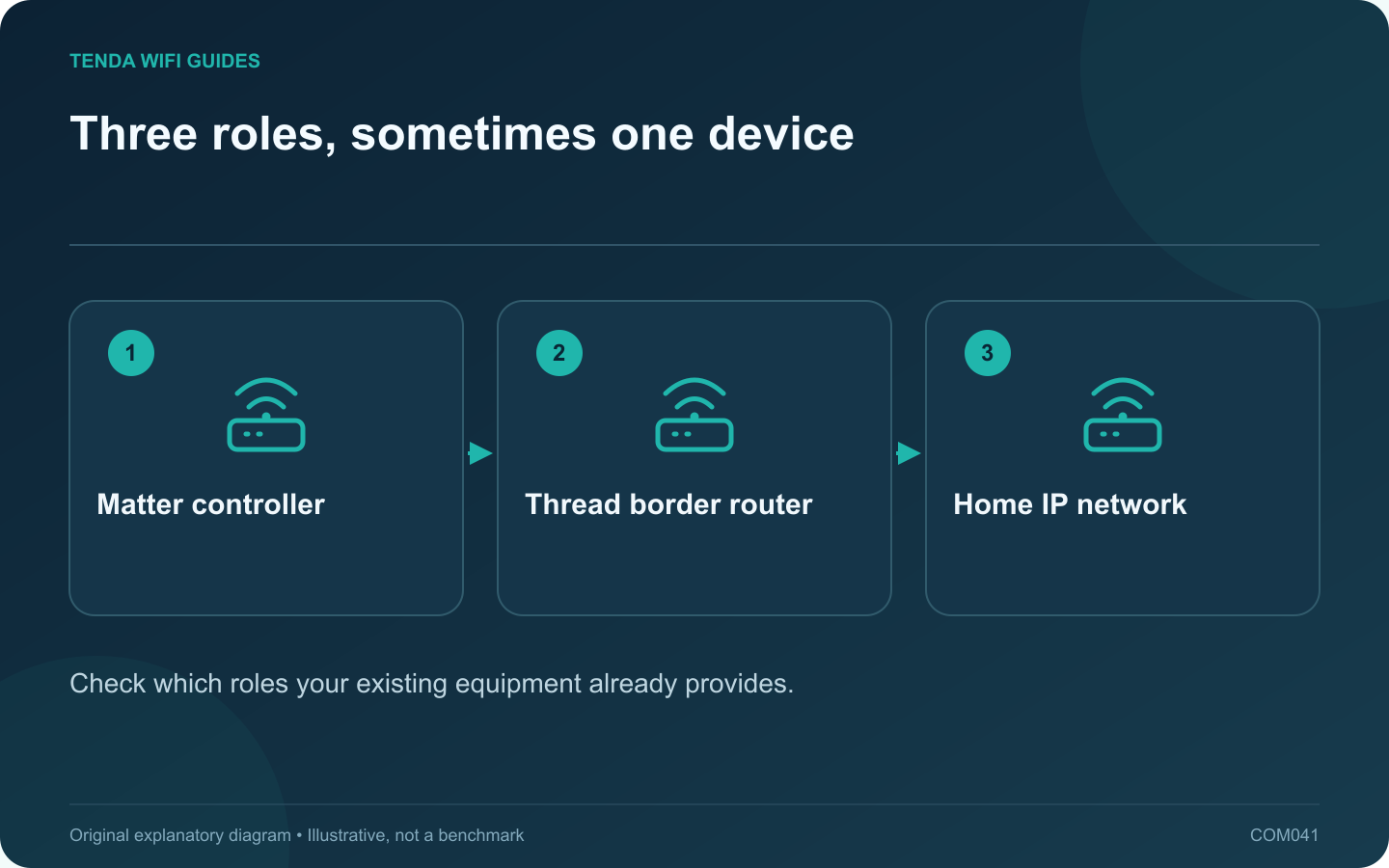
A Matter controller, a Thread border router and a home Wi-Fi router perform different jobs. One product may combine several roles, which makes shopping descriptions confusing. Start with the accessory’s requirements and inventory the roles already present in your home.
Identify the transport and controller
The Connectivity Standards Alliance describes controllers that manage Matter devices and border routers that connect Thread devices to other IP networks. Thread Group explains that Matter can operate over Thread, Wi-Fi or Ethernet. A Matter logo alone therefore does not tell you whether the accessory joins Wi-Fi.
Read the exact accessory documentation. Mark the required controller or ecosystem and whether the product uses Thread or another supported transport. Do not buy a second Wi-Fi router merely because a Thread accessory says it needs a border router.
Make a role inventory
- Which existing device supplies the Matter controller function for your chosen platform?
- Which device, if any, provides the required Thread border-router function?
- How does that device connect to the household IP network?
- What phone or app is used for commissioning and everyday control?
Check an end-to-end task
Before adding many accessories, commission one supported device and test ordinary control. Then test the automation or multi-user feature you actually bought it for. A successful pairing screen is only the beginning of the workflow.
If the accessory is unavailable, inspect power, controller status and the relevant network path separately. Resetting the Wi-Fi router may be irrelevant to a missing controller role or an unpowered Thread component.
Plan for maintenance
Keep the platform account, device setup information and update process recorded privately. When replacing a speaker, display or streaming box, check whether it also performs a network or controller role before unplugging it permanently.
This role-based checklist avoids a pile of redundant hubs and makes failures easier to locate. Compatibility still belongs to the exact products and current platform support, so verify those details before purchase.
Sources and editorial notes
Sources checked 8 October 2026. Independent guidance and original illustrations; product comparisons use published specifications rather than hands-on benchmarks. Check the exact model, revision and regional documentation before changing settings.