Independent setup & troubleshootingHelping you find your connection.
The guide library

Create a private router settings record that is safe to reuse

Explore the guide library · Router maintenance

Record the settings needed for recovery while keeping secrets out of screenshots intended for support or sharing.
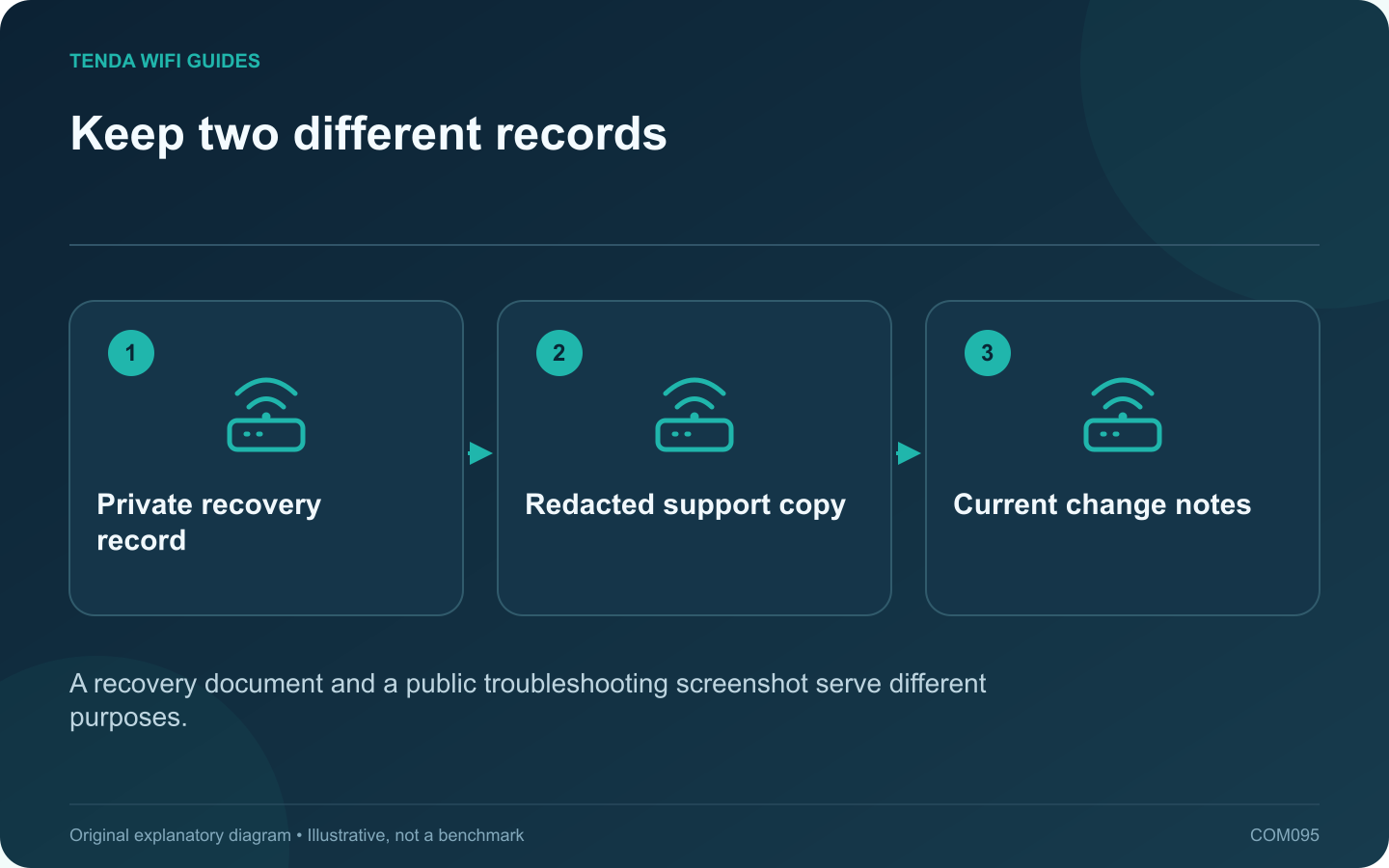
Keep two different records: Private recovery record; Redacted support copy; Current change notes
A recovery document and a public troubleshooting screenshot serve different purposes.

A readable settings record helps when replacing a router or explaining a problem, but it should not expose credentials or private network details. Keep a private recovery record and create a separate redacted copy whenever information must be shared.

Record the structure first

Write down the router model, firmware, operating mode, provider connection type and a simple cable map. Include the local address plan and the purpose of reservations or special rules. The goal is to explain why a setting exists, not merely capture every screen.

Store secrets appropriately

Keep administrator passwords, Wi-Fi credentials, VPN keys and provider authentication in a trusted private credential store. Avoid duplicating them in ordinary documents or screenshots. A QR code can also encode sensitive access information, so do not assume it is harmless decoration.

Capture selected screens

  1. Choose the setting relevant to the record.
  2. Check the full screen for account details and hidden-to-you side panels.
  3. Save the private original securely if it is necessary.
  4. Produce a separate copy with sensitive values removed for support.
  5. Inspect the saved copy before sharing it.

Use consistent labels

Label devices by function, such as office printer or storage Ethernet. When redacting addresses, preserve enough structure for an authorized support person to understand the topology without exposing unnecessary identifiers.

Keep the record current

Update the document after changing the LAN range, operating mode, remote-access policy or important hardware. Date the record and distinguish current settings from an older recovery copy.

Manufacturer guides for administration and LAN controls help identify the fields that matter, but the private inventory should remain specific to your installation. A small, accurate record is more useful during an outage than hundreds of unlabeled screenshots whose passwords, address ranges and firmware versions no longer match the live network.

Sources and editorial notes

Sources checked 8 October 2026. Independent guidance and original illustrations; product comparisons use published specifications rather than hands-on benchmarks. Check the exact model, revision and regional documentation before changing settings.

Related guides

300 FAQs across our guide libraries

Quick answers

100 practical questions from Tenda WiFi Guides.

Browse all 100 FAQs
What belongs in a private router-settings record?

A readable settings record helps when replacing a router or explaining a problem, but it should not expose credentials or private network details. Keep a private recovery record and create a separate redacted copy whenever information must be shared. Write down the router model, firmware, operating mode, provider connection type and a simple cable map. Include the local address plan and the purpose of reservations or special rules. The goal is to explain why a setting exists, not merely capture every screen.

Read the full guide and sources
How can I prepare router logs without sharing private details?

A router log can help explain a connection failure, but it can also contain device identifiers, addresses and service information. Treat an exported log as private network data. Share only what is needed through the manufacturer's official support process. Write down when the failure happened, the router's timezone, the affected device and the observed symptom. Export relevant logs before a reset or other action that might erase them. GL.iNet's log guide describes viewing, filtering and exporting several log types on supported firmware.

Read the full guide and sources
How can I schedule a router update around important work?

A router firmware update is easier to manage when the interruption is planned. Tell household members when connectivity may stop, check for active calls or transfers and keep an alternative way to read the instructions. Match model, hardware revision and region to the manufacturer's current download or supported online update process. Read the release notes, required intermediate versions and settings-retention instructions. Do not install a similarly named product's firmware.

Read the full guide and sources
Why are router schedules running at the wrong time?

When a Wi-Fi schedule or parental rule runs at the wrong hour, inspect the router's clock before deleting the rule. The schedule may be correct relative to a timezone or system time that does not match the household. Record the actual local time, the time displayed by the router and the selected timezone. Check the date as well as the hour. An incorrect date can affect logs and other time-dependent operations even when the minutes appear plausible.

Read the full guide and sources
Independent. Practical. Clear.

Tenda WiFi Guides is an independent information website. We are not affiliated with or endorsed by Tenda. Product names belong to their respective owners.